218
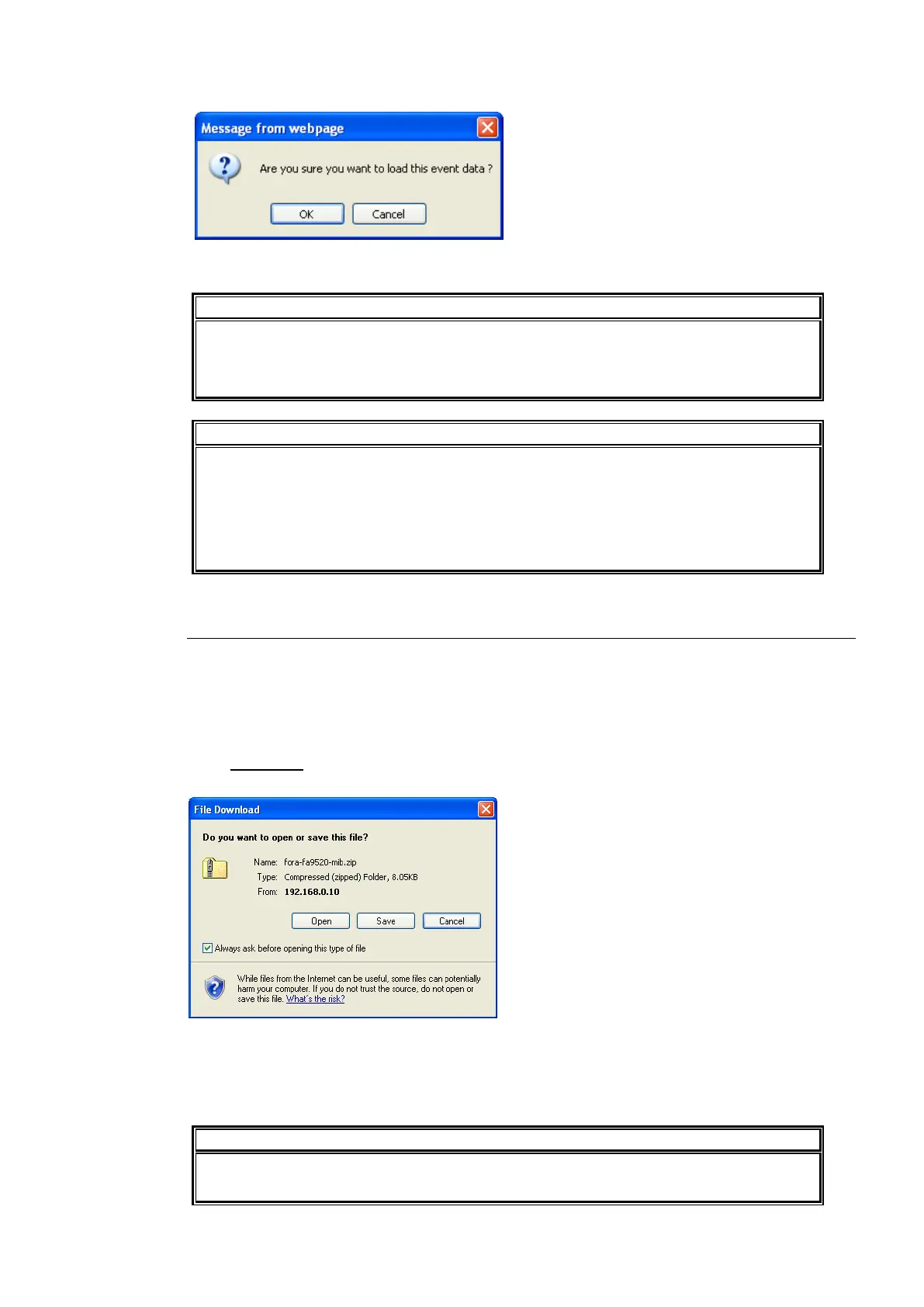
Click Load. A confirmation message appears.
Click OK to start transferring the file to the FA-9520. To stop transferring the file, click Cancel.
BY-PASS On/Off and Freeze On/Off settings cannot be saved.
The data saved in FA-9500 mode cannot be loaded.
Do not attempt to load the data saved in FA-9500 mode.
The FA-9520 uses the CSV file format to backup the configuration data which enables
commercially available spreadsheet software to edit the data. However, Unit ID or
event names that consist only of numbers may be recognized as numeric values by
such software and appear differently after being recalled to the FA-95RU. It is
recommended that alphabetical values be included in names to enable editing using
such software.
9-6-3. Downloading a MIB File
The MIB file used when the FA-9520 is monitored and operated through the external SNMP
manager can be downloaded from the FA-9520. The downloaded file is in zip format and so
you will need to unzip the file before its use.
Download MIB File
Click Download under Download MIB File on the Utility page. The File Download dialog
appears.
Click OK. “fora-fa9520-mib.zip” will be downloaded to the destination directory.
After unzipping the file using an unzip utility, you will have the files “FORA-FA9520-mib.mib”,
and “FOR A-MIB.MIB”.
See section 18 “About SNMP (Simple Network Management Protocol)” for details on
the MIB file.



 To Next Page