Troubleshooting
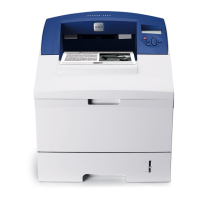
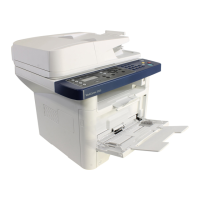
Phaser 3610, WorkCentre 3615 Service Manual 2-101
050-130
Paper Jam 050-130
Open the Rear Door and remove
any jammed paper.
<IOT Remain Zone Fusing Jam>
Cause:
When Dynamic Jam (cause) was
detected:
• 077-104 Regi Off Jam
• 077-106 Exit On Jam
• 077-108 Exit Off Early Jam
• 077-109 Exit Off Jam
• When Static Jam (collateral) was
detected:
•Exit Sensor On
FIP 1. 257
050-131
Paper Jam 050-131
Open the Rear Door and remove
any jammed paper.
<IOT Remain Zone Duplex Jam>
Cause:
When Dynamic Jam (cause) was
detected:
• 077-107 Duplex Regi On Jam
FIP 1. 258
050-132
Paper Jam 050-132
1. Pull out Bypass Tray, Tray1
and Tray2, and remove any
jammed paper.
2. If the jammed paper cannot
be removed, open the Rear Door
to remove it.
<IOT Remain Zone Regi + MSI + T1 +
T2 Jam>
Cause:
When Dynamic Jam (cause) was
detected:
• 077-106 Exit On Jam
When Static Jam (collateral) was
detected:
•Regi Sensor On
FIP 1. 259
050-134
Paper Jam 050-134
1. Pull out Bypass Tray and
Tray1, and remove any jammed
paper.
2. Insert Bypass Tray and Tray1,
and press Start.
<IOT Zone MSI+T1 Jam>
Cause:
When Dynamic Jam (cause) was
detected:
• 071-100 IOT Tray1 Misfeed Jam
• 075-100 MSI Misfeed Jam
FIP 1. 260
Status
Code
(3615)
LCD Display Name/Description of Error FIP


 To Next Page
 Loading...