External Component Replacement
8-4 Service Manual
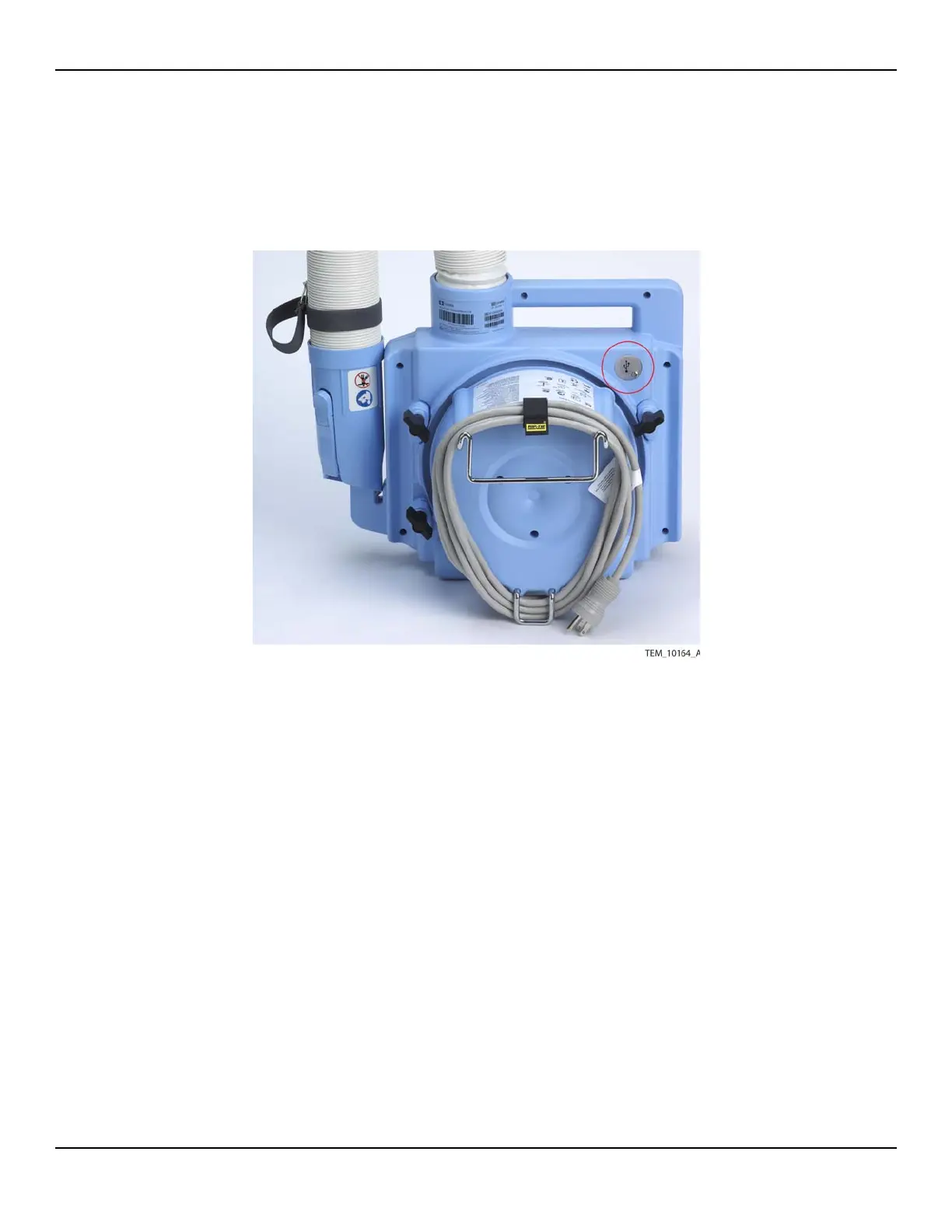
8.4 USB Port Cover Replacement
Figure8-3.USB Port Cover
Requirements:
• WT-CWU USB Port Cover Kit (page A-2)
• Torque driver with #2 Phillips bit
WARNING:
Disconnect the warming unit's power cord from the AC power source before
performing this procedure.
To replace the USB port cover:
1. Remove the screw securing the cover over the USB port. Remove the cover.
2. Place the new cover in position and install the screw. Tighten the screw to 1.1 to
1.5 N-m (9.7 to 13.3 lb-in).















 To Next Page