Performance Verification
7-4 Service Manual
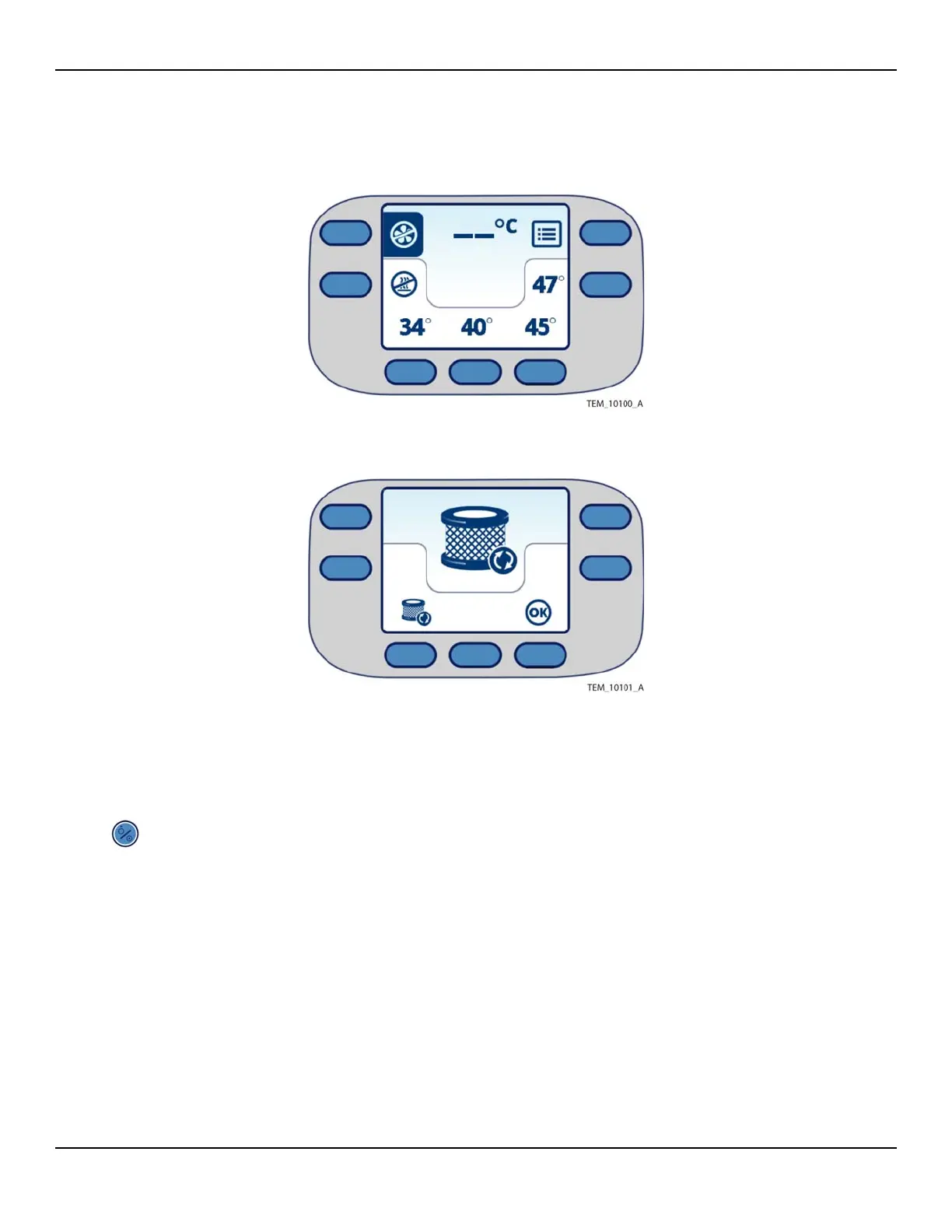
Figure7-2.Main Screen at Power-On
Figure7-3.Replace Filter Screen at Power-On
3. Press one of the temperature keys. Verify that the temperature reading on the
screen rises and stabilizes.
4. When finished with all testing:
a. Press the On/Standby key to power off the unit.
b. Unplug the unit from the outlet.
Power-On Test Failure
If the test fails, see Basic Troubleshooting on page 6-9.















 To Next Page