Maintenance
5-8 Service Manual
10. Set the unit upright, and plug the power cord into the power outlet.
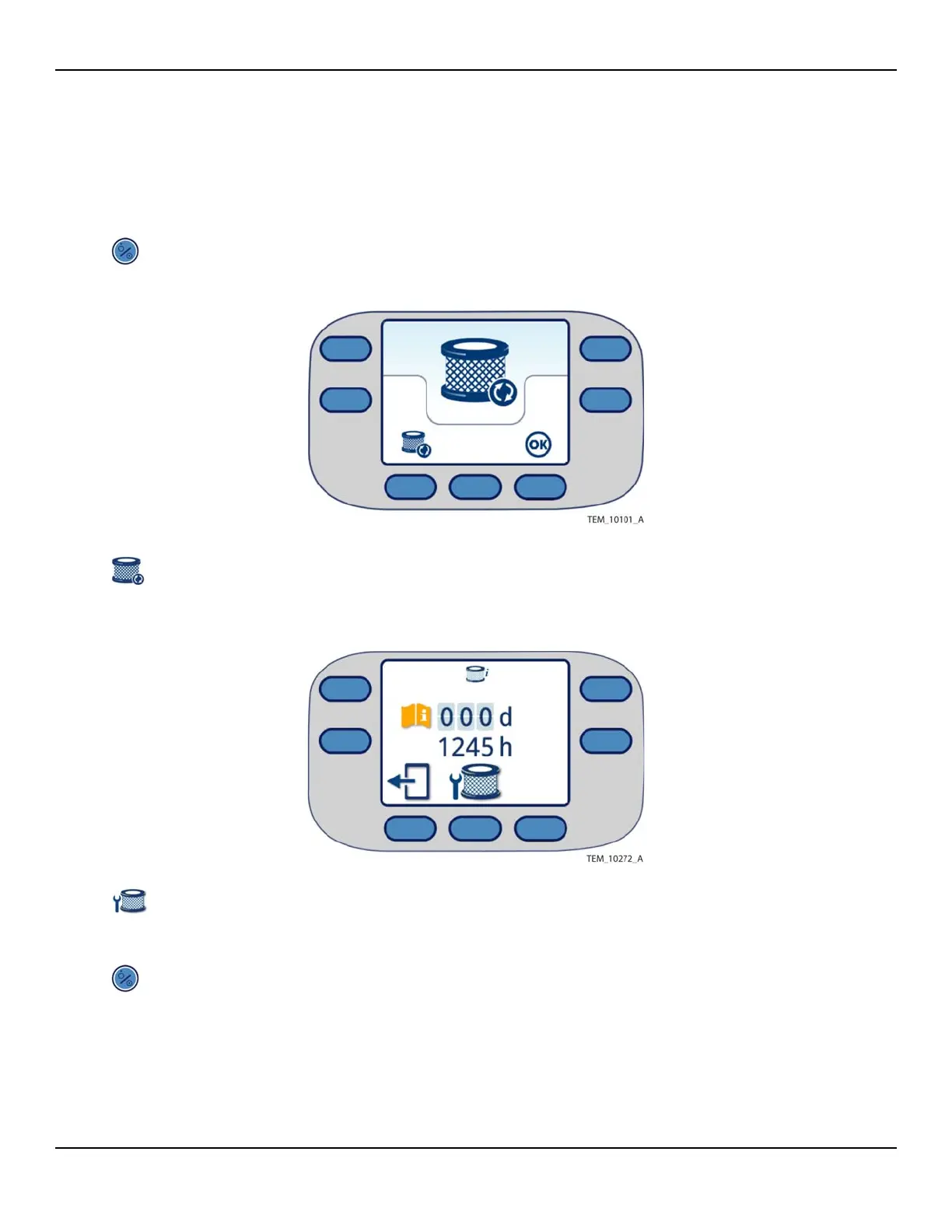
11. Reset the filter counters as follows:
a. Press the On/Standby key. The Replace Filter screen appears (Figure 5-5).
Figure5-5.Replace Filter Screen
b. Press the Replace Filter key. The Filter Information screen appears (Figure 5-
6).
Figure5-6.Filter Information Screen - Filter Expired
c. Press the Filter Reset key.
d. Press the key code as described in Service Screen Access on page 7-2. The filter
counters are reset to 365 days and 2000 hours.
e. Press the On/Standby key to return to Standby mode. Press the On/Standby
key again and verify that the Main screen appears (Figure 5-7) rather than the
Replace Filter screen.















 To Next Page