Performance Tests
Service Manual 7-5
7.5.2 Keypad Test
Use the keypad test to confirm that each key is functioning and that the unit
responds as expected.
To perform the keypad test:
1. Perform steps 1 and 2 of the power-on test (page 7-3).
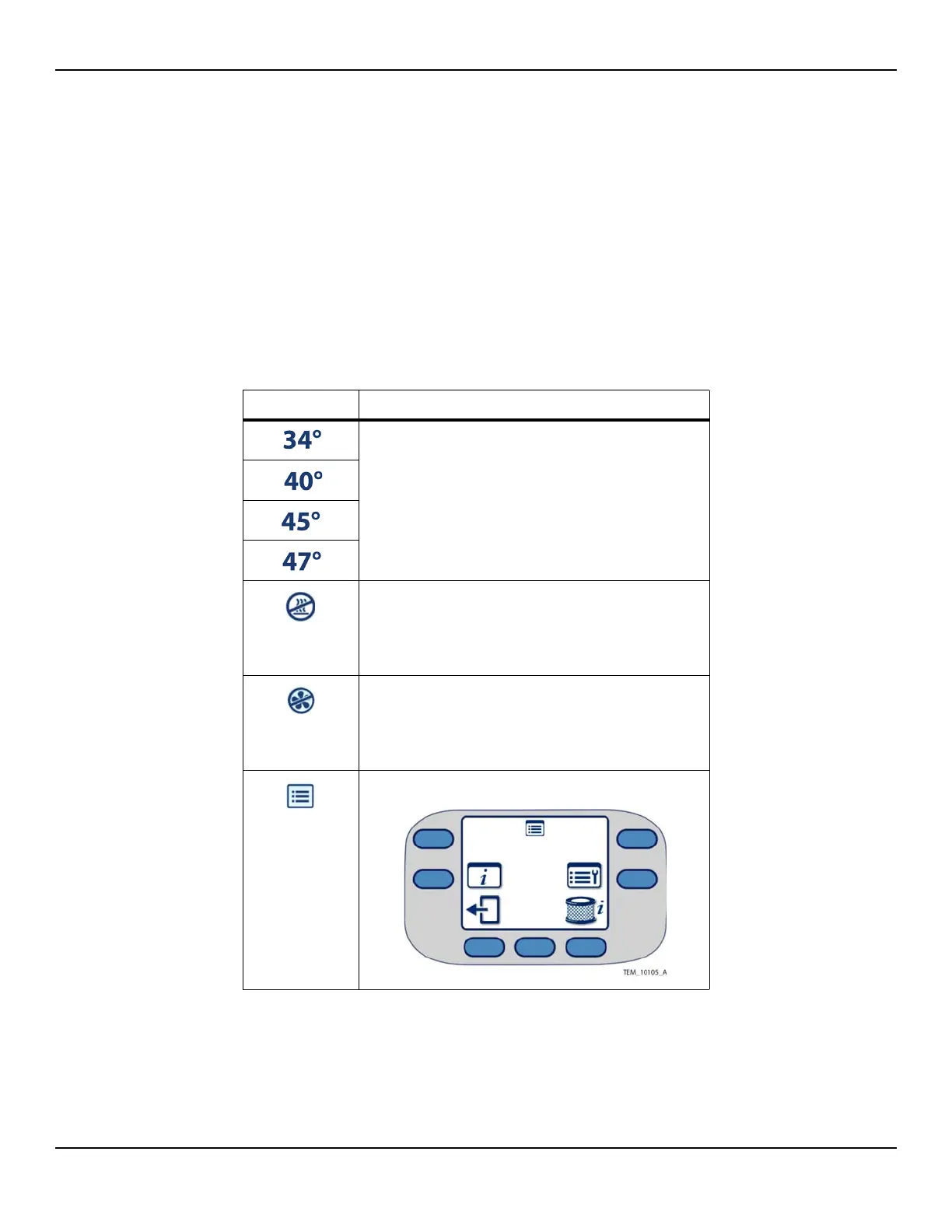
2. Press and verify each key:
Key Expected Behavior of Unit
Temperature reading on Main screen rises and stabilizes.
Reading corresponds to key pressed.
(Heat Off)
Unit delivers air at room temperature:
- Heater: OFF
- Fan: ON
- Status LED: GREEN
(Fan Off)
Unit returns to Ready mode:
- Heater: OFF
- Fan: OFF
- Status LED: GREEN
(Menu)
Menu screen appears:















 To Next Page