Basic Troubleshooting
Service Manual 6-9
6.4 Basic Troubleshooting
Table6-1.Warming Unit Problems and Resolutions
Problem Resolution
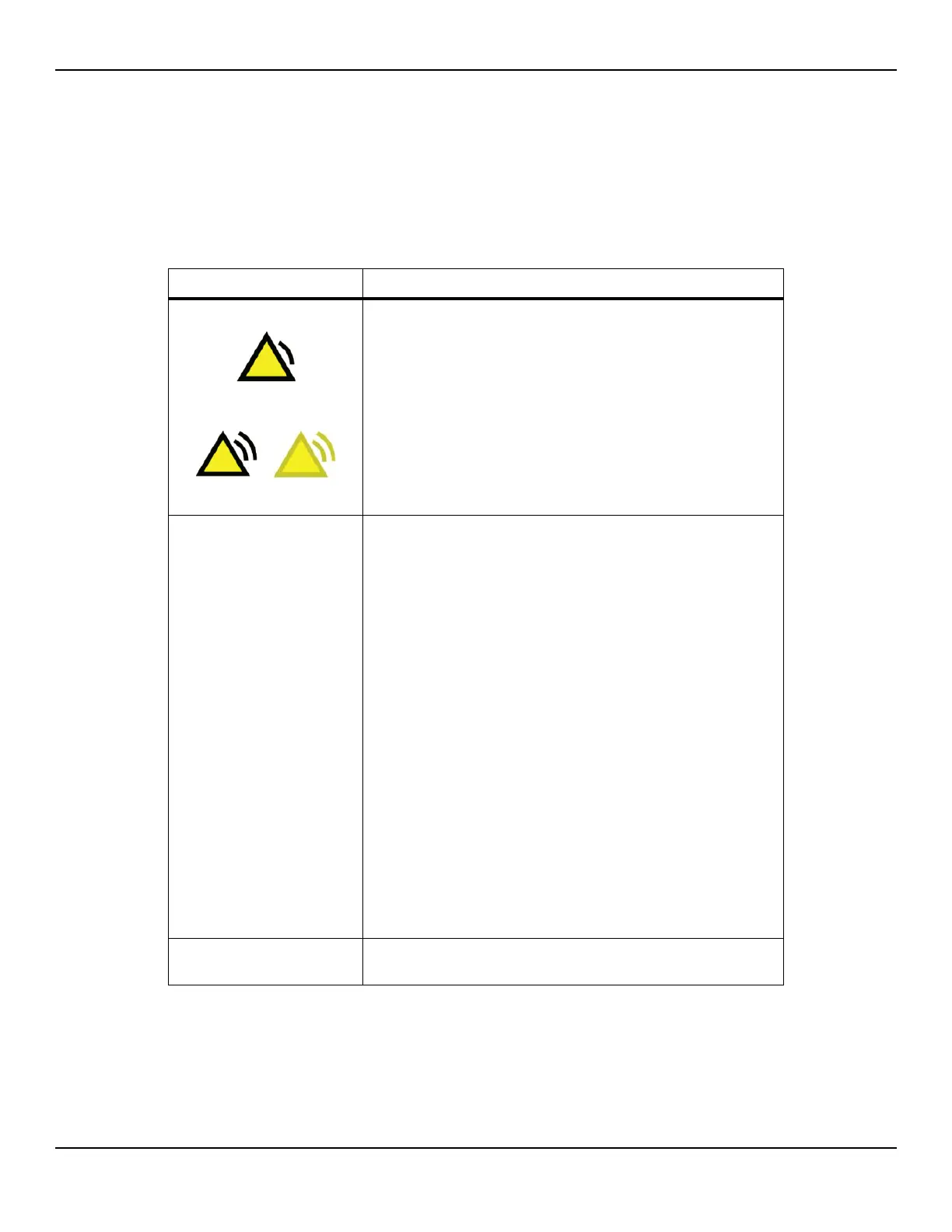
Low-priority alarm
Medium-priority alarm
(flashing)
See Alarms on page 6-12.
Failure to power on
(LED not turning on)
• Check the power cord’s connection to the warming unit. The
connector must be fully seated (page 3-2).
• Try a different power cord (page 8-5).
• Check the cable connections between the AC power inlet and
the power supply, power PCBA, and equipotential stud
(page 10-51).
• Check the fuses on the power PCBA (page 10-35).
• Check the ribbon cable connection between the power PCBA
and the UI PCBA (page 10-19).
• Check the keypad cable connection to the UI PCBA (page 10-3).
• Try replacing components in the following order:
1. Ribbon cable (page 10-19).
2. Power supply output cable (page 10-46).
3. AC power inlet (page 10-51).
4. Power supply (page 10-43).
5. Power PCBA (page 10-31).
6. UI PCBA (page 10-12).
7. Keypad (page 10-3).
Power-on self-test (POST)
failure
Check the error codes on the System Information screen (page 1-9),
and perform recommended corrective actions (page B-1).















 To Next Page