Internal Component Replacement (Inside Rear Enclosure)
11-34 Service Manual
WARNING:
Disconnect the warming unit's power cord from the AC power source before
performing this procedure.
To replace the fan assembly:
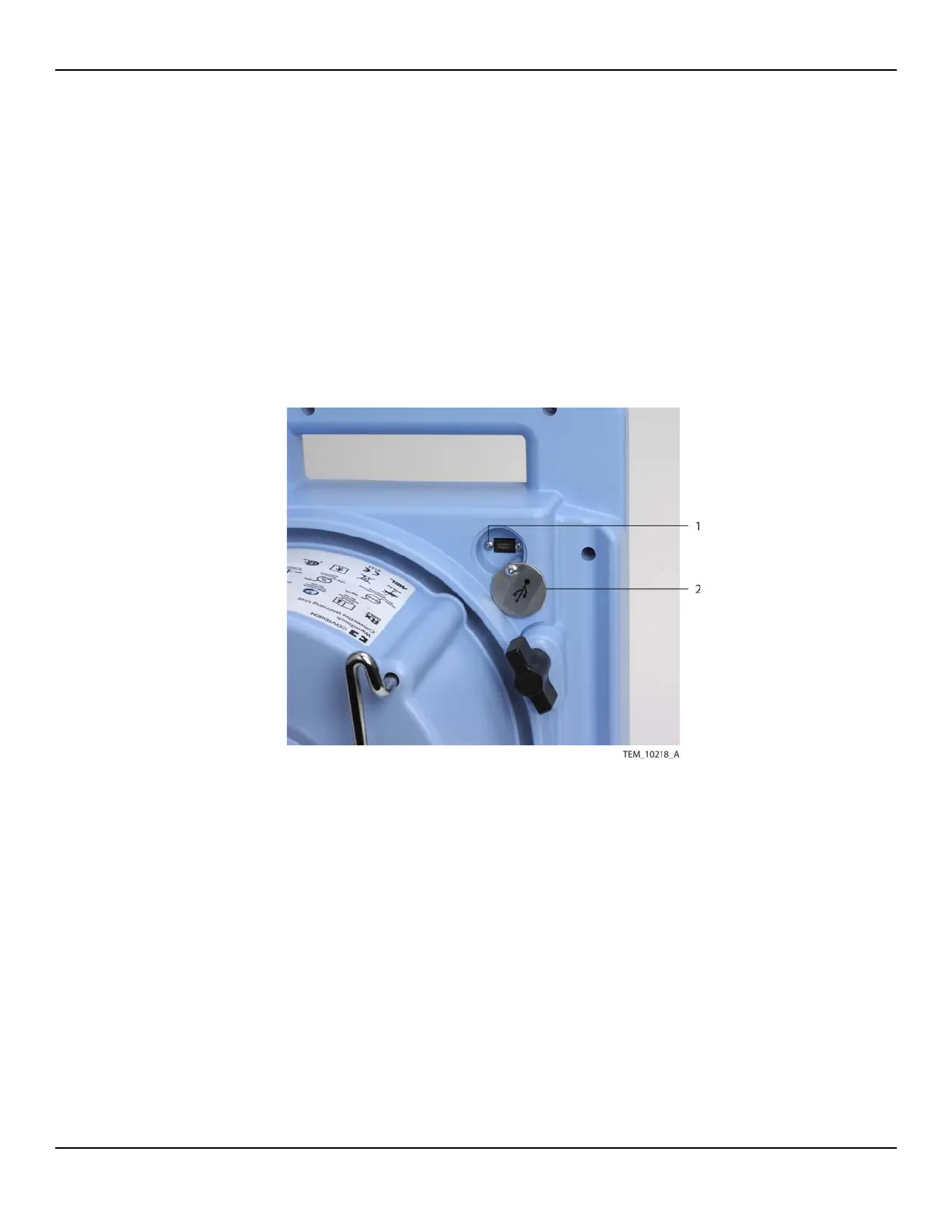
1. At the back of the unit, loosen the screw securing the cover over the USB port,
and rotate the cover aside (Figure 11-31). Do not remove the cover.
Figure11-31.USB Port
2. Remove the two screws securing the USB cable connector to the enclosure. Save
the screws.
3. Remove the filter enclosure and filter as follows (Figure 11-32):
a. If the power cord is secured around the back of the unit, unwind it completely.
b. Position the warming unit on its front so the bottom of the unit is accessible.
c. Remove the three screws from the filter enclosure. Lift the enclosure away
from the unit, disengaging the power cord from its socket.
1 USB Connector Screw (x2) 2 USB Port Cover















 To Next Page