User Interface (UI) PCBA Replacement
Service Manual 10-15
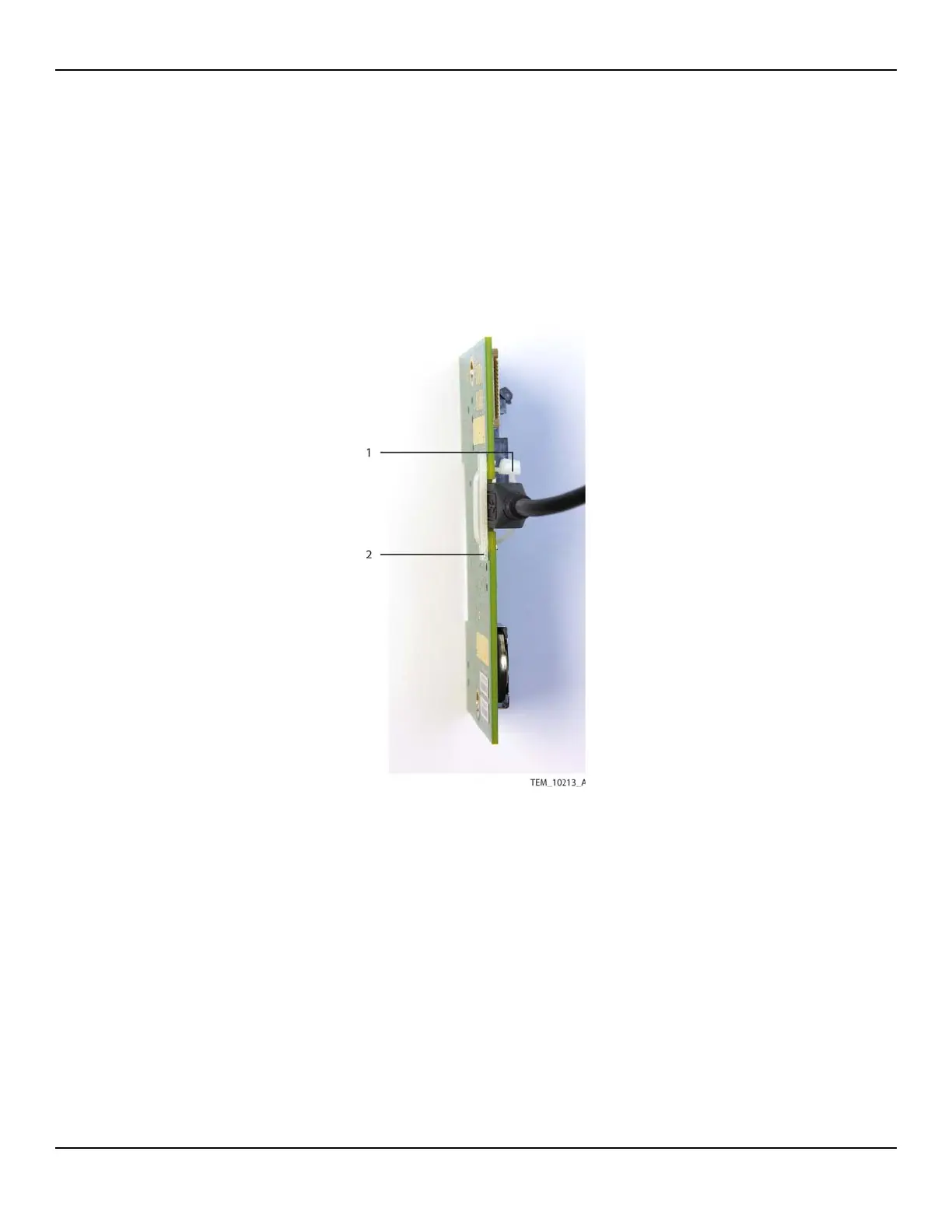
4. Detach the USB cable from the J203 connector as follows (Figure 10-12):
a. Carefully cut the cable tie securing the USB cable.
b. Remove the cable tie and USB backing plate.
c. Disconnect the USB cable.
Figure10-12.USB Connection on UI PCBA
Caution:
The institution should follow local governing ordinances and recycling
instructions regarding disposal or recycling of filter and device
components or end of life of the product.
5. Dispose of the UI PCBA and the battery on the PCBA as required by WEEE Direc-
tive.
1 Cable Tie
2 Backing Plate















 To Next Page