Internal Component Replacement (Inside Front Enclosure)
10-28 Service Manual
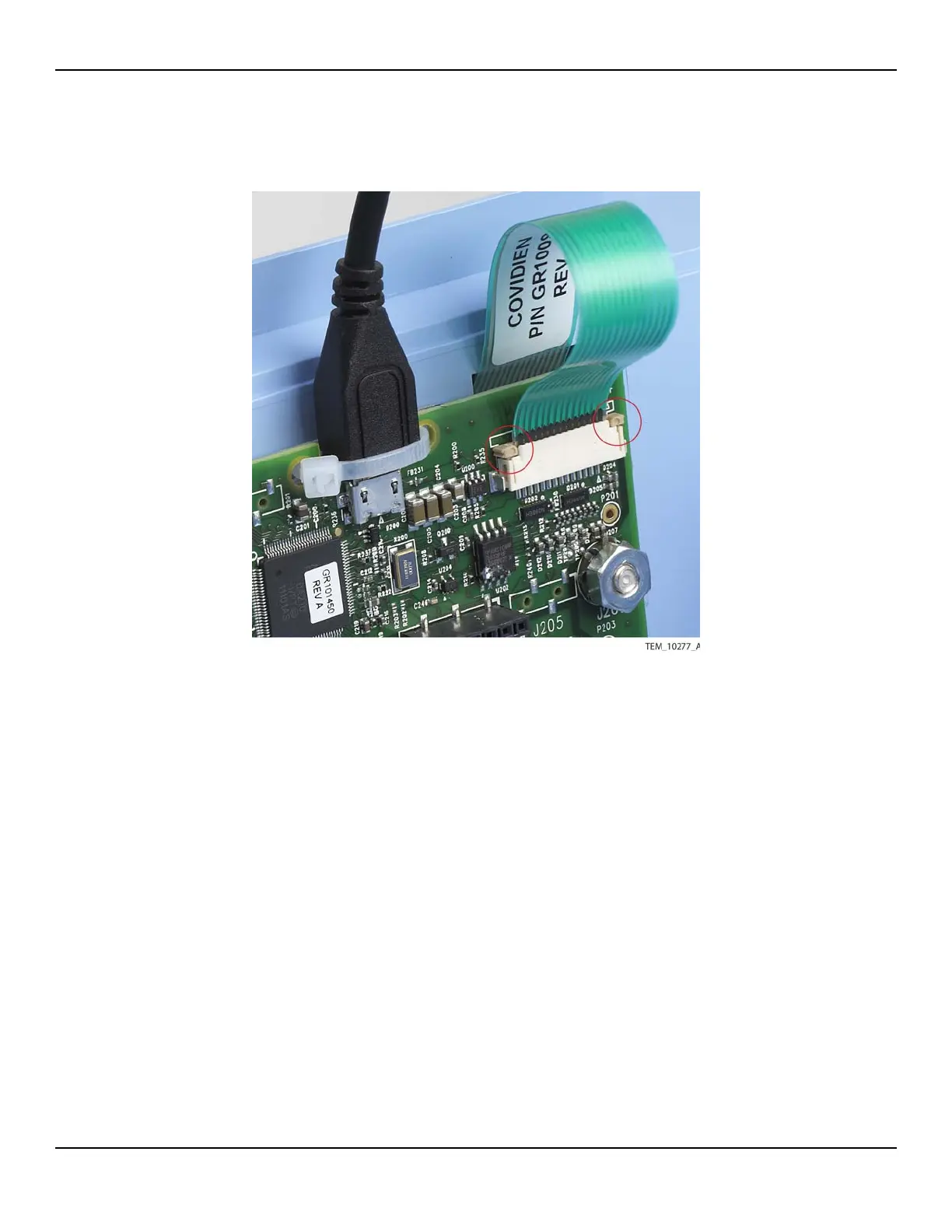
Figure10-22.Keypad Cable Secured by Locking Bar
10. Position the connector on the other end of the USB cable in the port inside the
rear enclosure, with the connector paddle toward the bottom of the enclosure
(Figure 10-17 on page 10-22).
11. Supporting the USB connector, rotate the rear enclosure so that you can access
the outside. Secure the connector by installing the two screws from the outside
of the enclosure. Tighten the screws to 0.18 to 0.27 N-m (1.6 to 2.4 lb-in).
12. Follow the procedure Rejoining the Front and Rear Enclosures on page 9-5.
13. At the back of the unit, rotate the cover for the USB port back into position, and
tighten the screw to 1.1 to 1.5 N-m (9.7 to 13.3 lb-in).
14. Perform the following tests:
a. Keypad Test on page 7-5.
b. Electrical Safety Tests on page 7-14.















 To Next Page