Pole Clamp and Mounting Bolt Replacement
Service Manual 11-19
To replace a pole clamp and mounting bolt:
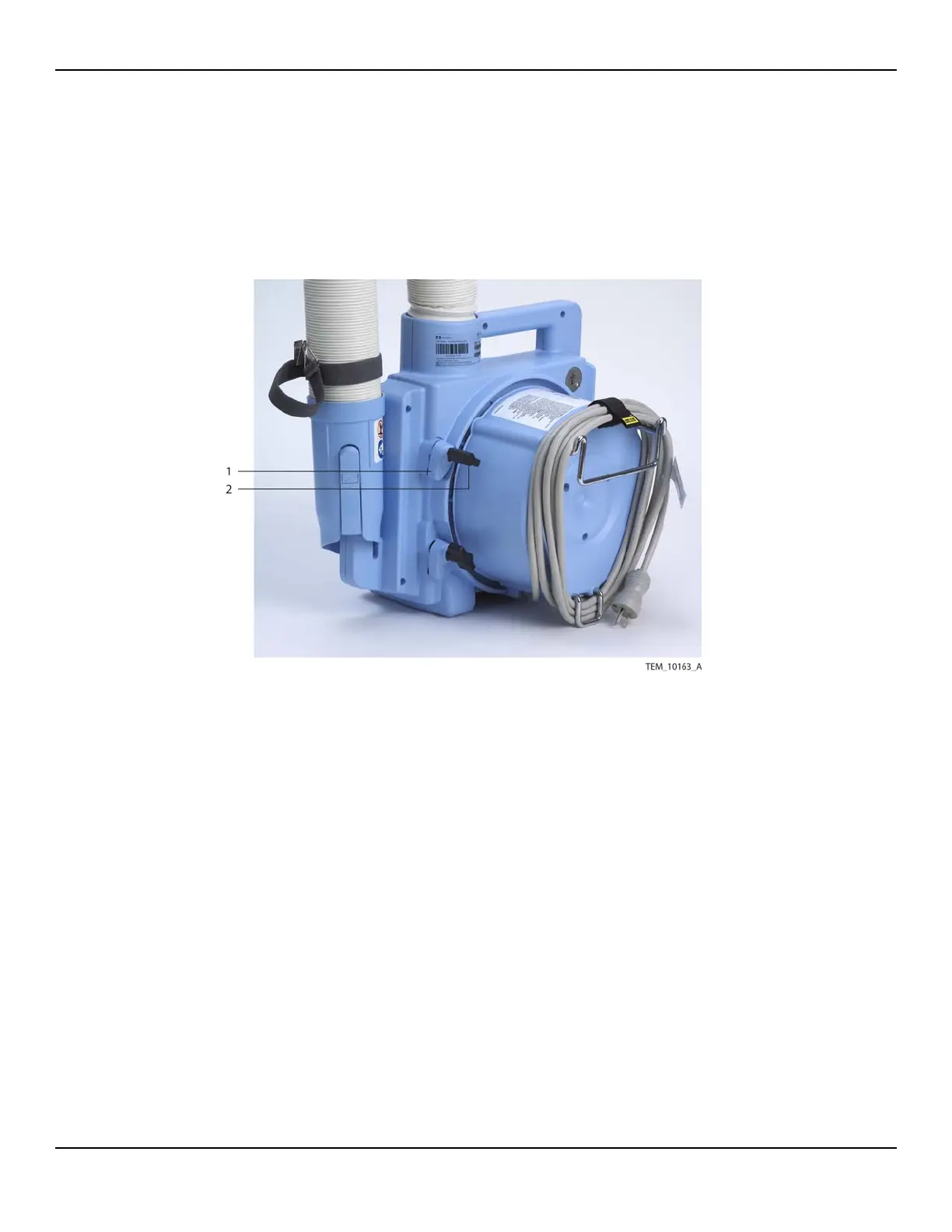
1. At the back of the unit, completely loosen the knob on the clamp to be replaced.
Remove the knob and clamp foot from the mounting bolt (Figure 11-17).
Figure11-17.Pole Clamp Foot and Knob
2. Follow the procedure Separating the Front and Rear Enclosures on page 9-2.
3. Remove the pole clamp mounting bolt as follows (Figure 11-18):
a. Position the rear enclosure so that you can access the end of the mounting
bolt.
b. Use a small rubber mallet or similar tool to drive the mounting bolt toward the
inside of the enclosure until you can grasp it and remove it.
1 Clamp Foot (x3) 2 Clamp Knob (x3)















 To Next Page