Internal Component Replacement (Inside Rear Enclosure)
11-20 Service Manual
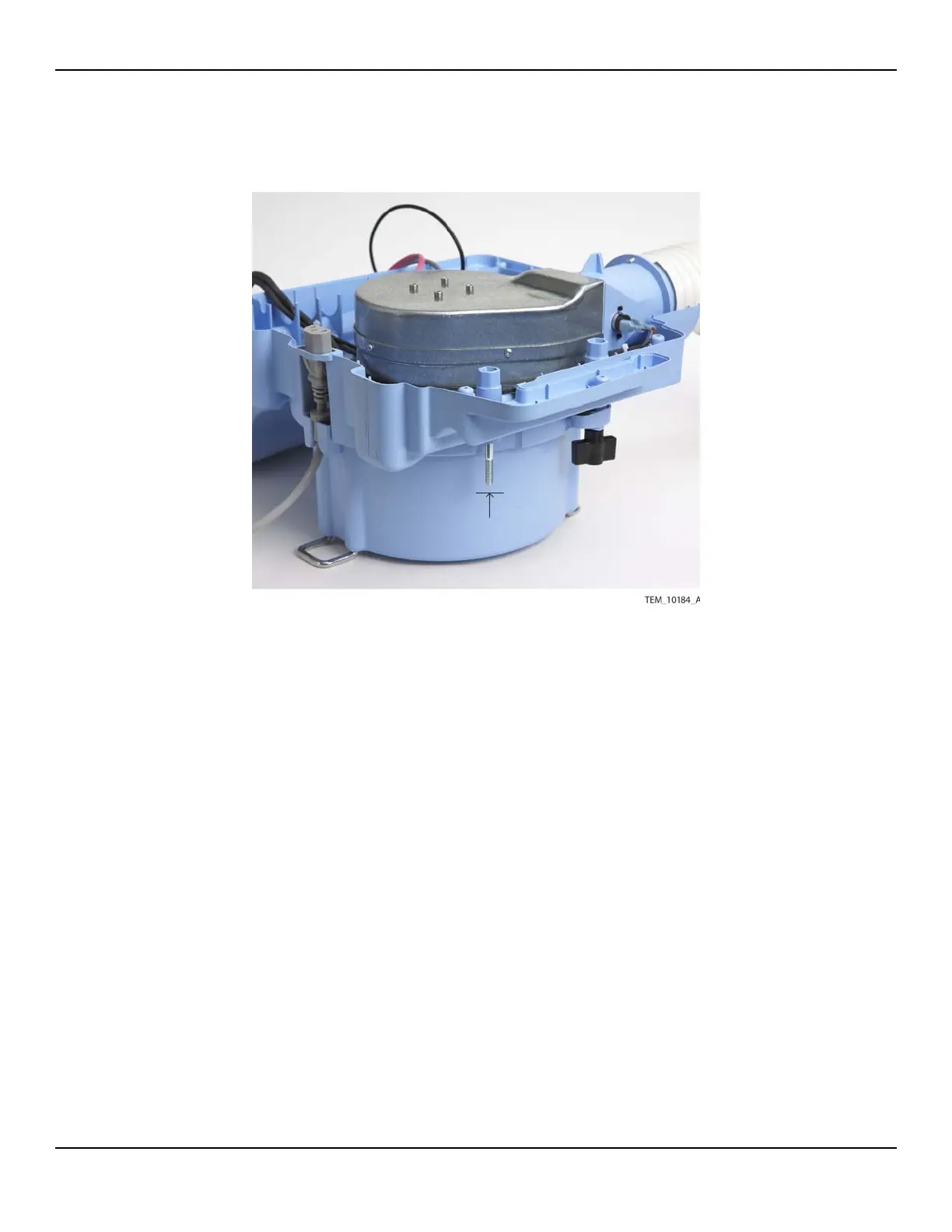
Figure11-18.Pole Clamp Mounting Bolt
4. Install the new mounting bolt by placing the bolt into its mounting hole and press-
ing downward until fully seated.
5. Follow the procedure Rejoining the Front and Rear Enclosures on page 9-5.
6. Slide the new clamp foot onto the bolt, making sure that the rubber pad is toward
the unit.
7. Place the new knob on the bolt and tighten it until the clamp foot is secure. Do
not overtighten.
8. Perform the following tests:
a. Power-On Test on page 7-3.
b. Electrical Safety Tests on page 7-14.















 To Next Page