Internal Component Replacement (Inside Front Enclosure)
10-10 Service Manual
d. Leave the nylon spacer on each mounting screw.
Caution:
The institution should follow local governing ordinances and recycling
instructions regarding disposal or recycling of filter and device
components or end of life of the product.
4. Lift the display out of its window. Dispose of the display as required by WEEE
Directive.
5. Peel the protective film from the new display.
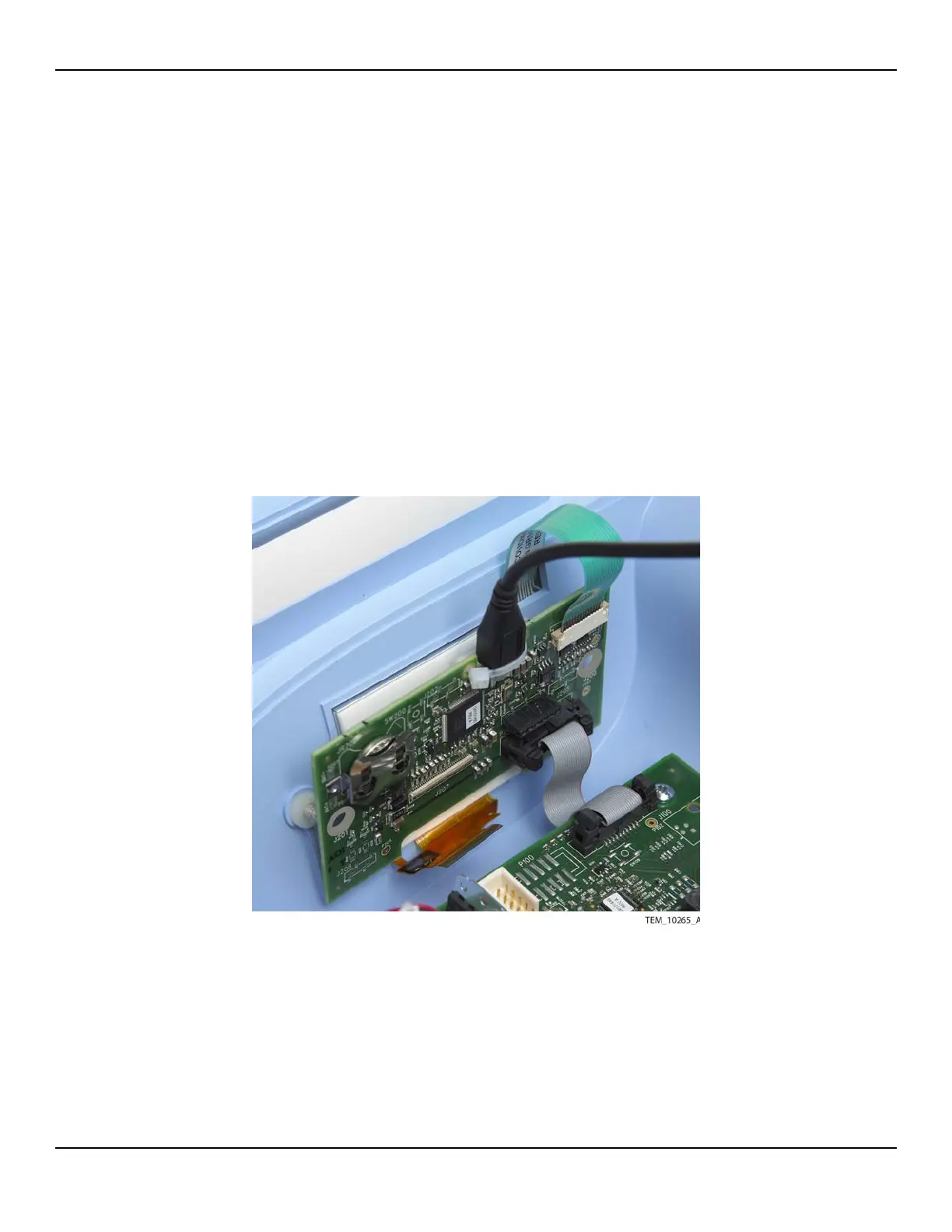
6. Place the display into the window with the display cable toward the bottom and
the foam gasket facing the inside of the unit (Figure 10-9).
Figure10-9.Positioning the Display
7. Reattach the UI PCBA to the mounting screws as follows (Figure 10-8 on
page 10-9):
a. Make sure that the display is still seated in the display window.
b. Make sure that the nylon spacers are still on the mounting screws.















 To Next Page