Operation
4-4 Service Manual
4.5 Beginning Operation
To begin operation:
1. Press the On/Standby key. The unit enters Ready mode:
• The status LED turns green, and the display turns on.
• A short tone indicates a successful power-on self-test (POST). If POST is unsuc-
cessful, an alarm screen appears. See Alarms on page 6-12.
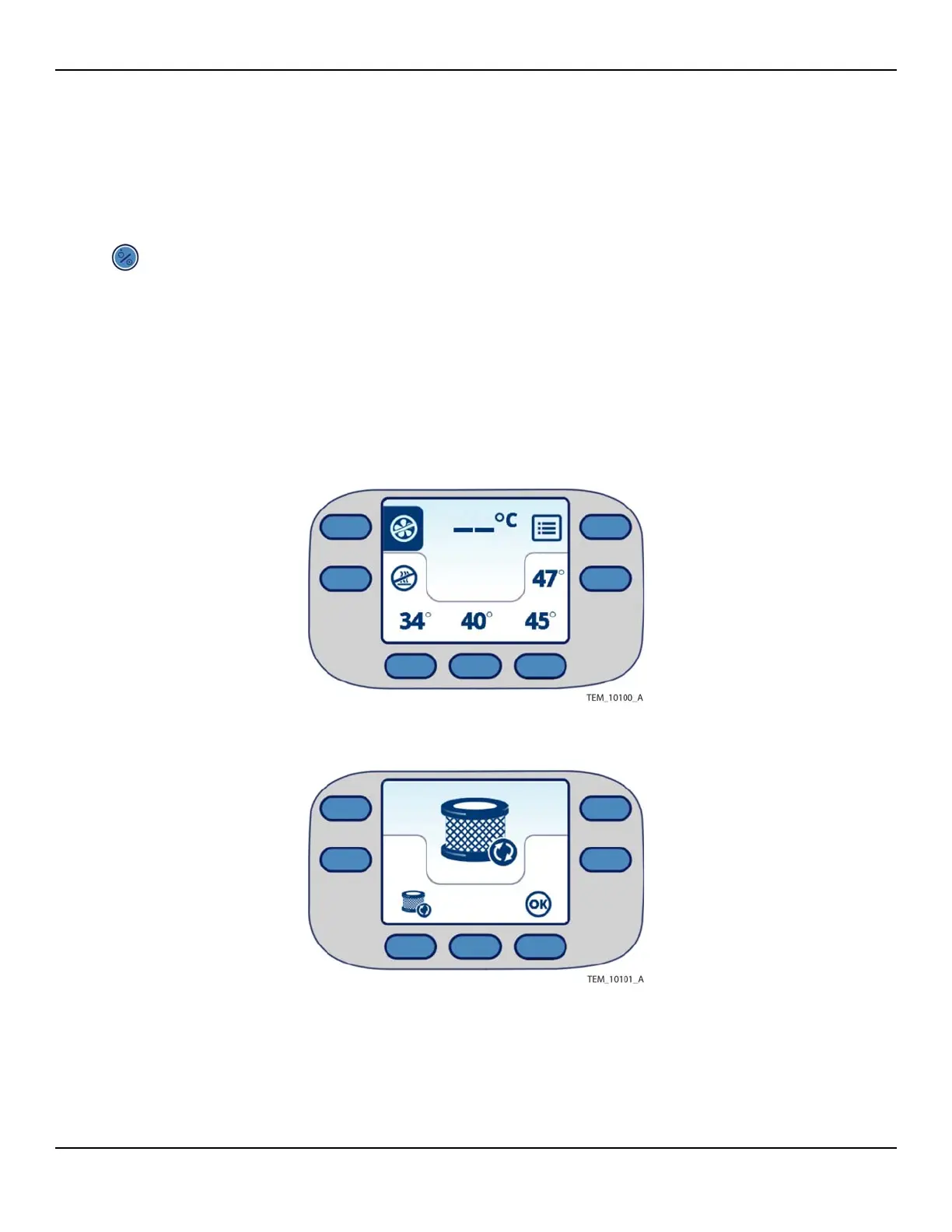
• The Main screen appears (Figure 4-1). Note that if the filter needs to be
replaced, the Replace Filter screen appears instead of the Main screen
(Figure 4-2).
Figure4-1.Main Screen at Power-On
Figure4-2.Replace Filter Screen at Power-On
2. If you see the Replace Filter screen, follow the procedure Filter Replacement on
page 5-4. It is possible to continue operation; however, failure to replace the filter















 To Next Page