Introduction
1-10 Service Manual
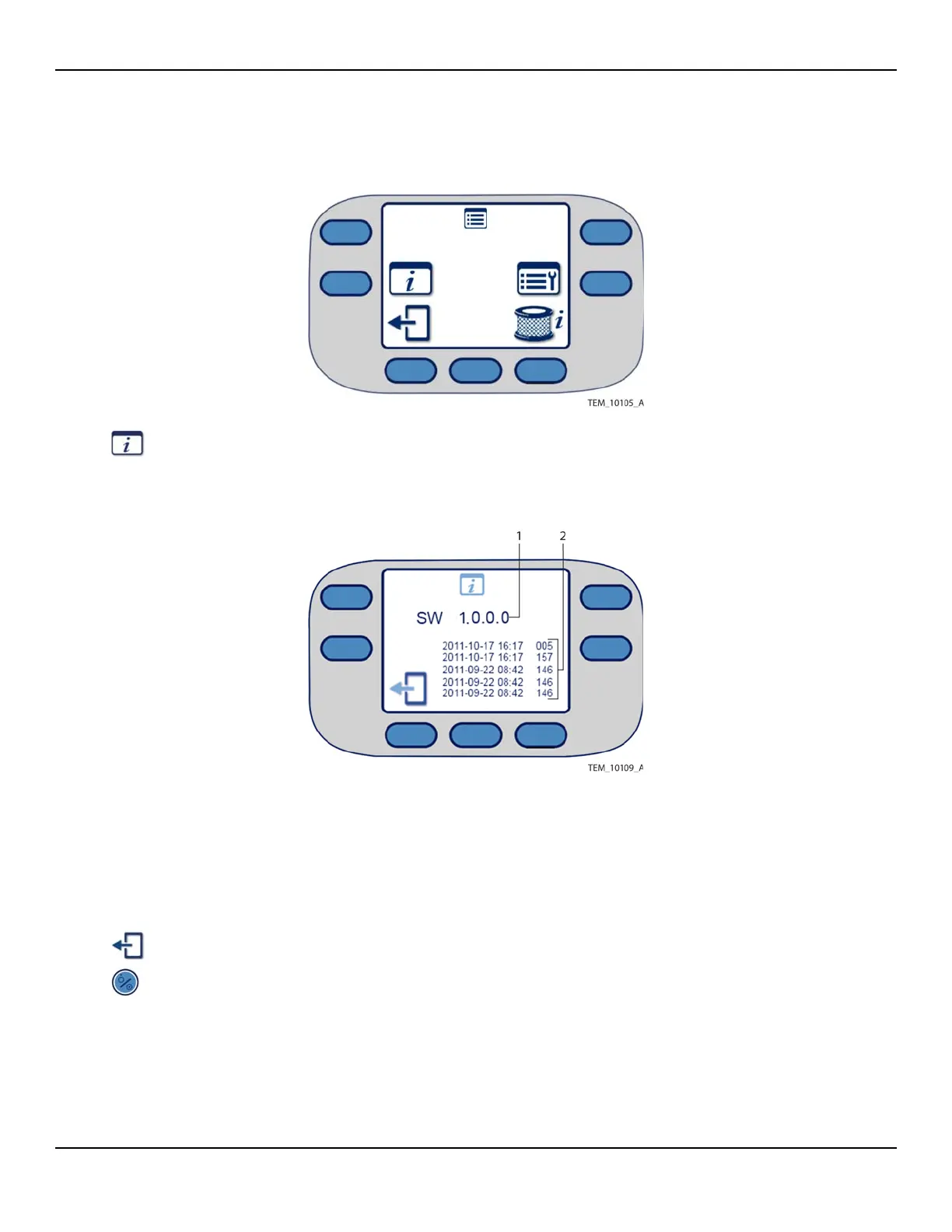
Figure1-2.Menu Screen
3. Press the System Information key. The System Information screen shows the
software version and the most recent error messages, if any (Figure 1-3).
Figure1-3.System Information Screen
Note:
Time stamps associated with error messages do not necessarily reflect local time.
The warming unit is set to UTC (Coordinated Universal Time) at manufacture.
4. To return to the Main screen, press the Exit key twice.
5. Press the On/Standby key to power off the unit.
1 Software Version 2 Error Messages (Up to Six)















 To Next Page