Performance Verification
7-12 Service Manual
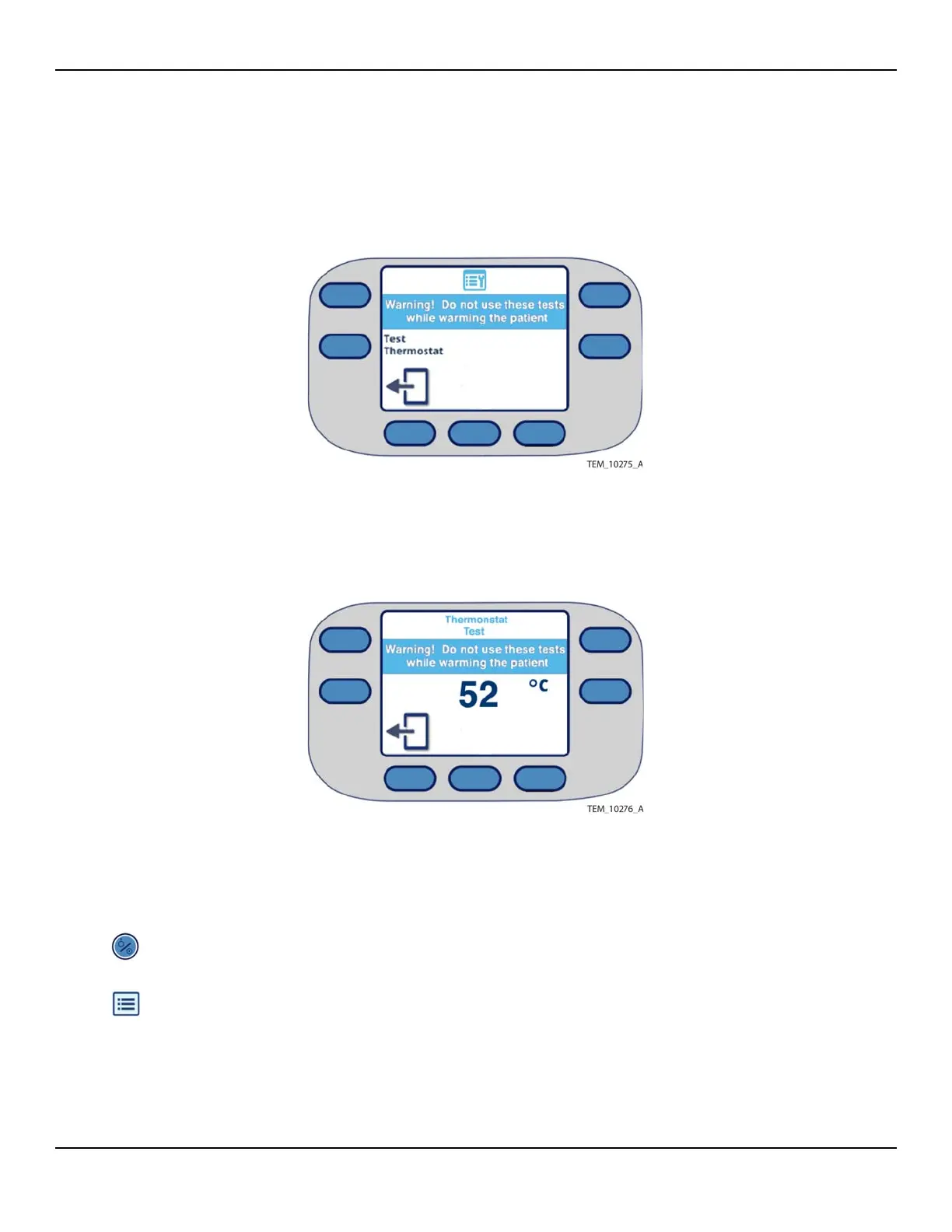
4. Press the key code as described in Service Screen Access on page 7-2. The Select
Test screen appears (Figure 7-8).
Figure7-8.Select Test Screen
5. Press the Test Thermostat key to begin the thermostat test. The Thermostat Test
screen appears (Figure 7-9).
Figure7-9.Thermostat Test Screen
6. Verify that within 1-2 minutes, the heater and fan shut down and an alarm is gen-
erated. (It is not necessary to time the process, however, if the thermostat fails to
open, see Thermostat Test Failure on page 7-13.)
7. Press the On/Standby key to power off the unit. Allow the unit to cool 5 -10 min-
utes, then power it back on.
8. Press the Menu key. The Menu screen appears.















 To Next Page