Controlling the Temperature
Service Manual 4-7
4.6.2 Using the Heat Off Setting
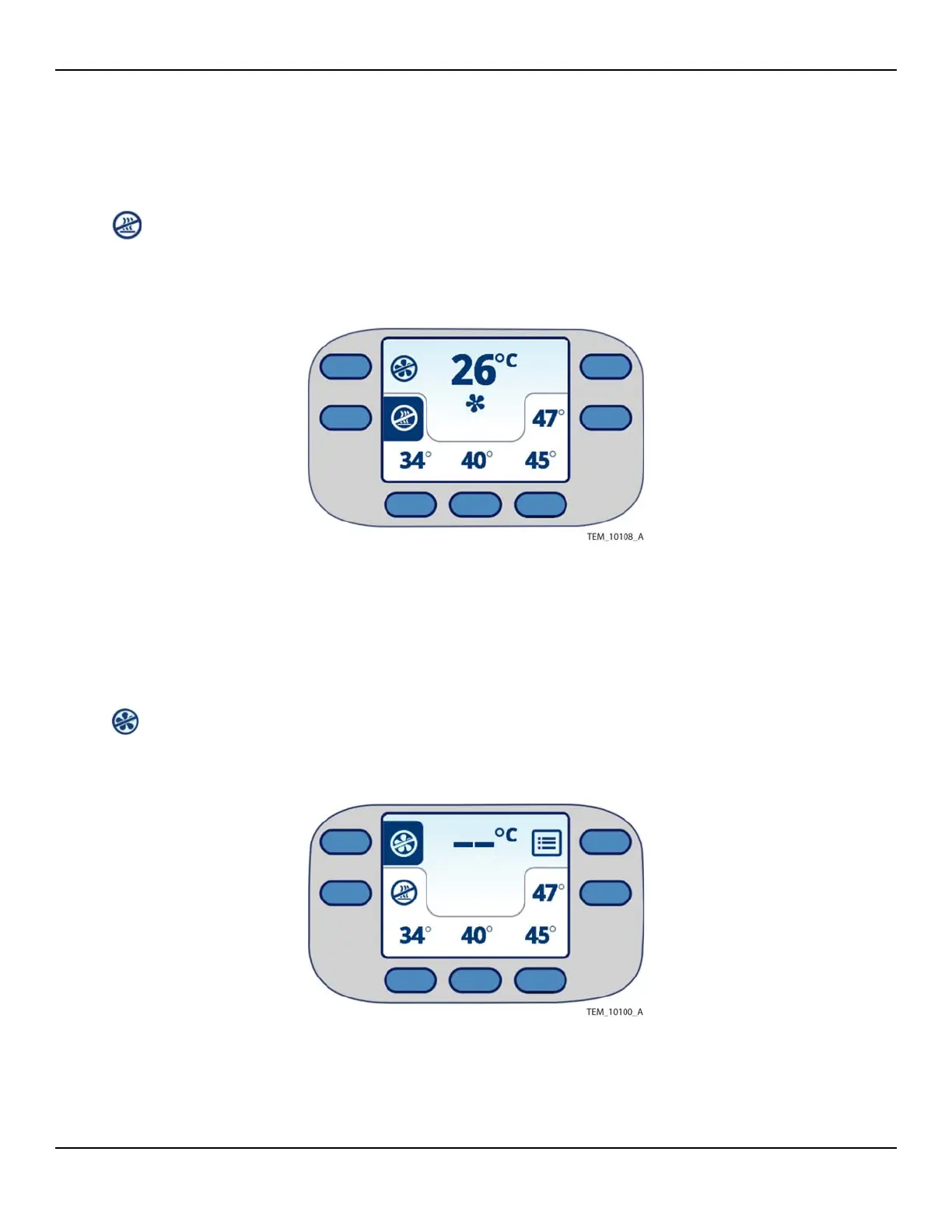
The heat off setting provides a means to cool a patient. To use the heat off
setting, press the Heat Off key. Air is delivered to the warming blanket at
room temperature (heater off).
Figure4-5.Warming System Set to Heat Off
4.6.3 Returning to Ready Mode
During operation, you can switch back to Ready mode (fan and heat off) any
time you do not need to apply air to the warming blanket. The display stays
on, and the unit remains ready to operate.
To return to Ready mode, press the Fan Off key. Note that in Ready mode, the
temperature reading shows dashes.
Figure4-6.Warming System Set to Ready Mode















 To Next Page