Maintenance
5-10 Service Manual
5.6 Monitoring the Filter Status
The warming unit monitors filter usage and provides counters that indicate the
number of operating hours and days until the filter needs to be replaced. You
can anticipate filter replacement by checking the counters on the Filter Infor-
mation screen.
Note:
The Filter Information screen is only accessible when the warming unit is in Ready
mode. It is not accessible while the warming unit is operating.
To view the Filter Information screen:
1. If the warming unit is not already powered on, follow the steps in Applying Power
on page 4-2.
2. Press the On/Standby key to enter Ready mode.
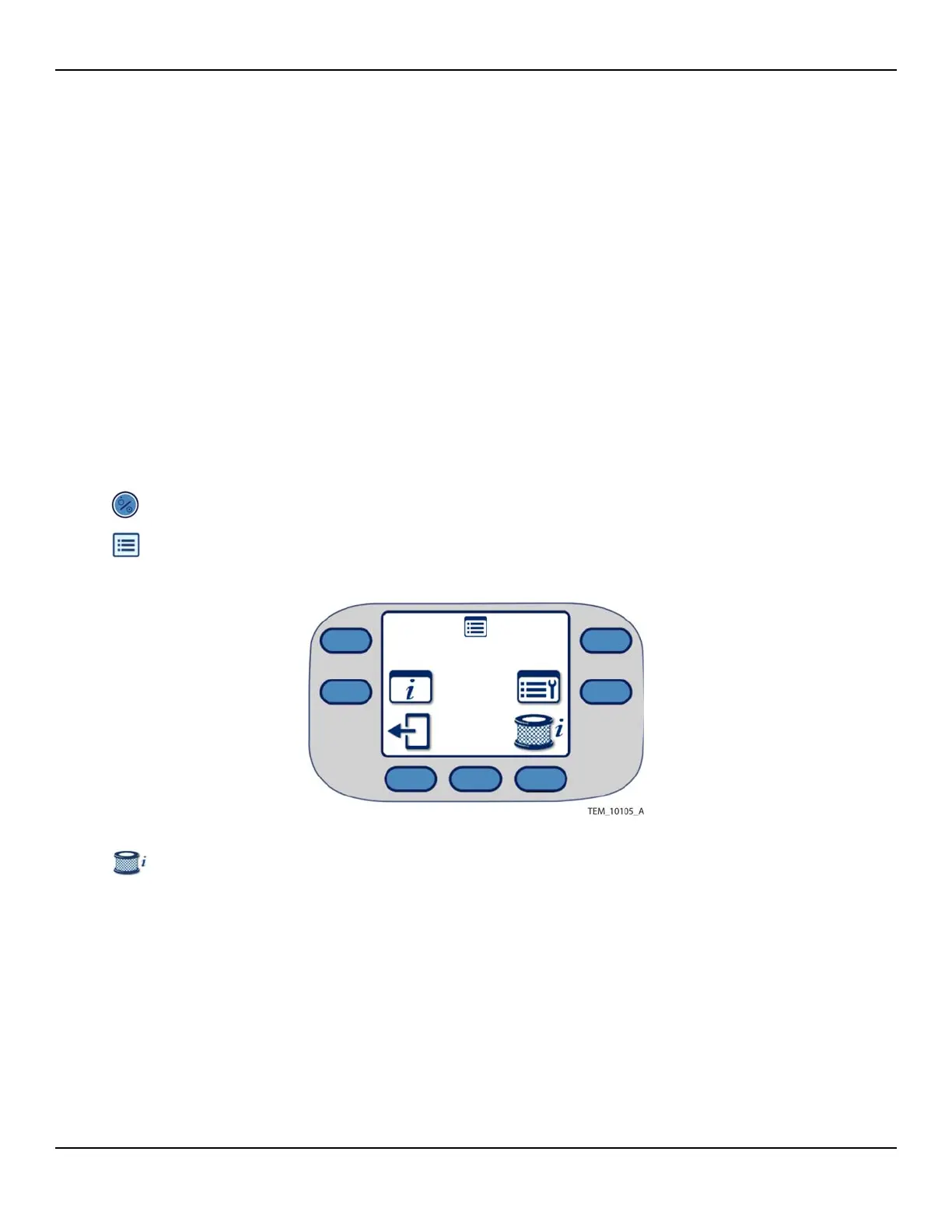
3. Press the Menu key on the Main screen. The Menu screen appears (Figure 5-9).
Figure5-9.Menu Screen
4. Press the Filter Information key. The Filter Information screen indicates the days
and operating hours remaining before the filter needs to be replaced (Figure 5-
10).















 To Next Page