Keypad Replacement
Service Manual 10-5
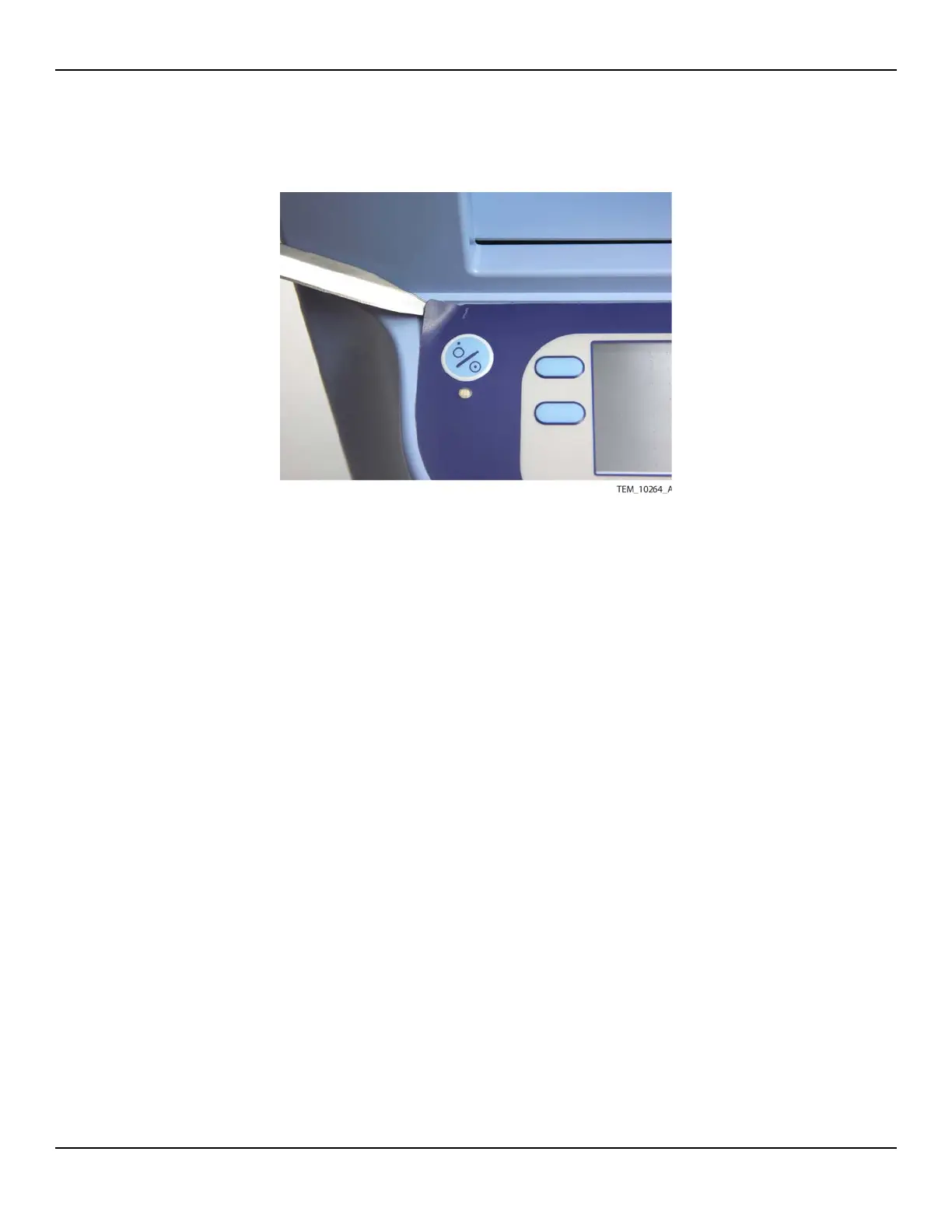
Figure10-3.Removing the Keypad
6. Use a soft cloth dampened with a solution of 70% isopropyl alcohol to remove
any adhesive remnants from the surface. Make sure that the surface is completely
dry before proceeding.
7. Remove the clear window film and protective paper from the back of the new
keypad. Make sure that all of the paper is removed from under the keypad cable.
8. Check the window for dust, fingerprints, and debris. If necessary, clean the
window. Note that there is a clear plastic spacer on the back of the window. Do
not remove this spacer.
9. Attach the keypad to the recessed area on the enclosure as follows:
a. Aligning the keypad with the recess, feed the keypad cable through the access
slot (Figure 10-4).















 To Next Page