Product Overview
2-6 Service Manual
Note:
When you press any of the temperature setting keys, the Heat Off key, or the Fan
Off key, the setting is highlighted on the display to indicate the current selection. For
example, in the previous figure, 34° is the current selection.
Note:
A soft click tone indicates a successful key press.
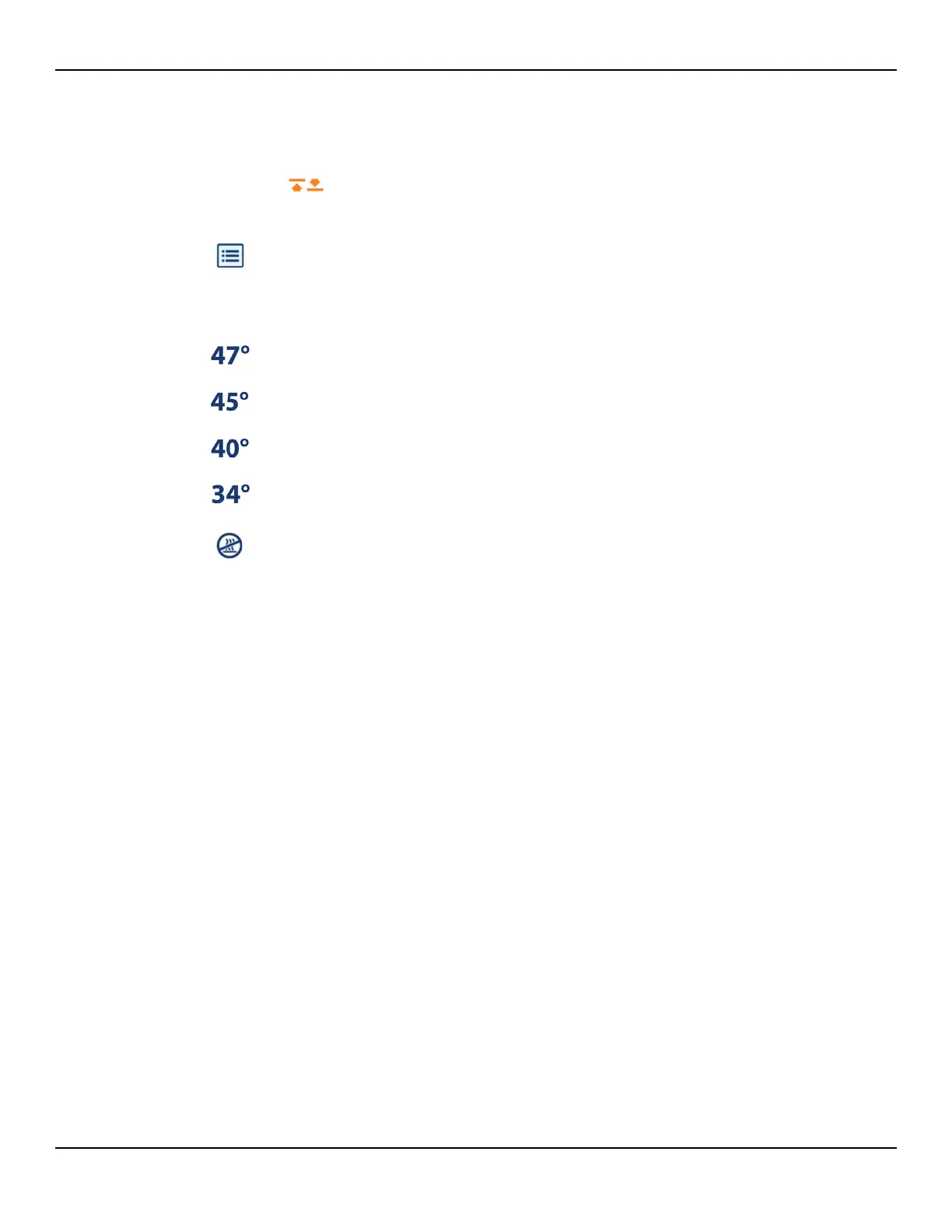
Animated arrow indicates that the temperature is adjusting upward or
downward to a new setting. The symbol disappears when the tem-
perature is within 1.5°C of the new setting.
5
Menu Key – Press to access screens for viewing filter status and system informa-
tion. Reference Monitoring the Filter Status on page 5-10 and Serial Number, Soft-
ware Version, and Error Codes on page 1-9.
Note: Symbol is shown for reference only. This menu is accessible only when the
heater and fan are off (Ready mode).
6
47°C (Boost Mode) Key – Press to generate air at 47°C (116.6°F) for 45 minutes.
Reference Using Boost Mode on page 4-6.
7
45°C (High) Key – Press to generate air at 45°C (113°F). Reference Controlling the
Temperature on page 4-5.
8
40°C (Medium) Key – Press to generate air at 40°C (104°F). Reference Controlling
the Temperature on page 4-5.
9
34°C (Low) Key – Press to generate air at 34°C (93.2°F). Reference Controlling the
Temperature on page 4-5.
10
Heat Off Key – Press to deliver air at room temperature (unheated). Reference
Controlling the Temperature on page 4-5.















 To Next Page