DMTA-10040-01EN, Rev. E, February 2018
Chapter 5234
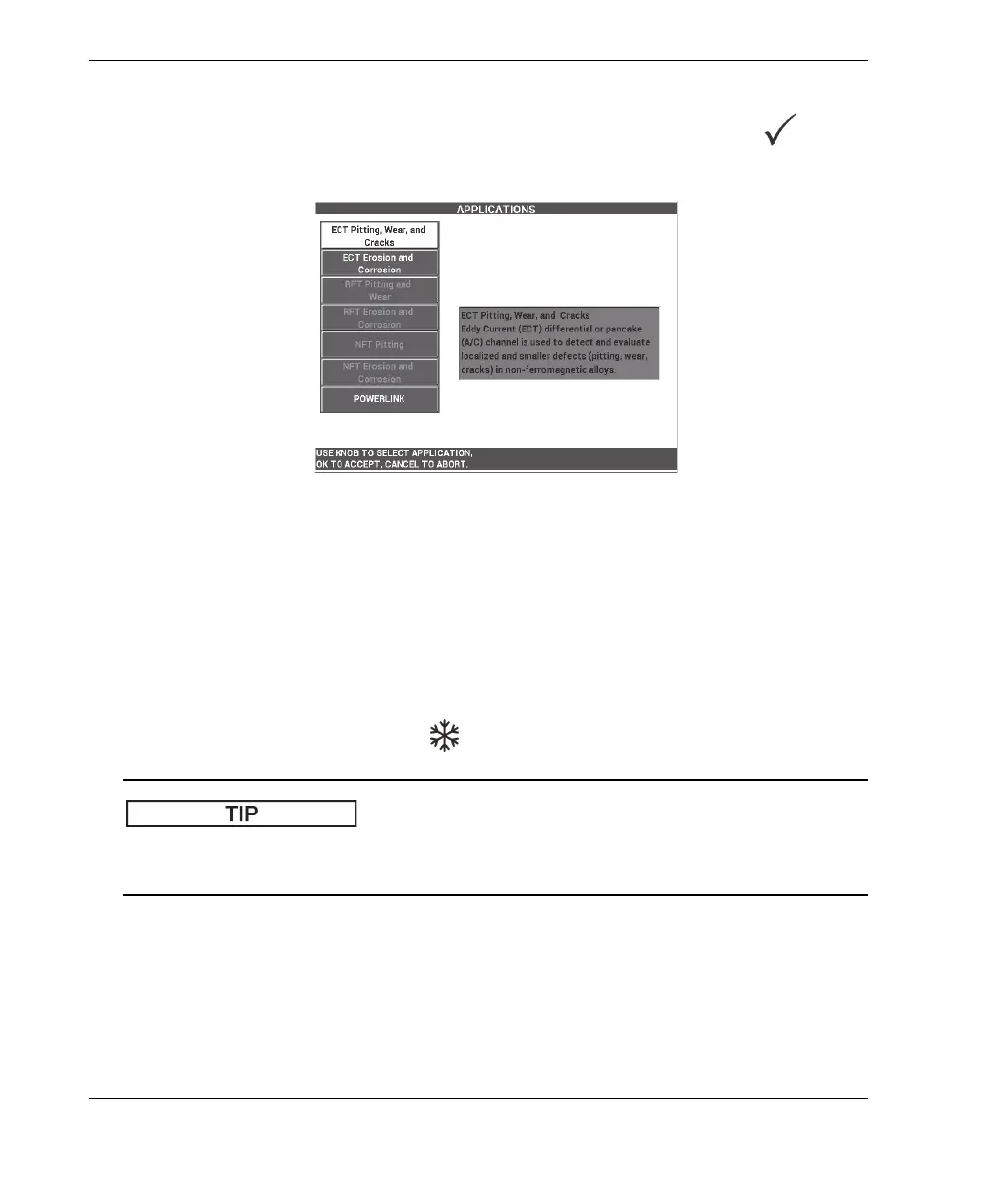
2. Select CONTINUE (press the A key) to open the application selection menu, and
then use the knob to select ECT Pitting, Wear, and Cracks, and press to
accept (see Figure 5-158 on page 234).
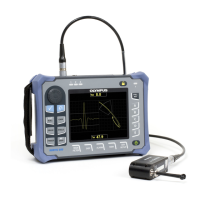
Figure 5‑158 The ECT Pitting, Wear, and Cracks application
To calibrate the signals for frequency 1
1. Place the probe in a defect-free zone of the calibration standard near the small
thru-wall hole (1.3 mm [0.052 in.]), and then press the NULL foot switch.
2. Slowly scan the smallest thru-wall hole only, pressing the ERASE foot switch as
required to clear the screen. When the hole signal is visible on the NORTEC 600
screen, press the FREEZE key ( ).
When scanning over the hole in a pulling motion, the probe’s lower signal lobe should
appear first on the screen (see Figure 5-159 on page 235 and Figure 5-160 on page 235).


 To Next Page