DMTA-10040-01EN, Rev. E, February 2018
NORTEC PC Software 327
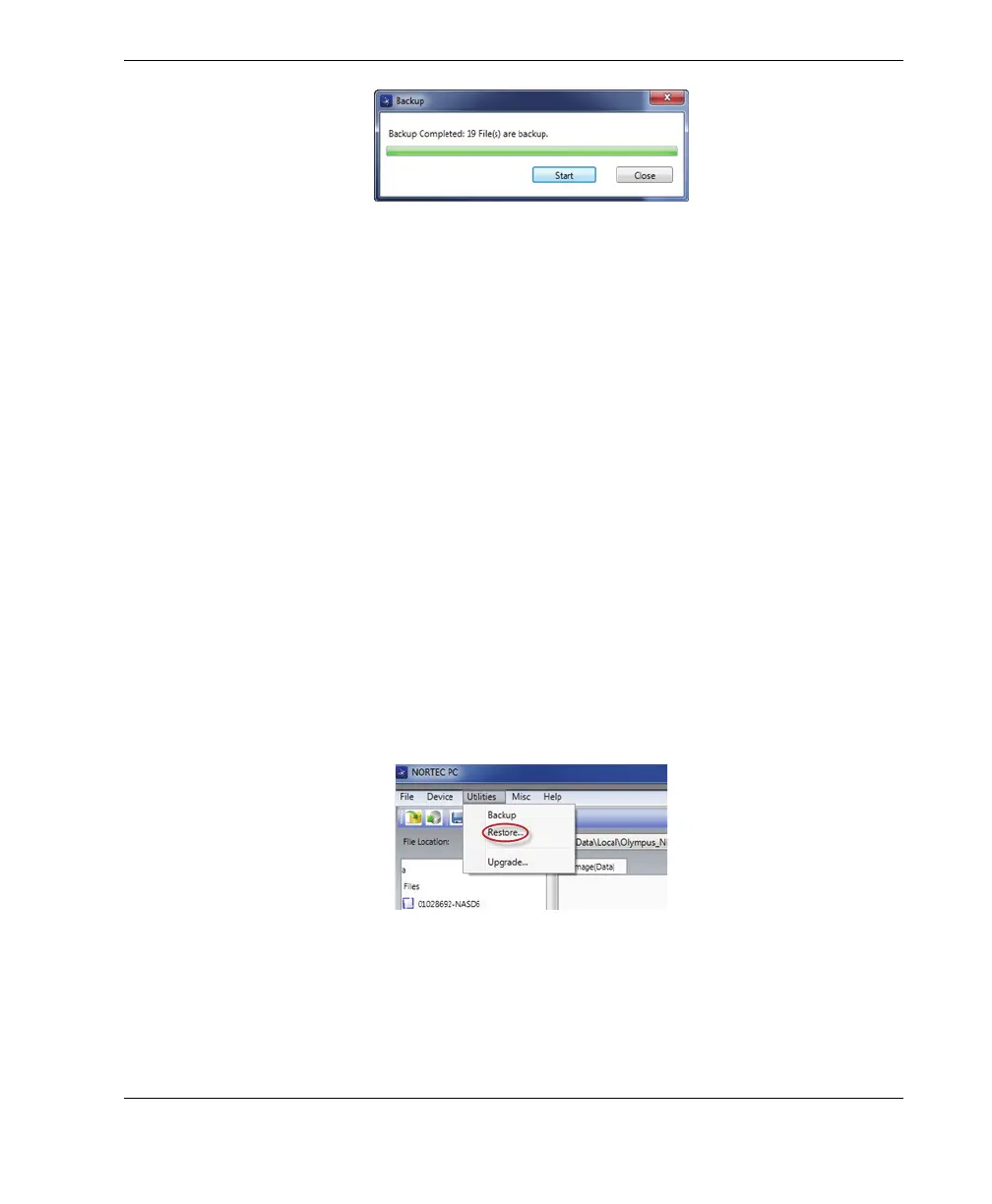
Figure 6‑32 The Backup dialog box (complete)
6.11 Restoring or Cloning the NORTEC 600 Files
The NORTEC PC software enables you to easily restore or clone your NORTEC 600
files using a previously created backup file on the external microSD memory card of
the instrument. This backup file is stored separately from the internal storage of the
instrument so that it can overwrite (replace) the internally stored information if
necessary. The instrument files can also be cloned from the backup file to create an
exact copy, which can then be transferred from one instrument to another.
To restore a NORTEC 600
1. Connect the PC to the instrument using a USB cable.
2. Make sure that a microSD card is inserted in the microSD card slot of the
NORTEC 600 (see Figure 6-28 on page 325).
3. On the NORTEC PC software Utilities menu, select Restore (see Figure 6-33 on
page 327).
The Restore dialog box appears (see Figure 6-34 on page 328).
Figure 6‑33 The Restore command
4. In the Restore dialog box, click Start.


 To Next Page