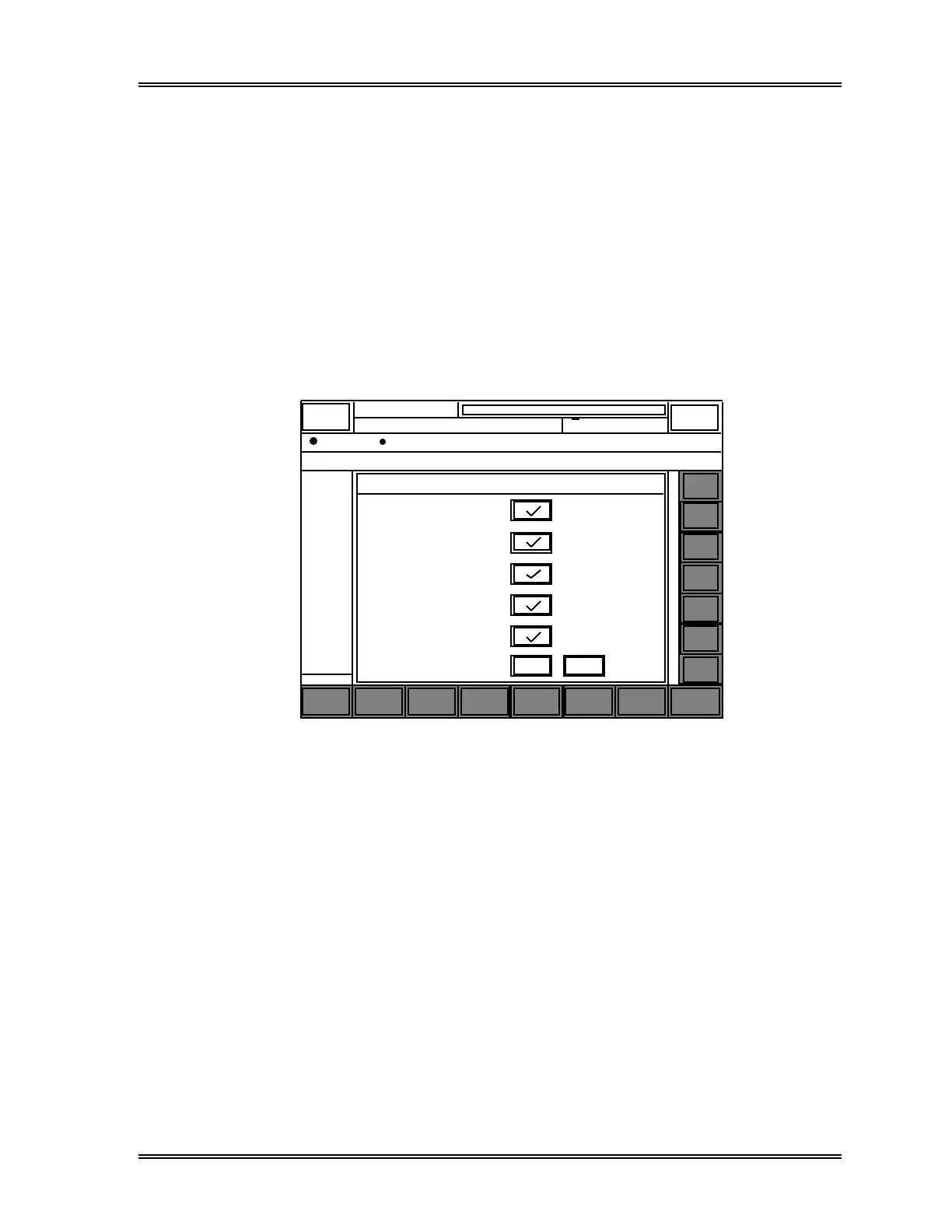
RESULT INTERPRETATION/REPORTS, Select Display
Sysmex SF-3000 Operator's Manual -- Revised September 1995 4-27
7.1 Select By Flagging
This is for specifying the types of flagged data.
To specify flag types:
(1) Press the [By Flagging] keypad in the Select Display submenu window. The
Select by Flagging window will appear, containing the current settings.
(2) Press the box key to the right of each item to specify for the type of flag. A "√"
mark will appear in the box for selected items.
To delete the "√" mark (to exclude the item from display), press the key marked
"√" again.
Search
Select
Display
Edit
Info.
Sort
Graphic Valid.
More
XM
Cancel
Select Display / Flag
Stored Data
DATE
12/31 1
12/31 1
12/31 1
12/31 1
12/31 1
12/31 1
12/31 1
12/31 1
12/31 1
12/31 1
12/31 1
12/31 1
12/31 1
12/31 1
12/31 1
12/31 1
12/31 1
12/31 1
12/31 1
12/31 1
12/31 1
DP:1234567890123
Sysmex
Ready
Manual Mode Next No.1234567890123
Sampler
HC GP DP SU
0 / 500 (500)
RACK TIME SEQ. SAMPLE NO.
= ALL SAMPLES =
TUBE POS OUT MARKERROR STOP
Negative
Diff.POS.
Morph.POS.
Count POS.
O K
Error
Return
v
v
v
v
v
v
v
v
v
v
v
v
v
v
v
v
v
v
Next
Prev
Mark
←
↑
↓
→
Figure 4-13: Select by Flagging Window
The flag types that can be specified are:
Negative : Analysis data with no abnormalities or analysis errors
(excluding ID READ errors).
Diff. POS. : Data with an abnormality in WBC differential parameters.
Morph. POS. : Data with an abnormality in blood cell morphology.
Count POS. : Data with an abnormality in blood cell count.
Error : Data with analysis errors (excluding ID READ errors).



 To Next Page