RESULT INTERPRETATION/REPORTS, Select Display
Sysmex SF-3000 Operator's Manual -- Revised September 1995 4-31
7.3 Select By No Output
Use this program to specify the List Display to contain data that has not been output to a
specified peripheral device(s).
To specify the output device:
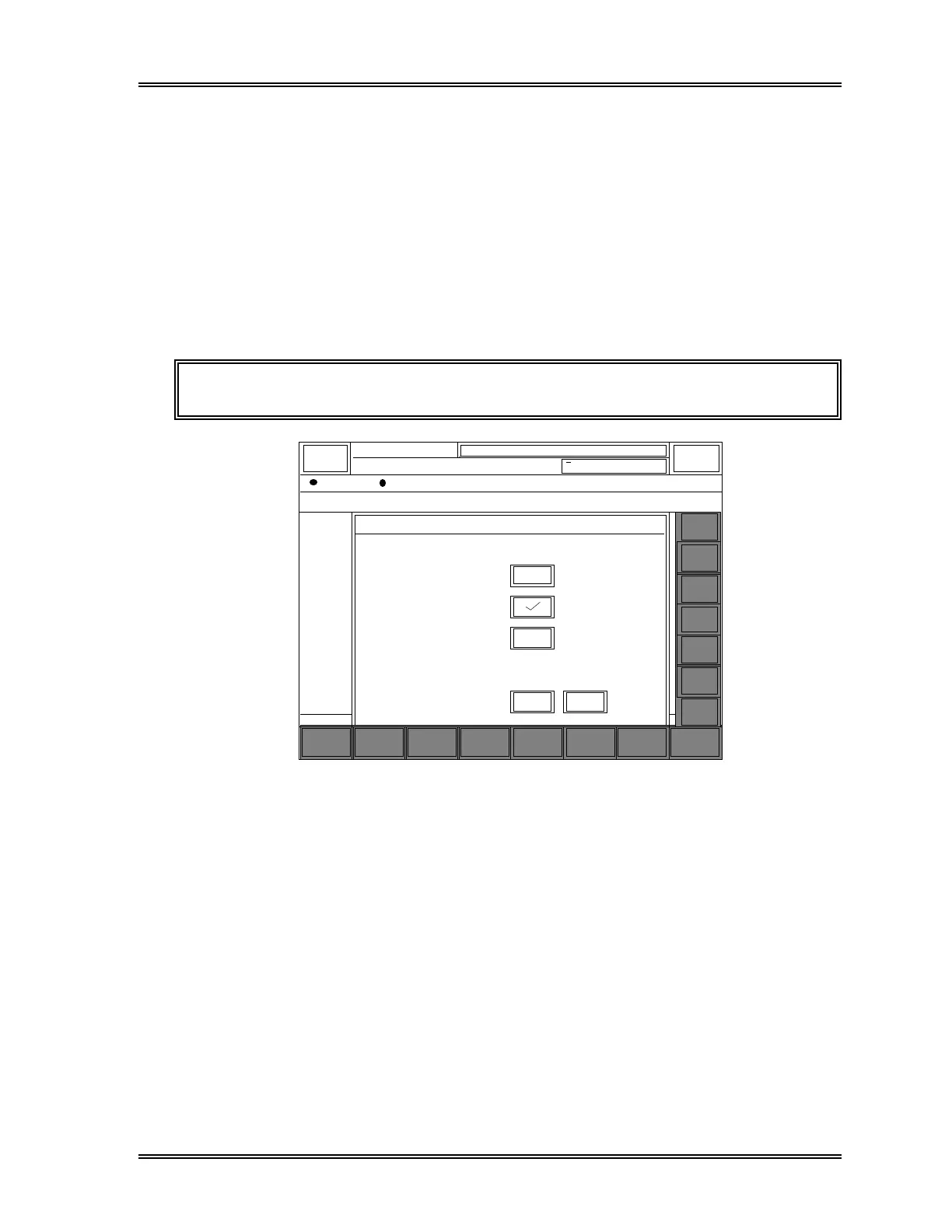
(1) Press the [No Output] keypad in the Select Display Submenu window. The Select
by No Output window will appear as shown in Figure 4-17.
(2) Press the box key on the right next to each item to specify the output condition. A
"√" mark will be placed in the box for the selected item.
NOTE: Two or more items cannot be selected at a time.
Sampler
XM HC GP DP SU
Cancel O K
Select by No Output
GP No Output
DP No Output
HC No Output
Stored Data
DATE
12/31 1
12/31 1
12/31 1
12/31 1
12/31 1
12/31 1
12/31 1
12/31 1
12/31 1
12/31 1
12/31 1
12/31 1
12/31 1
12/31 1
12/31 1
12/31 1
12/31 1
12/31 1
12/31 1
12/31 1
12/31 1
DP:1234567890123
Sysmex
Ready
0 / 500 (500)
RACK TIME SEQ.
SAMPLE NO.
= ALL SAMPLES =
TUBE POS OUT MARKERROR STOP
Manual Mode Next No.1234567890123
Search
Select
Display
OutputSort
Graphic
Valid. More Return
v
v
v
v
v
v
v
v
v
v
v
v
v
v
v
v
v
v
Next
Prev
Mark
←
↑
↓
→
Figure 4-17: Select by No Output Window



 To Next Page