RESULT INTERPRETATION/REPORTS, Delete Stored Data
Sysmex SF-3000 Operator's Manual -- Revised September 1995 4-59
12.1 Current Data
In this program, the data that is deleted is specified by using the cursor.
To delete current data:
(1) Press the [Stored Data] to display the List Display.
(2) Use [↑], [↓], [Prev], and [Next] keys to move the cursor and select the data to be
deleted.
(3) Press [Delete] key to display the Select Sample window.
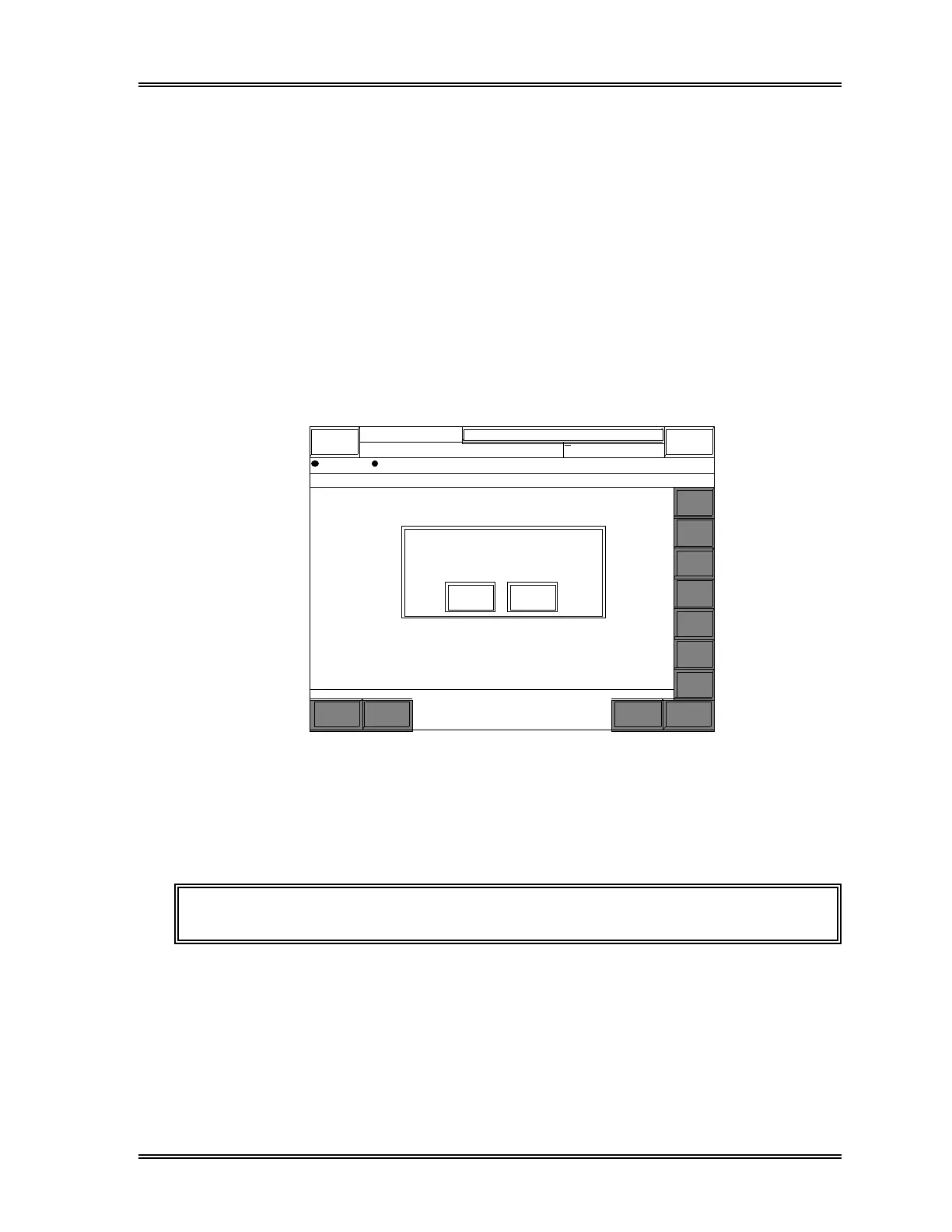
(4) Press [Current] key. The Delete Confirmation window will appear as shown in
Figure 4-46.
Stored Data = ALL SAMPLES = 900/1000(1000)
Sampler
DATE TIME SEQ. SAMPLE NO. RACK TUBE OUT POS ERROR MARK STOP
Sysmex
DP:1234567890123 XM HC GP DP SU
Ready
Manual Mode Next No.1234567890123
Prev
12/04
12/04
12/04
12/04
12/04
12/04
12/04
12/04
12/04
12/04
12/04
12/04
12/04
12/04
12/04
12/04
12/04
12/04
12/04
12/04
10:58
11:00
11:00
11:01
11:01
11:02
11:02
11:03
11:03
11:04
11:04
11:05
11:05
11:06
11:06
11:07
11:07
11:08
11:08
11:09
1
2
3
4
5
6
7
8
9
10
11
12
13
14
15
16
17
18
19
20
123-56789-101*I
123-56789-101*I
123-56789-102 I
123-56789-103 I
ERR0000000001
ERR0000000002
123-56789-106 I
123-56789-107 I
123-56789-108 I
123-56789-109 I
123-56789-110 I
123-56789-111 I
123-56789-112 I
123-56789-113 I
123-56789-114 I
123-56789-115 I
ERR0000000003
ERR0000000004
ERR0000000005
ERR0000000006
1011
1011
1011
1011
1011
1011
1011
1011
1011
1011
1012
1012
1012
1012
1012
1012
1012
1012
1012
A 10
A 1
A 2
A 3
A 4
A 5
A 6
A 7
A 8
A 9
A 10
A 1
A 2
A 3
A 4
A 5
A 6
A 7
A 8
A 9
DGH
DGH
DGH
DGH
DGH
DGH
DGH
DGH
DGH
DGH
DGH
DGH
DGH
DGH
DGH
DGH
DGH
DGH
DGH
DGH
DMC
D
DMC
DMC
M
DMC
D
C
DMC
DMC
DMC
DMC
Func.
Func.
Func.
Result
Func.
Func.
Func.
Func.
+
+
+
+
+
+
+
+
+
+
+
+
+
+
+
+
Next
Mark
Current data will be deleted. OK?
OK Cancel
v
v
v
v
v
v
v
v
v
v
v
v
v
v
v
v
v
v
v
v
Edit
Info.
Delete
More
Return
↑
↓
←
→
Figure 4-46: Delete Confirmation Window
(5) Press [OK] to delete the data with the cursor on it. Program deletes the data and
exits. The screen returns to List Display.
Press [Cancel] to end the program without deleting the data.
NOTE: The data cannot be restored once deleted.



 To Next Page