QUALITY CONTROL, Target/Limit
Sysmex SF-3000 Operator's Manual -- Revised September 1995 6-15
6.2 Read FD (Floppy Disk)
Floppy disk provided with the Sysmex control blood includes the control blood
information and target and limit# (%) values for both the manual and closed modes. This
information can be registered automatically by using the "Read FD" program.
The FD file data includes the followings:
• Lot No.
• Analysis Mode
• Expiration Date
• Level (Normal, Abnormal Low, Abnormal High)
• Target and Limit # assayed default values, in both Manual Analysis and Closed
Analysis modes.
NOTE: Since X M Control is designed for the use with patient blood, you
cannot perform the "FD Read" program on the X
M file.
(1) Press [QC] to display QC second menu.
(2) Press [Target/Limit] keypad from the second menu. The first page of QC File
Information List will be displayed.
(3) Use the [↑] and [↓] keys to select the file to be registered from the reference list.
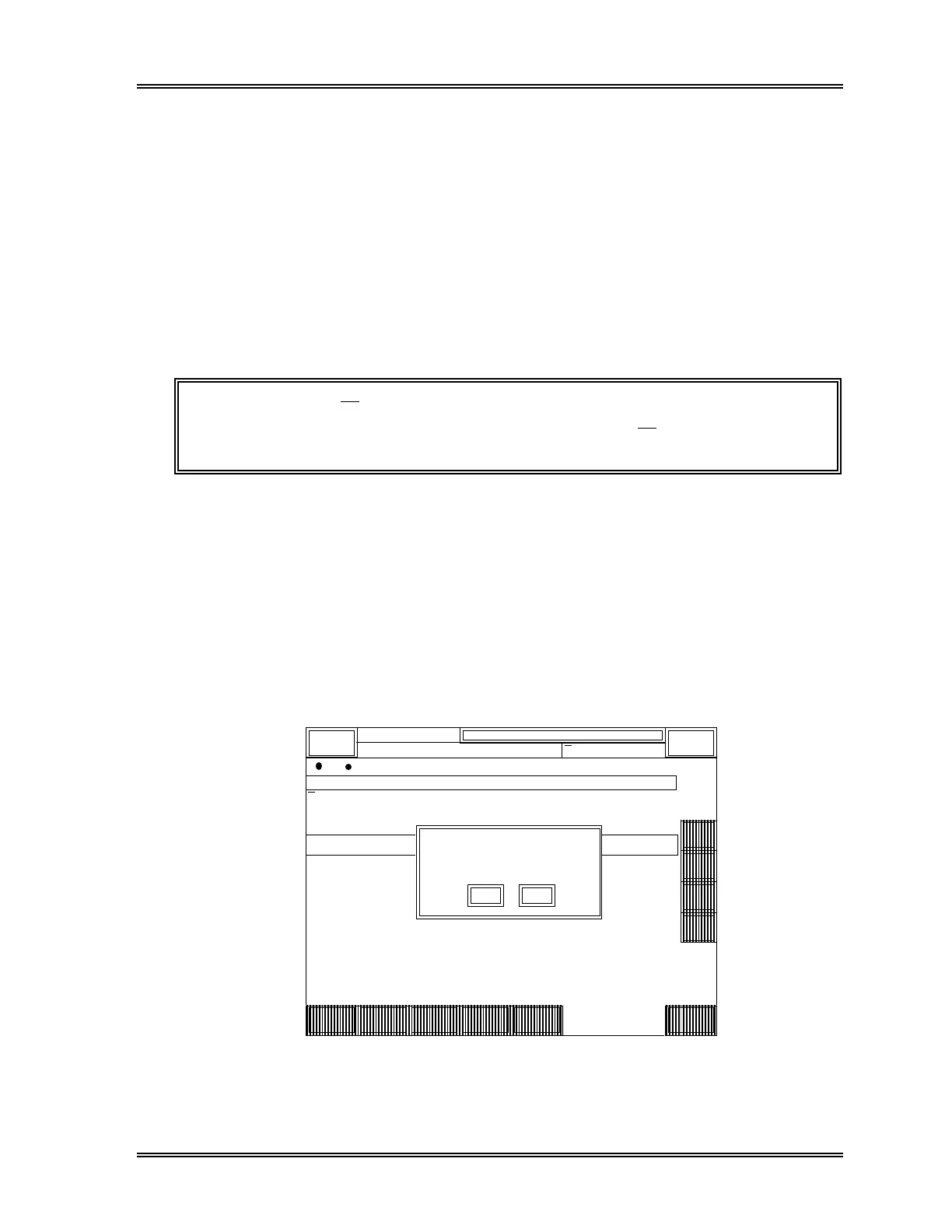
(4) Press [Read FD] keypad. The password entry screen will appear.
(5) Input the password and press [ENTER]. The Read FD ready message will appear.
To cancel the process and exit the program, press [Cancel].
Q C
FILE INFO. RBC HGB HCT
DP:1234567890123
Sysmex
XM HC GP DP SU
Ready Manual Mode Next No.1234567890123
Sampler
XM
No. 1
No. 2
No. 3
No. 4
No. 5
No. 6
No. 7
30070107
1996/05/10
< Target / Limit List >
MCV MCH MCHC
TARGET
LIMIT#
TARGET
LIMIT#
TARGET
LIMIT#
TARGET
LIMIT#
TARGET
LIMIT#
TARGET
LIMIT#
TARGET
LIMIT#
TARGET
LIMIT#
465
14
465
14
13.9
0.5
13.9
0.5
39.2
1.6
84.3
3.4
29.9
1.5
35.5
1.8
39.2
1.6
84.3
3.4
29.9
1.5
35.5
1.8
↑
↓
→
←
ReturnHelp Setting
Read
FD
Lot
Into.
GP
List
Read from FD
Insert FD
Cancel
O K
Figure 6-11: Read FD Ready Message Window



 To Next Page