SYSTEM SETUP
11-6 Sysmex SF-3000 Operator's Manual -- Revised September 1995
2.1 Auto Output Condition
Use this program to specify auto output conditions for DP, GP/LP and HC.
To specify auto output conditions:
(1) Press [Output Cond.] key in the Auto Management submenu.
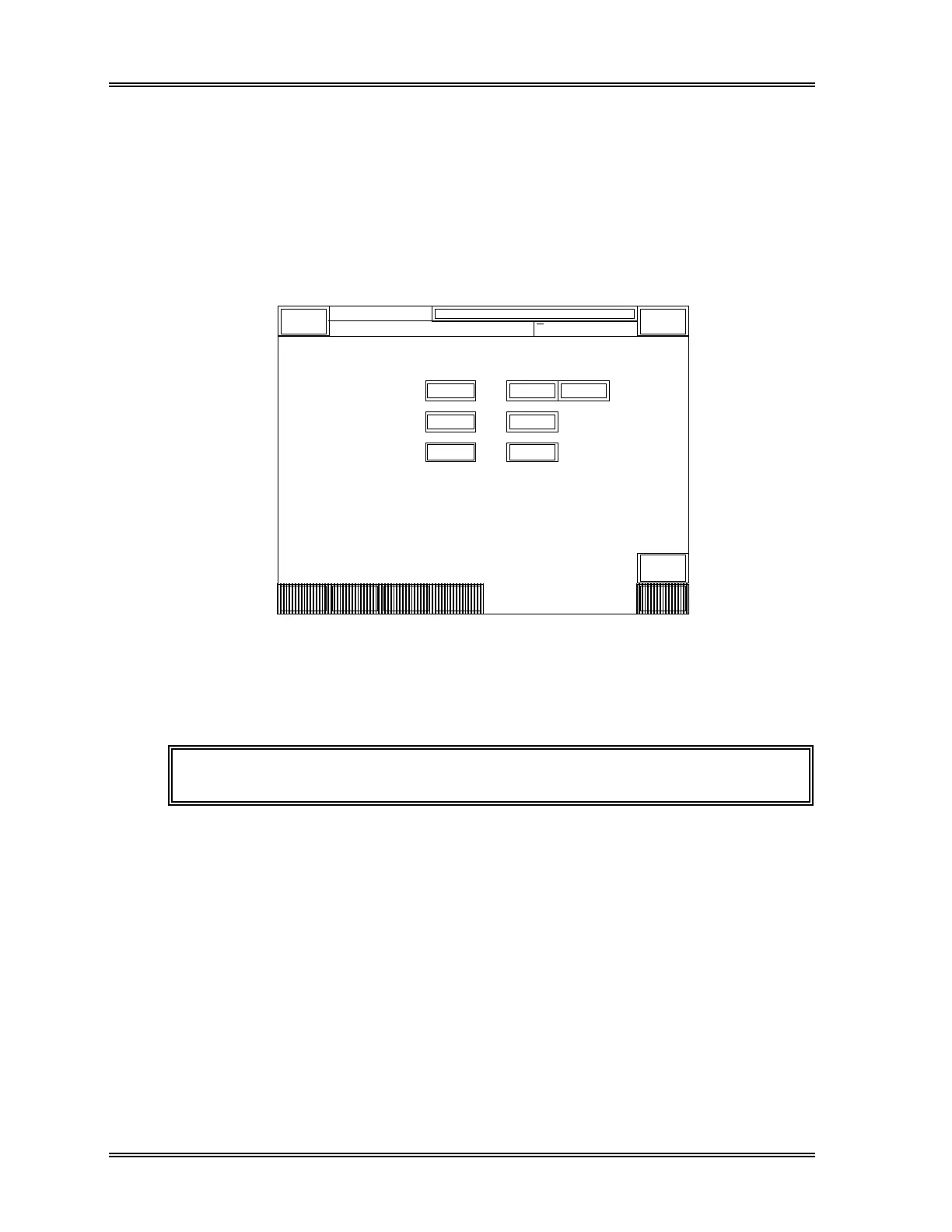
The current output conditions will appear on the Auto Output Conditions setting
screen. The keypads of the currently selected item are backlit in light-blue.
< AUTO OUTPUT CONDITION >
Quit
DP:1234567890123
Sysmex
XM HC GP DP SU
Ready
Manual Mode Next No.1234567890123
Sampler
D P
G P
H C
F I F O L A S T
F I F O
F I F O
S T O P
S T O P
S T O P
Output
Cond.
Output
Mode
Auto
Erase
Auto
Valid.
Return
Figure 11-5: Auto Output Condition Setting Window
(2) Press the appropriate key to select the condition. The condition selected will be
backlit in light-blue.
NOTE: The factory setting is "FIFO" for all devices.
The available conditions are listed in Table 11-1.



 To Next Page