SYSTEM SETUP
Sysmex SF-3000 Operator's Manual -- Revised March 1996 11-13
3. DATA CRITERIA
Use this program to set the following criteria.
• Mark Limits, which will monitor and add a flag when a parameter is outside the
acceptable data range.
• Critical Limits, which will monitor and add an explanation mark when a parameter is
life threatening value or unreliable.
• Stop Limits, which will monitor and stops auto mode analysis when a parameter is
outside the acceptable data range.
• Stop Conditions, which will monitor and stops auto mode analysis when a specified
error occurs.
To execute data criteria programs:
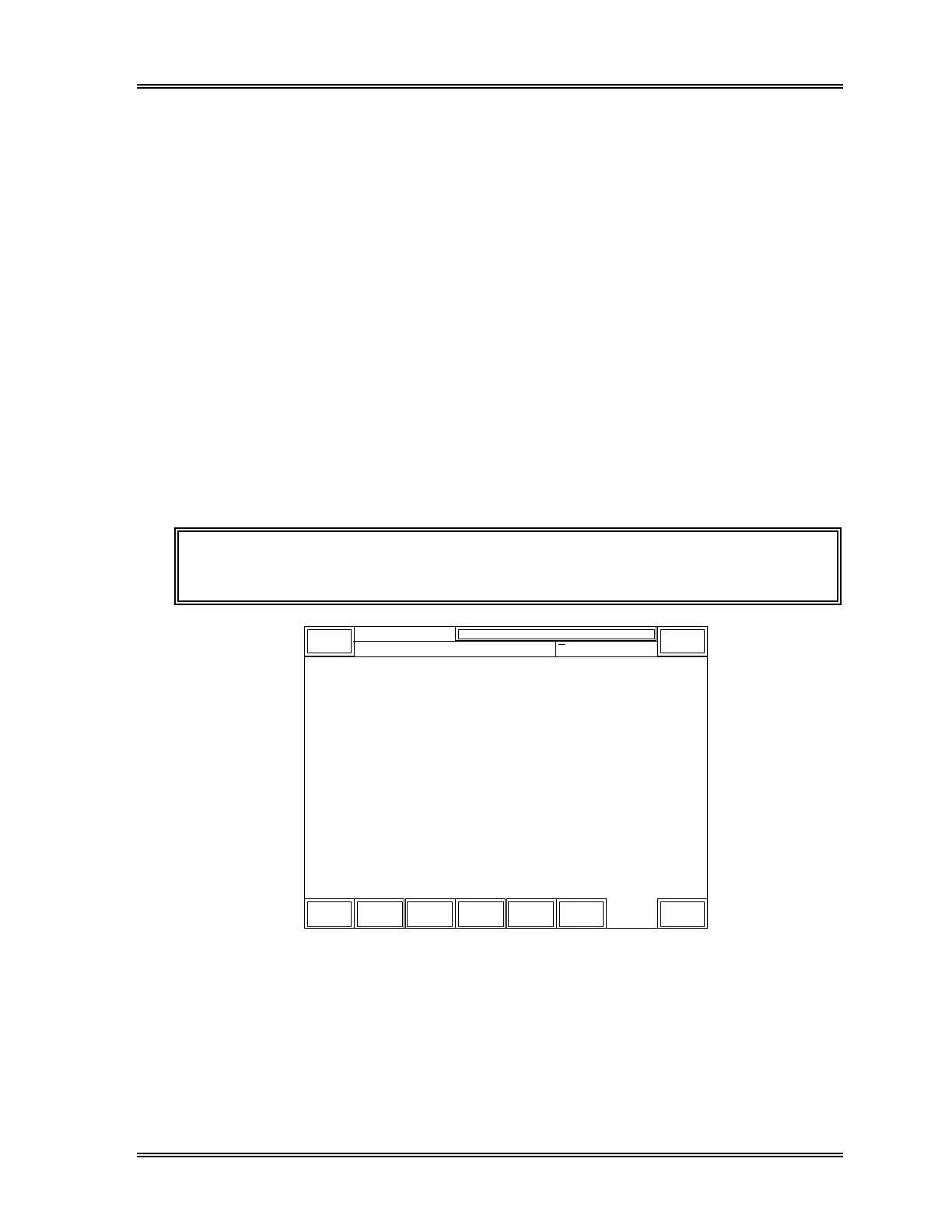
(1) Press the [Settings] key in the root menu. The Settings second menu will be
displayed.
NOTE: If the [Settings] keypad is not displayed on the LCD, press the [More]
key to change the displayed root menu.
DP:1234567890123
Auto
Mgmt.
Data
Criteria
Config.
Print
Set Value
General
Set Up
Flag
System
Return
Sysmex
XM HC GP DP SU
Ready Manual Mode Next No.1234567890123
Sampler
• Setting •
Figure 11-9: Settings Second Menu Screen



 To Next Page