RESULT INTERPRETATION/REPORTS, Select Display
Sysmex SF-3000 Operator's Manual -- Revised September 1995 4-29
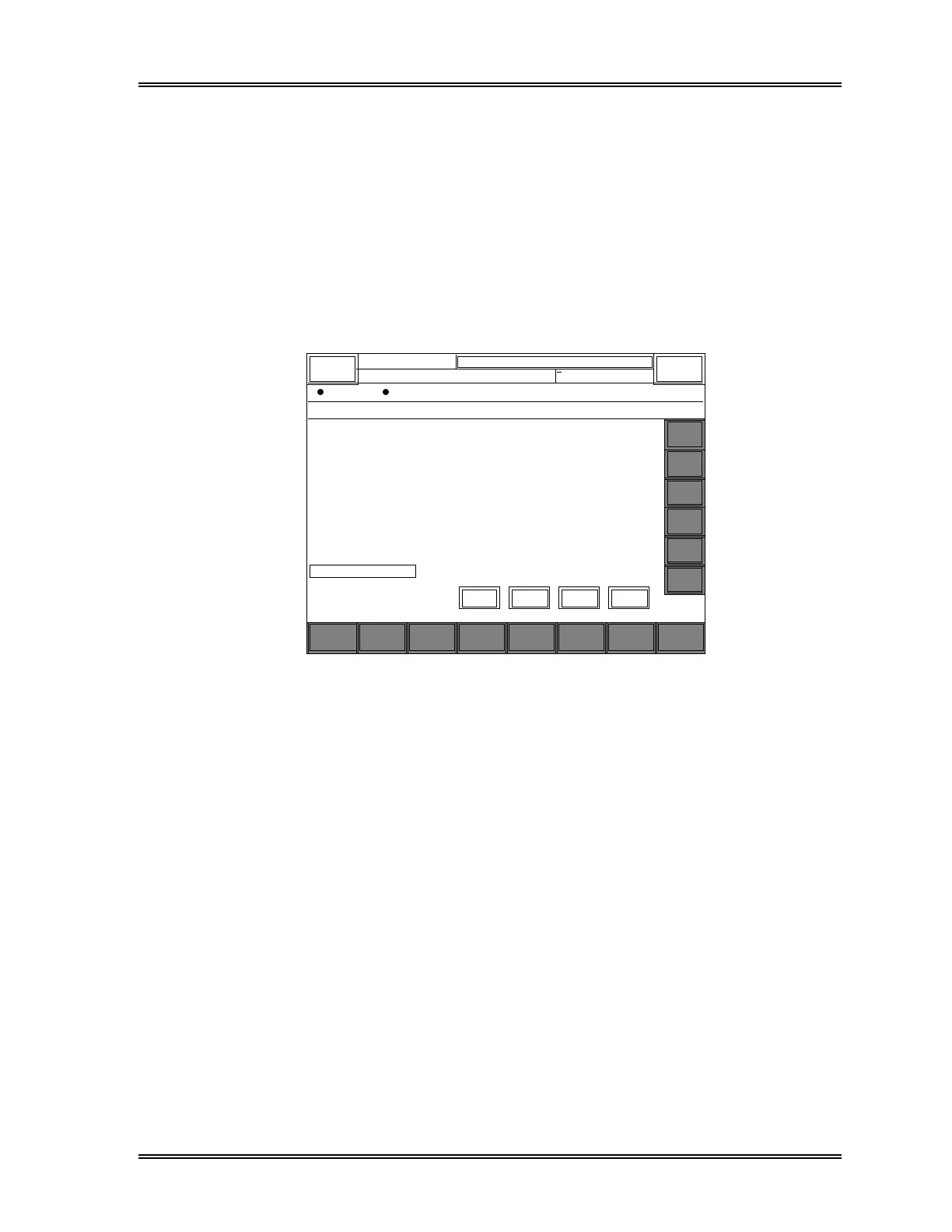
7.2 Select By Date
This is for specifying data of a particular date that are to appear in the List Display.
To specify the date:
(1) Press the [By Date] keypad in the Select Display Submenu window. The Date
window will appear, containing a list of total No. of samples that are currently
stored under each date (see Figure 4-15).
(2) Use the [↑] or [↓] keys to specify a date.
28
Cancel
O K
Search
Select
Display
OutputSortGraphic
Stored Data
Valid.
More Return
DATE
↔
♥
♦
Next
♠
Prev
1995/12/19
1995/12/15
1995/12/16
1995/12/17
1995/12/18
1993/12/20
1995/12/21
1995/12/22
1995/12/23
1995/12/24
1995/12/25
1995/12/26
1995/12/27
1995/12/28
1995/12/29
1995/12/30
1995/12/31
DP:1234567890123
Sysmex
Ready
Sampler
< Select By Date >
Quantity
28
10
58
56
52
20
56
89
11
79
45
28
28
28
28
28
DATE Quantity DATE Quantity
1996/1/10
1996/1/12
28
10
1996/1/13
1996/1/14
33
28
XM HC GP DP SU
Manual Mode Next No.1234567890123
Search
Select
Display
OutputSortGraphic
Valid.
More Return
Next
Prev
↓
↑
←
→
↓↑
Figure 4-15: Select by Date Window



 To Next Page