SYSTEM SETUP, Flag System
11-26 Sysmex SF-3000 Operator's Manual -- Revised September 1995
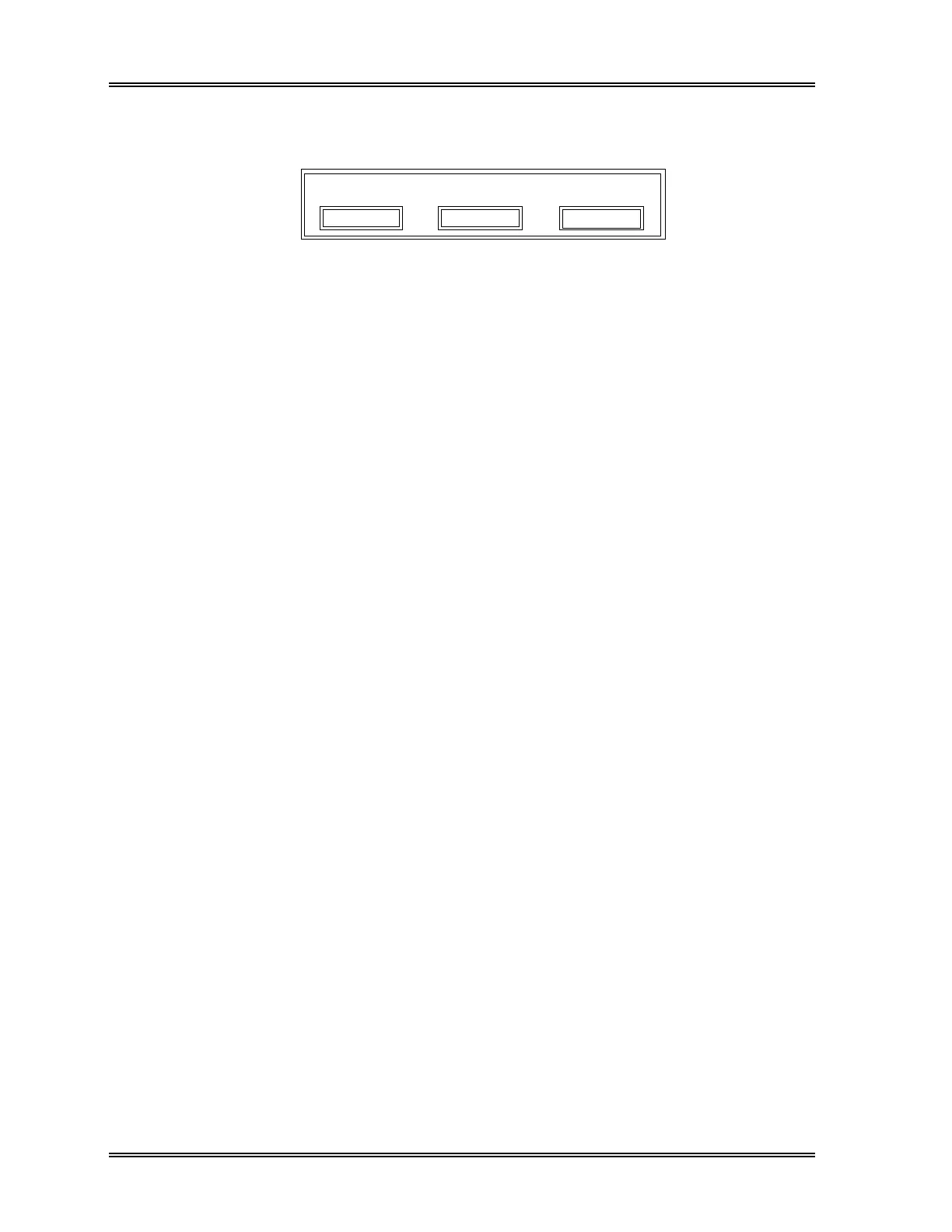
(5) When [QUIT] key is pressed to exit the setting program, the confirmation message
window will appear. Press the appropriate key [Continue], [Set] or [Cancel].
Settings will be finished.
Set
Cancel
Continue
Figure 11-20: End of Setting Window
Continue : To return to the previous screen so that setting can be continued.
Set : To save the new settings. Program ends.
Cancel : To cancel the new settings. Program ends.



 To Next Page