SYSTEM SETUP, General Setup
11-42 Sysmex SF-3000 Operator's Manual -- Revised September 1995
Input Password
Password
***
7 8
4
9
65
1 2 3
0 – ENTER
C
CANCEL
.
Date/
Time
Units Password
Timer
Mode
Return
DP:1234567890123
Sysmex
XM HC GP DP SU
Ready
Manual Mode Next No.1234567890123
Sampler
• Settings •
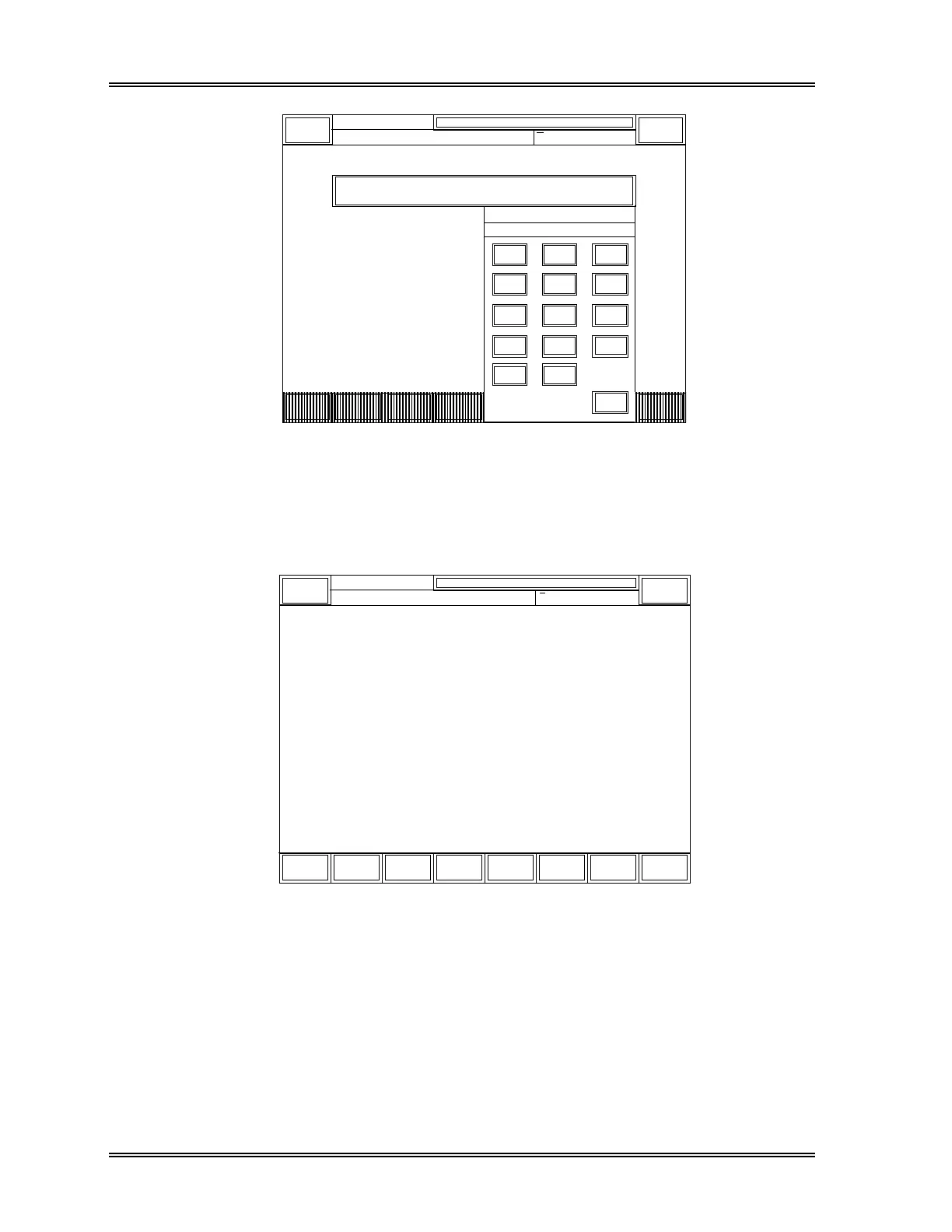
Figure 11-34: Password Input Window
(3) Input the registered password and press the [ENTER] key.
(4) The General Set Up submenu appears as shown in Figure 11-35.
Date/
Time
Units
Normal
Range
Date
Format
Timer
Mode
Password More Return
DP:1234567890123
Sysmex
XM HC GP DP SU
Ready
Manual Mode Next No.1234567890123
Sampler
• Settings •
Figure 11-35: General Set Up Submenu Screen
(5) Press a desired keypad to execute a program. Proceed each program by referring
to the following sections.



 To Next Page