Free ebooks ==> www.ebook777.com
121
THE EXPANDED GUIDE
MENUS
»
CUSTOM SETTING MENU
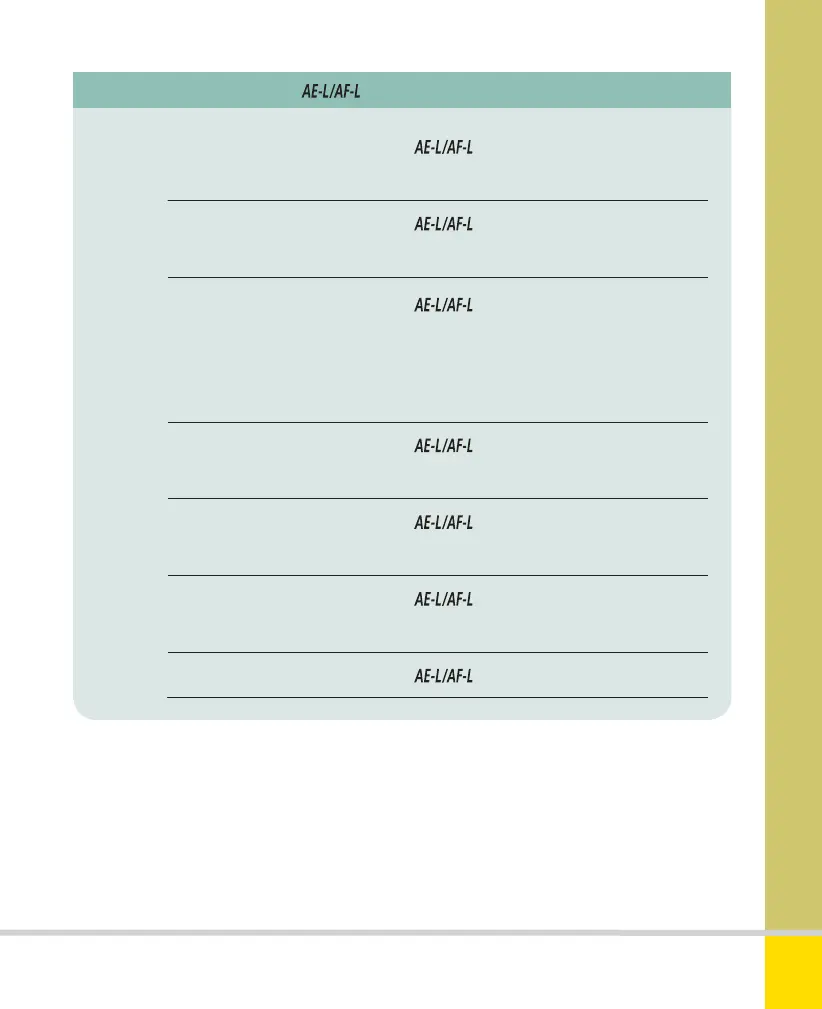
Custom Setting f2 Assign button: Press
Options AE/AF lock (default) Pressing locks both focus and
exposure until next shot is taken.
AE lock only Pressing
locks exposure until next shot
is taken.
AE lock (Hold) Pressing locks exposure for all
subsequent shots, until you press the button
again or the standby timer interval (see page 117)
runs out.
AF lock only Pressing
locks focus until next shot
is taken.
AF-ON Pressing
activates focus: focus can’t be
activated with half-press on shutter release.
FV lock Pressing
locks flash value (built-in and
compatible flashguns only).
None Pressing
has no effect.
Nikon D5300 Ch3 106-137 P2 RY.indd 121Nikon D5300 Ch3 106-137 P2 RY.indd 121 19/02/2014 16:4119/02/2014 16:41
www.ebook777.com



 To Next Page
 Loading...













