Free ebooks ==> www.ebook777.com
› Focus options
View. By default Manual movie settings
is Off. When it is, you can dial in changes
to the settings but they have no effect.
Whether this is On or Off, if you’re
shooting in M mode, you can’t change the
aperture without exiting Live View.
The focus modes and AF-area options for
movie shooting are the same as for Live
View (page 89). If Full-time servo AF (AF-F)
is selected, the D5300 will automatically
maintain focus while movie recording is in
progress, though it may lag behind rapid
camera/subject movements. If Single-
servo AF (AF-S) is selected the camera will
only refocus when you half-press the
shutter-release button, and this is often all
too obvious in the final movie clip.
Manual focusing is also possible, but
can be yet another recipe for wobbly
pictures. Again, this means the use of a
tripod is recommended, especially with
longer lenses, when focusing is more
critical and wobbles are magnified. Some
lenses have a smoother manual focus
action than others. The physical design
of older lenses often makes them more
suitable, with large and well-placed
focus rings.
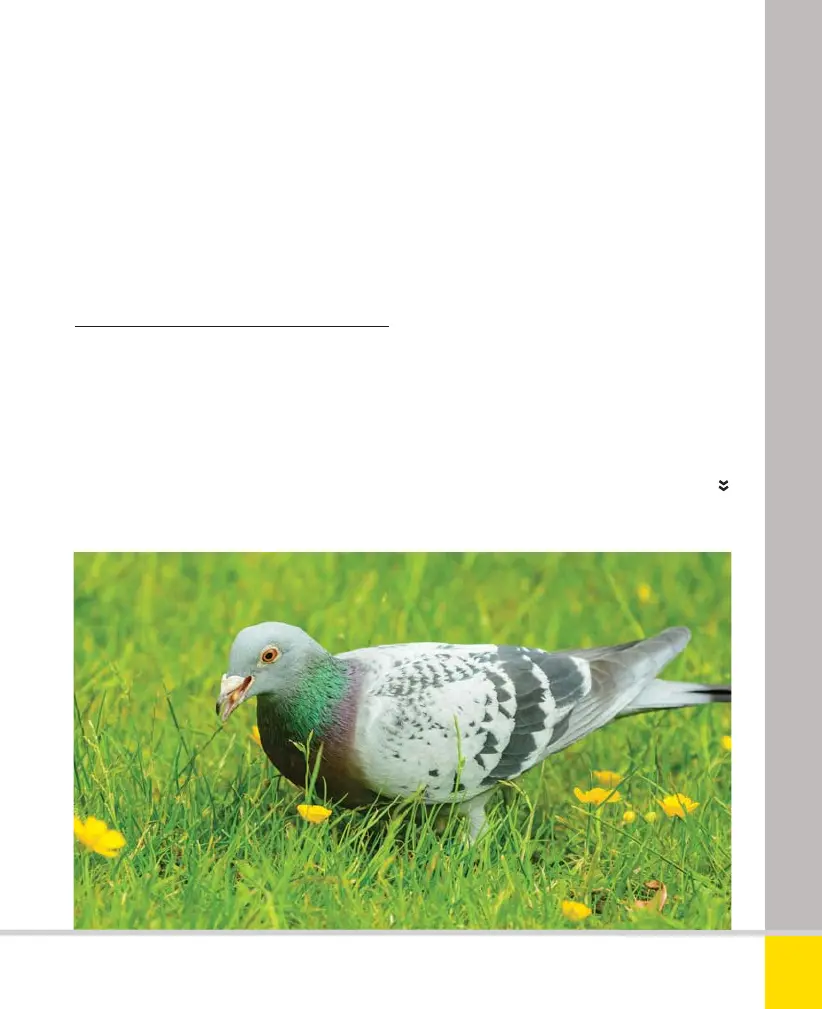
DEPTH OF FIELD
It’s much easier to get shallow depth of field
with the D5300 than with most video cameras.
171
THE EXPANDED GUIDE
MOVIES
»
MAKING MOVIES
Nikon D5300 Ch6 168-183 P2 RY.indd 171Nikon D5300 Ch6 168-183 P2 RY.indd 171 19/02/2014 16:5919/02/2014 16:59
www.ebook777.com



 To Next Page
 Loading...













