Free ebooks ==> www.ebook777.com
37
THE EXPANDED GUIDE
FUNCTIONS
»
AUTO MODES
Taking the picture
Basic picture taking is essentially the same
in all Full Auto and Scene modes.
1) Select the desired mode.
2) Frame the picture.
3) Half-depress the release button to
activate focusing and exposure. The focus
point(s) will be displayed in the Viewfinder
image, and shutter speed and aperture
settings will appear at the bottom of the
Viewfinder.
4) Fully depress the shutter release to take
the picture.
If the camera detects that light levels are
too low or too high for an acceptable
exposure, warnings will be displayed. The
Viewfinder display blinks, and in the
Information Display you’ll see a flashing
question mark and a warning message. The
camera will still take pictures, but results
may be unsatisfactory; for instance, if it’s
too dark, shots may be underexposed or
subject to camera shake. However, the
warning can still appear even when the
camera is on a tripod.
›
Exposure warnings
AUTO (FLASH OFF) MODE
AUTO (FLASH OFF) MODE
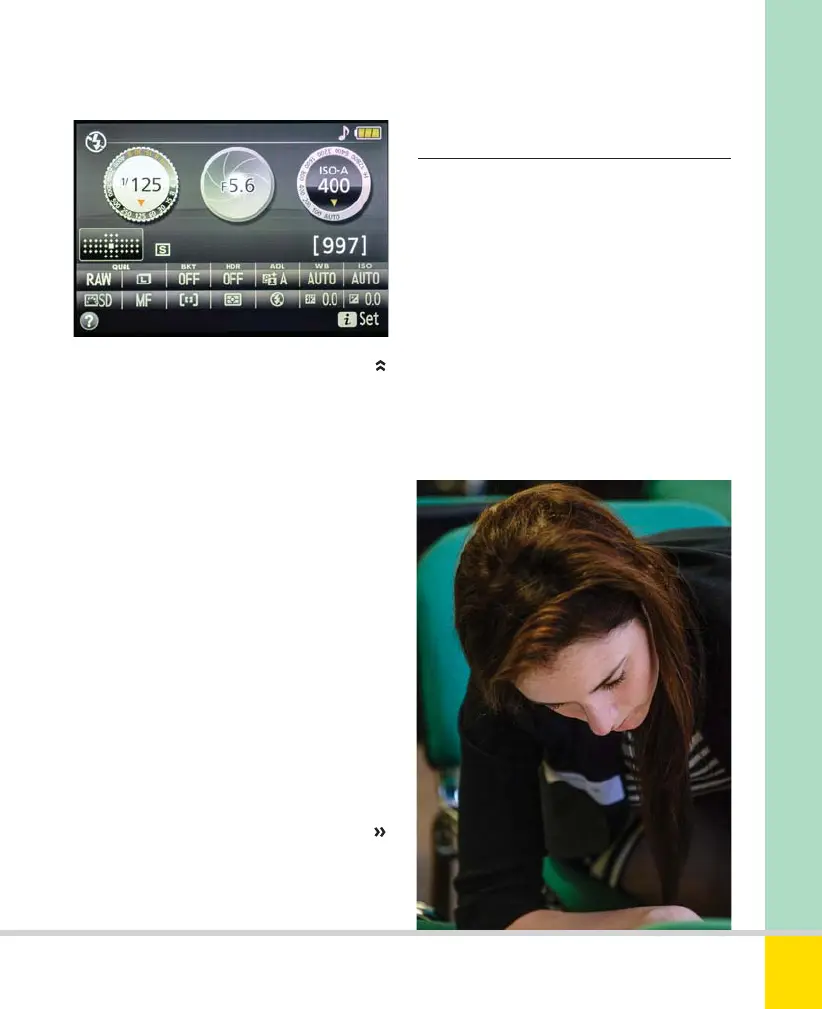
Auto (flash off) mode is useful for when flash
might be disruptive or annoying, or where it
would destroy a mood. 120mm, 1/125 sec.,
f/4, ISO 3200.
Nikon D5300 Ch2 022-105 P2 RY.indd 37Nikon D5300 Ch2 022-105 P2 RY.indd 37 19/02/2014 15:3719/02/2014 15:37
www.ebook777.com



 To Next Page
 Loading...













