Free ebooks ==> www.ebook777.com
97
THE EXPANDED GUIDE
FUNCTIONS
»
PLAYBACK
›
Highlights display
The D5300 can also display a flashing
warning for areas of the image with
“clipped” highlights, i.e. completely
white areas with no detail recorded.
This is another useful and objective
exposure check.
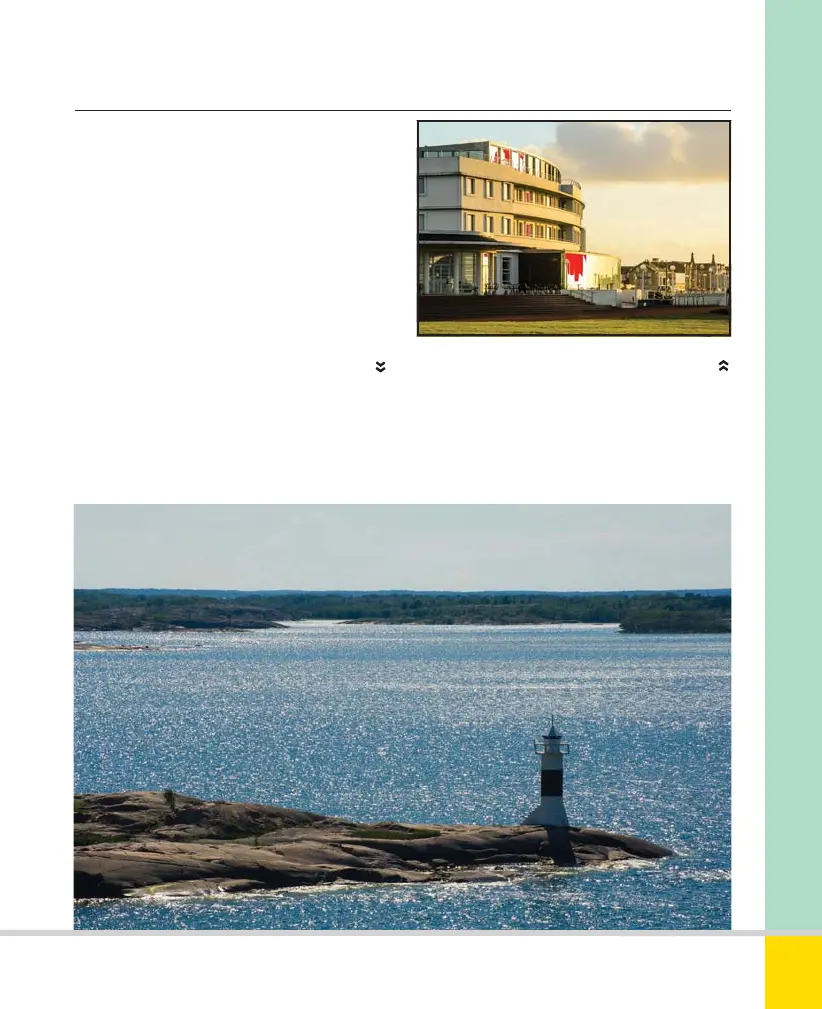
SHINING EXAMPLE
I wanted the image to sparkle, but knew that if I
overexposed even slightly the highlights could
merge into larger blank areas, so I checked the
highlight display after I took the first shot.
102mm, 1/320 sec., f/14, ISO 200.
HIGHLIGHTS DISPLAY
This image is taken from Adobe Lightroom,
where the highlights are shown in red—in the
display on the camera back these areas would
flash black, but this would not show up on a
printed page.
Nikon D5300 Ch2 022-105 P2 RY.indd 97Nikon D5300 Ch2 022-105 P2 RY.indd 97 19/02/2014 15:4419/02/2014 15:44
www.ebook777.com



 To Next Page
 Loading...













