Free ebooks ==> www.ebook777.com
58
NIKON D5300
2
›
(A) Aperture-priority auto
In Aperture-priority (A) mode, you control
the aperture while the camera sets an
appropriate shutter speed to give correctly
exposed results in most situations. Control
of aperture is particularly useful for
regulating depth of field (see page 60).
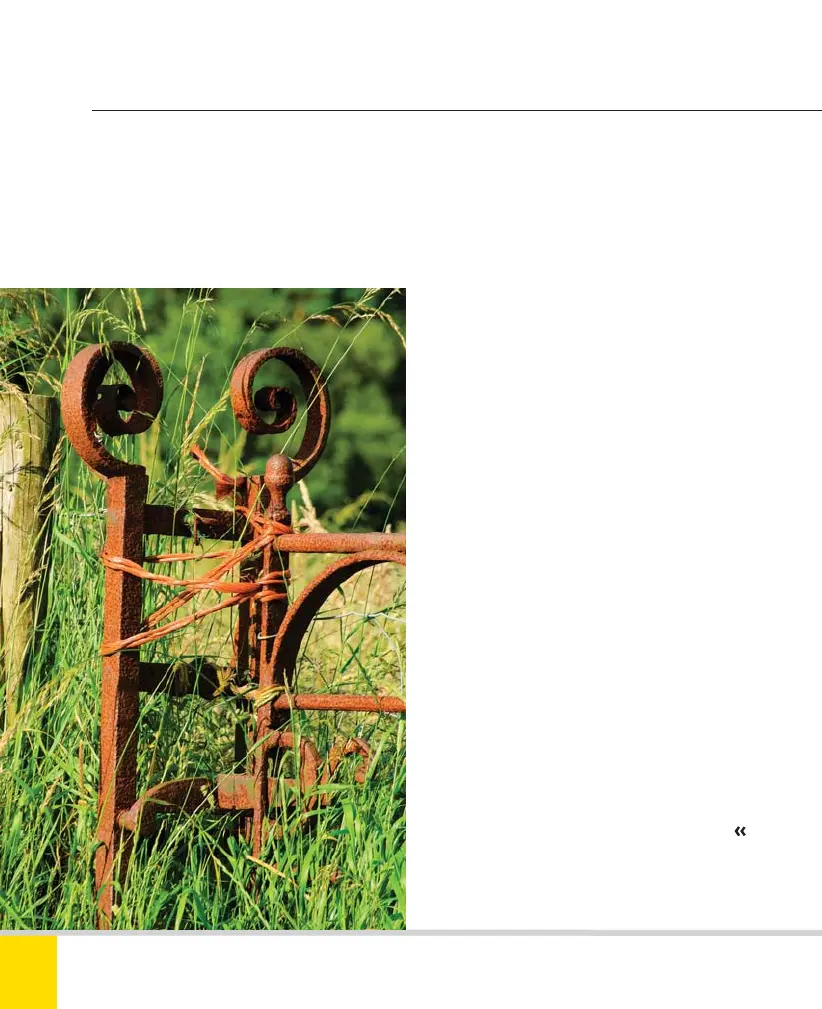
APERTURE CONTROL
The combination of lens, shooting distance, and
aperture mean the background is suitably soft
and doesn’t clutter or confuse the image.
200mm, 1/200 sec., f/10, ISO 250.
The range of apertures available is limited
by the lens that’s fitted, not by the camera.
Fine-tuning of exposure is possible
through exposure lock (page 67), exposure
compensation (page 66), and possibly auto
bracketing (page 68).
1) Rotate the Mode Dial to position A.
2) Frame the picture.
3) Half-depress the release button to
activate focusing and exposure. The focus
point(s) will be displayed in the Viewfinder,
and shutter speed and aperture settings
will appear below the Viewfinder image.
4) Rotate the Command Dial to alter the
aperture; the shutter speed will adjust
automatically. The Information Display (in
Graphic mode) also shows a graphic
representation of the aperture.
5) Fully depress the shutter release to take
the picture.
Nikon D5300 Ch2 022-105 P2 RY.indd 58Nikon D5300 Ch2 022-105 P2 RY.indd 58 19/02/2014 15:4019/02/2014 15:40



 To Next Page
 Loading...













