Free ebooks ==> www.ebook777.com
135
THE EXPANDED GUIDE
MENUS
»
RECENT SETTINGS AND MY MENU
MY MENU
Tip
A quicker way to delete a single
item is to highlight it and press .
To confi rm deletion press again.
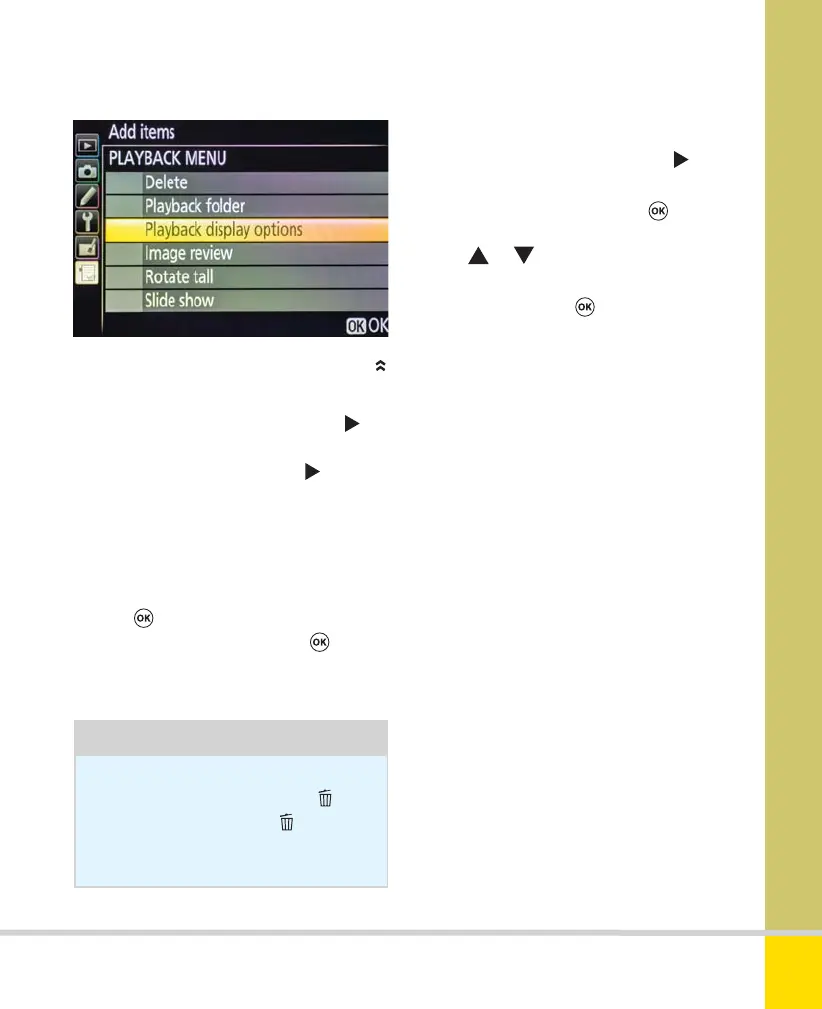
To rearrange items in My Menu
1) Highlight Rank items and press .
2) Highlight any item and press
.
3) Use
or to move the item up or
down—a yellow line shows where its new
position will be. Press
to confirm the
new position.
4) Repeat steps 2 and 3 to move further
items. When finished, press MENU to exit.
To remove items from My Menu
1) Highlight Remove items and press .
2) Highlight any item and press
to select
it for deletion. A check mark appears
beside the item.
3) Select additional items in the same way.
4) Press
. A confirmation dialog appears.
To confirm the deletion(s) press
again.
To exit without deleting anything, press
MENU.
Nikon D5300 Ch3 106-137 P2 RY.indd 135Nikon D5300 Ch3 106-137 P2 RY.indd 135 19/02/2014 16:4219/02/2014 16:42
www.ebook777.com



 To Next Page
 Loading...













