Free ebooks ==> www.ebook777.com
212
NIKON D5300
8
»
OPTIONAL ACCESSORIES
A selection from Nikon’s extensive range is
listed here.
AC Adapter EH-5b
Can be used to power the camera directly
from the AC mains, allowing uninterrupted
shooting in, for example, long studio
sessions. (A Power Connector EP-5A is
also required.)
ME-1 stereo microphone
Greatly improves sound quality in movie
shooting (see page 174).
Diopter Adjustment
The D5300’s Viewfinder has built-in dioptric
adjustment (see page 24). If your eyesight
is beyond its range, Nikon produces a
series of Viewfinder lenses between –5 and
+3 m
–1
, with the designation DK-20C.
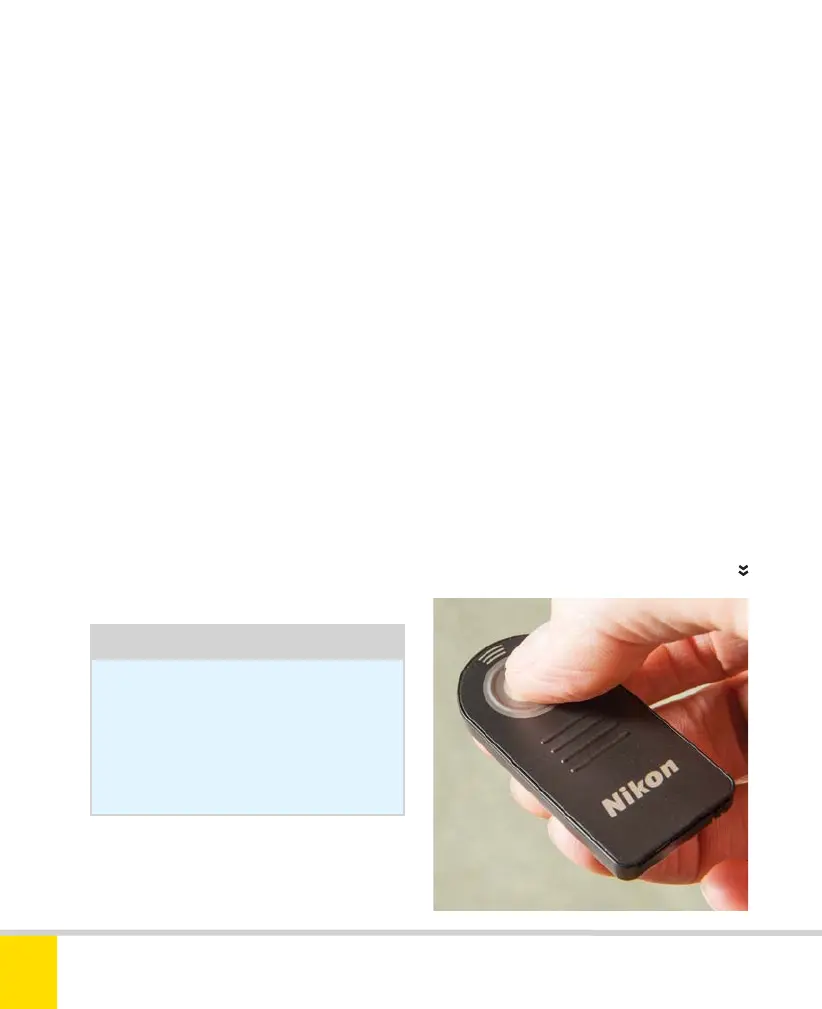
WIRELESS REMOTE CONTROL ML-L3
Tip
It’s usually easier to wear contact
lenses or glasses. My prescription
is around –5 m
–1
and I’ve never had
any problem using the D5300 while
wearing contacts.
Wireless remote control ML-L3
This inexpensive little infrared unit allows
the camera to be triggered from a
distance of up to 16ft (5m). There are
receivers on both the front and rear of
the camera, allowing operation from a
wide range of positions.
Nikon’s WR-R10 wireless transceiver and
WR-T10 wireless transmitter offer a much
wider range of functions, at a much higher
price. Third-party units like Hahnel’s Giga T
Pro II can give you much of this power at
a lower cost. However, none of these let
you see what the camera is seeing, which
Wi-Fi and a smartphone can give you (see
page 224).
Nikon D5300 Ch8 208-219 P2 RY.indd 212Nikon D5300 Ch8 208-219 P2 RY.indd 212 20/02/2014 14:2420/02/2014 14:24



 To Next Page
 Loading...













