Free ebooks ==> www.ebook777.com
› Still frame capture
Image area Image size setting Size in pixels
DX movie Large (or RAW) 6000 x 3368
Medium 4496 x 2528
Small 2992 x 1680
1.3x crop Large (or RAW) 4800 x 2696
Medium 3600 x 2024
Small 2400 x 1344
To capture a still frame during movie
shooting, simply press the shutter-release
button. This will end movie-recording, take
the shot and return you to Live View. The
resulting image will use the 16:9 aspect
ratio; quality and size are determined by
your still-image settings (see pages 79–80).
For image sizes see the table below.
You can also extract a still frame from a
movie clip you’ve already shot, but don’t
expect too much. The image size will be
the same as your selected movie frame
size (1920 x 1080, 1280 x 720 or 640 x 424
pixels) and motion which appears smooth
when playing the movie may well look
blurred in the single frame.
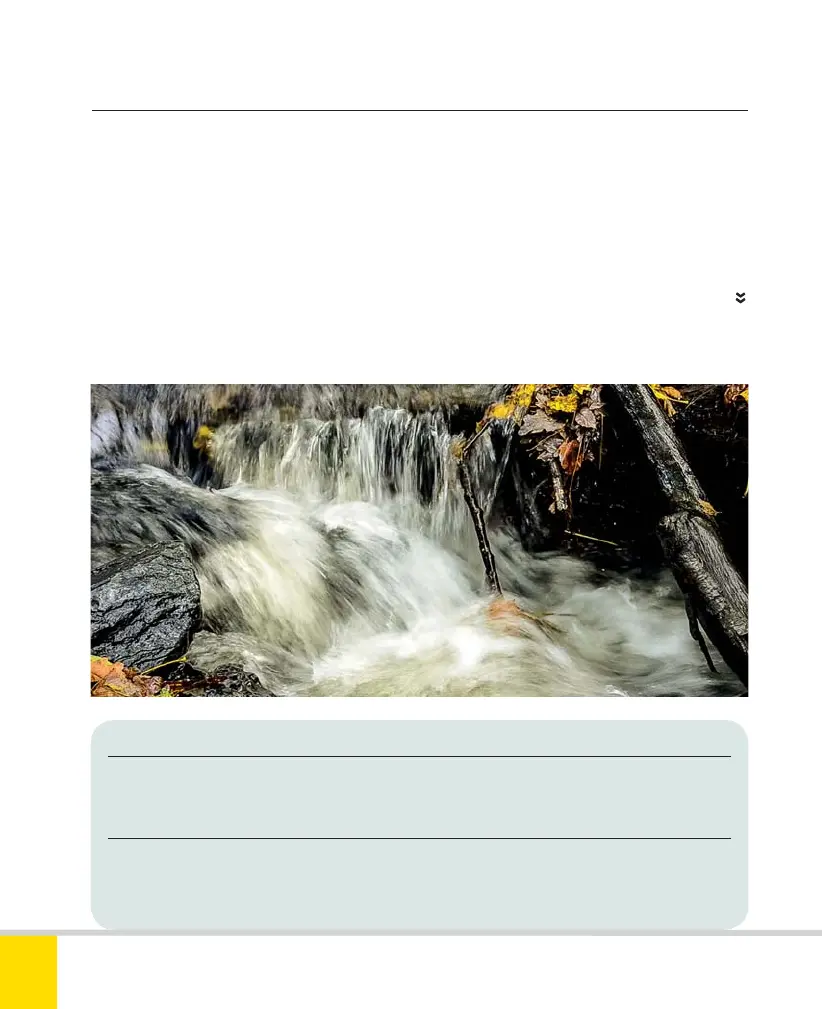
STILL WATER
You can capture a still frame while shooting a
movie, but the settings may not be what you’d
choose when shooting a standalone photo.
180
NIKON D5300
6
Nikon D5300 Ch6 168-183 P2 RY.indd 180Nikon D5300 Ch6 168-183 P2 RY.indd 180 19/02/2014 17:0019/02/2014 17:00



 To Next Page
 Loading...













