Free ebooks ==> www.ebook777.com
› Backing up
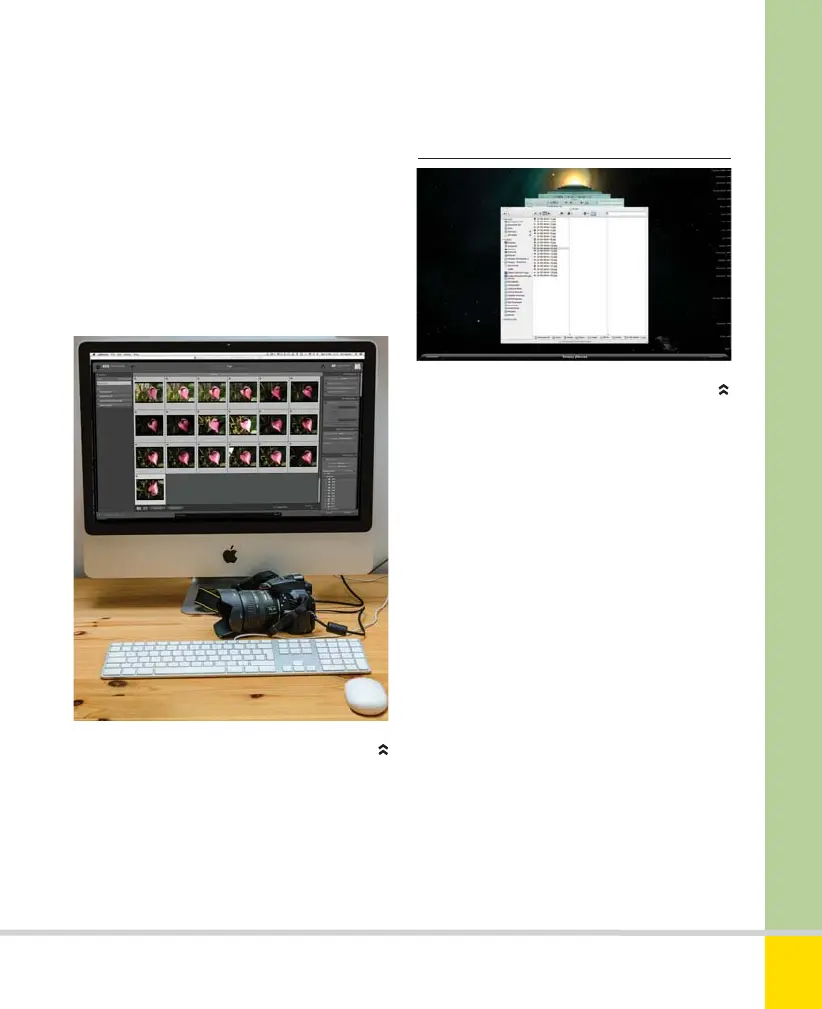
A D5300 CONNECTED TO A COMPUTER
APPLE’S TIME MACHINE
Time Machine makes backing up easy.
software, as it can also be downloaded
from the Nikon website. Nikon View NX2
requires one of the following operating
systems: Mac OS X (Version 10.6.8, 10.7.5
or 10.8.5); Windows 8 (Pro/Enterprise);
Windows 7 (Service Pack 1); Windows
Vista (Service Pack 2); Windows XP
(Service Pack 3).
Until they are backed up, your precious
images exist solely as data on the camera’s
memory card. Memory cards are robust but
not indestructible, and in any case you will
surely wish to format and reuse them.
However, when images are transferred to the
computer and the card is formatted, those
images once more exist in one single
location—the computer’s hard drive. If
anything happens to that hard drive, whether
fire, theft, or hardware failure, you could lose
thousands of irreplaceable images. The
simplest form of backup is to a second hard
drive—the “gold standard” requires multiple
drives, one of which is always kept off site.
Online backup is also an option, but unless
you shoot very sparingly you’ll find free
services offer nowhere near enough space. If
you shoot a lot, paid services can easily cost
more than a couple of spare hard drives.
221
THE EXPANDED GUIDE
CONNECTION
»
CONNECTING TO A COMPUTER
Nikon D5300 Ch9 220-237 P2 RY.indd 221Nikon D5300 Ch9 220-237 P2 RY.indd 221 20/02/2014 14:2720/02/2014 14:27
www.ebook777.com



 To Next Page
 Loading...













