Free ebooks ==> www.ebook777.com
86
NIKON D5300
2
›
Setting the ISO
The usual way to set the ISO is through the
Active Information Display:
1) Select the ISO item and press
to
reveal a list of options.
2) Use the Multi-selector to highlight the
required setting, then press
to accept it.
Alternatively, use the ISO sensitivity
settings item in the Shooting menu.
A third option is available. You can assign
the Fn button to ISO sensitivity in
Custom setting f1 (see page 119); in fact,
this is the default setting. At this setting,
pressing Fn highlights ISO in the
Information Display; keep it pressed and
you can change the setting simply by
rotating the Command Dial. If you change
ISO settings regularly (and arguably you
should!), this is the fastest way to do so and
probably the best use of the Fn button.
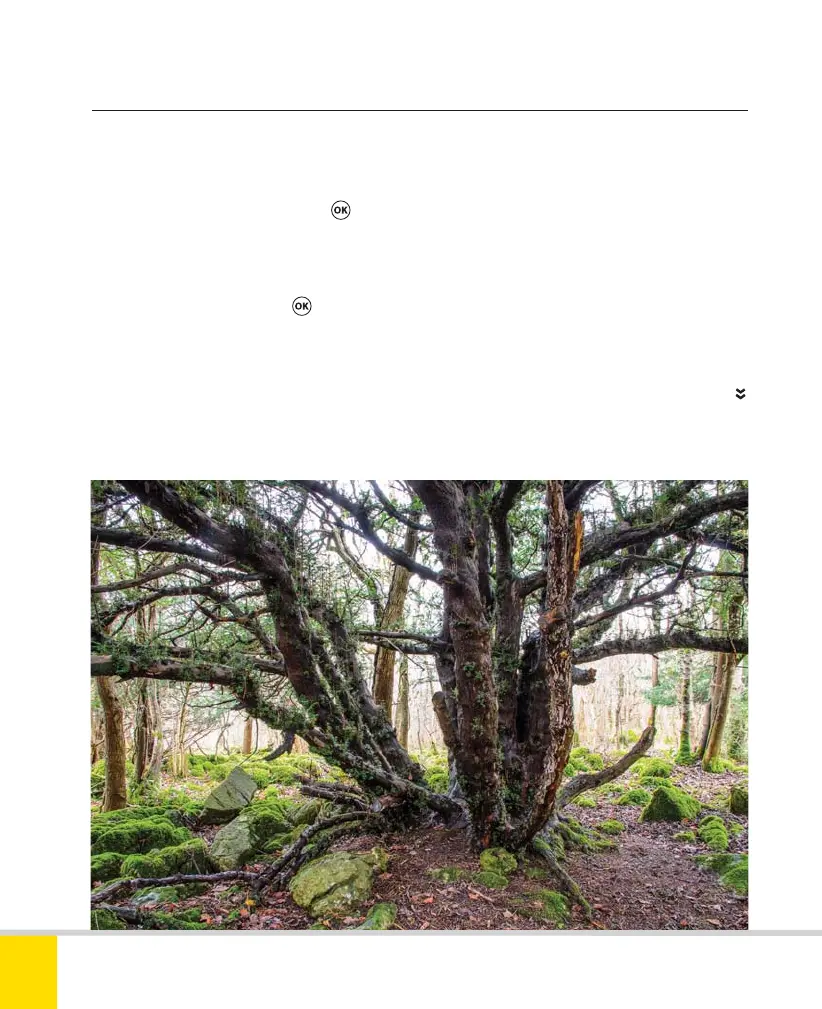
LOW ISO
As I was using a tripod anyway, I set the ISO to
its lowest value to maximize dynamic range.
18mm, 30 sec., f/11, ISO 100.
Nikon D5300 Ch2 022-105 P2 RY.indd 86Nikon D5300 Ch2 022-105 P2 RY.indd 86 19/02/2014 15:4319/02/2014 15:43



 To Next Page
 Loading...













