SOFTWARE DOWNLOAD
B079/B082 5-86 SM
5.1.11 SYSTEM SETTINGS AND COPY SETTING RESET
System Setting Reset
The system settings in the UP mode can be reset to their defaults. Use the
following procedure.
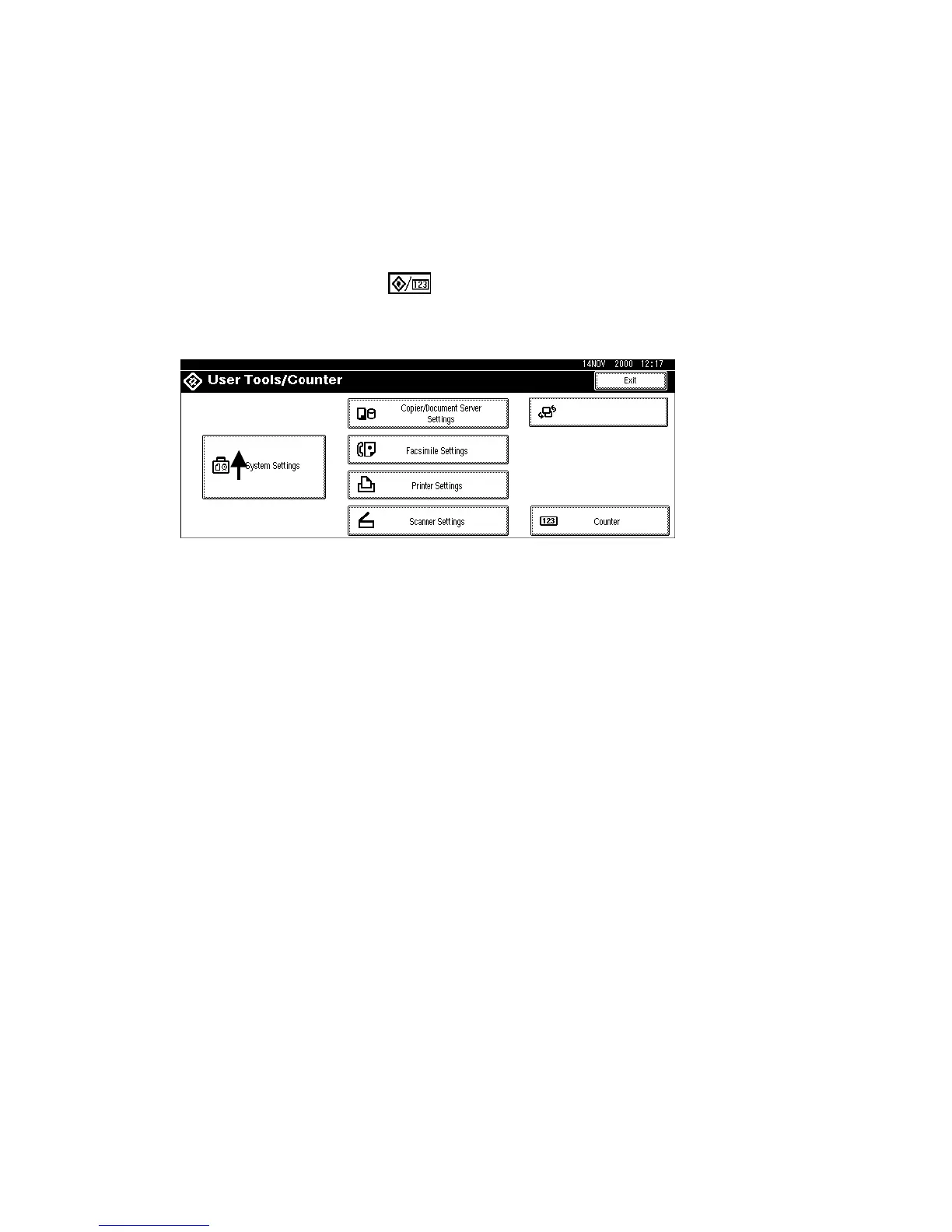
1. Press User Tools/Counter .
2. Hold down and then press System Settings.
NOTE: You must press first.
3. When the message prompts you to confirm that you want to reset the system
settings, press Yes.
4. When the message tells you that the settings have been reset, press Exit.
B004S503.WMF












 To Next Page