USER PROGRAM MODE
SM 5-95 B079/B082
Service
Tables
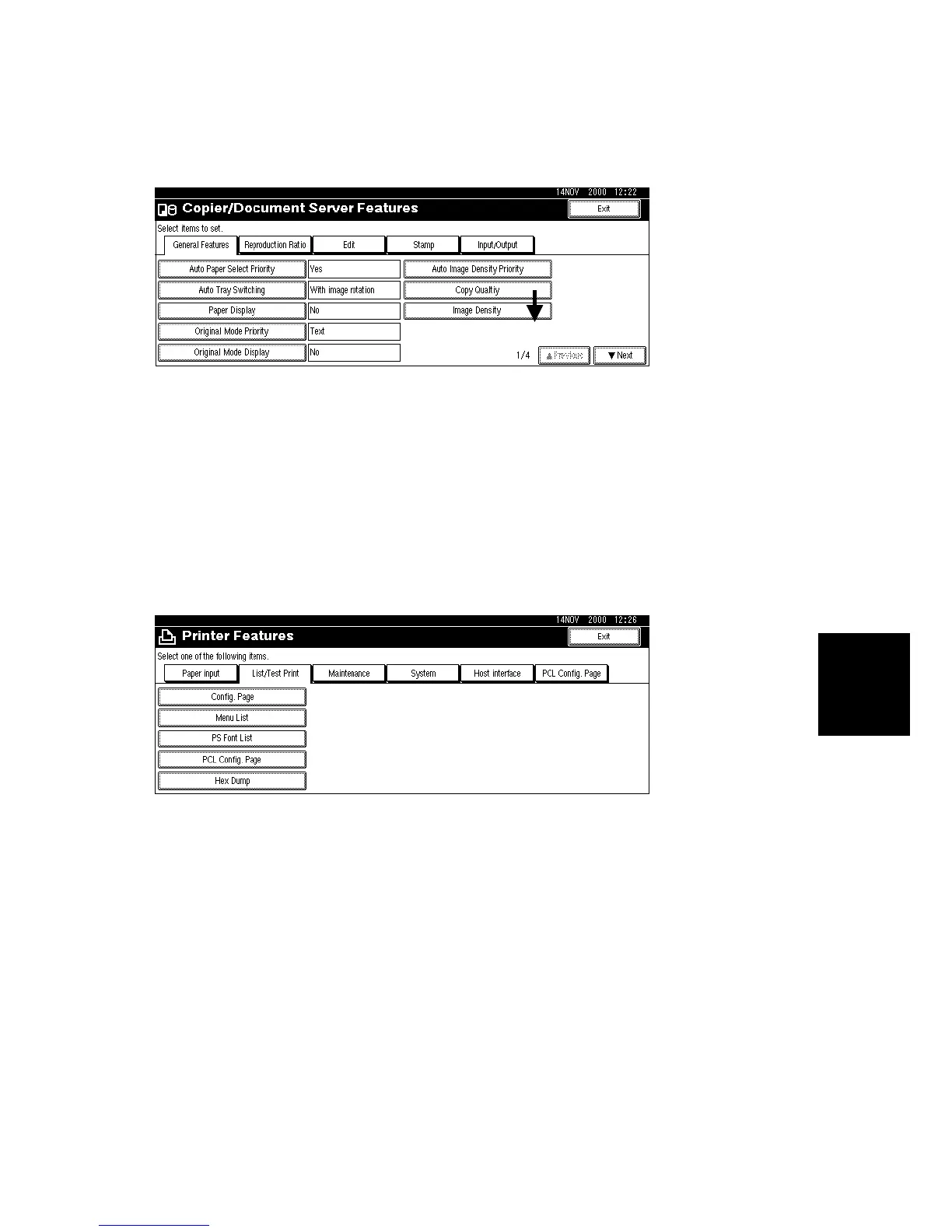
Copier/Document Server Features
In the User/Tools Counter display, press Copy/Document Server Settings.
Click a tab to display the settings. If the Next button is lit in the lower right corner,
press to display more options. Perform the settings, press Exit to return to the User
Tools/Counter display, and then press Exit to return to the copy window.
Printer, Facsimile, Scanner Settings
In the User/Tools Counter display, press Printer Settings, Facsimile, or Scanner
Settings to open the appropriate screen and then click the tab to display more
settings. The screen below shows the Printer Features screen.
B004S507.WMF
B004S509.WMF












 To Next Page