INSTALLATION FLOW CHART
B079/B082 1-6 SM
1.2 INSTALLATION FLOW CHART
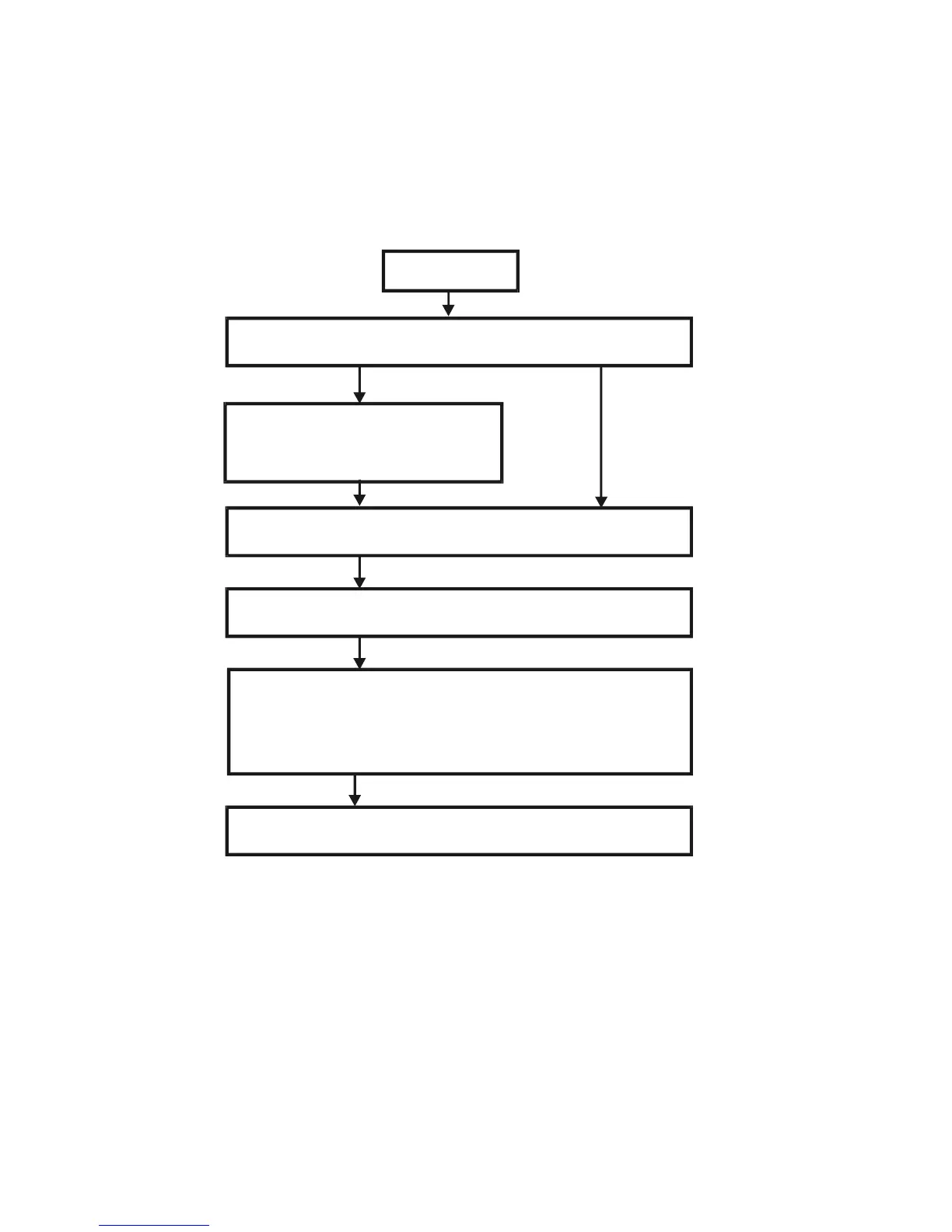
The following flow chart shows how to install the optional units more efficiently.
Bridge Unit: Needed for the finishers and external output tray.
Paper Tray Unit (or Cabinet): Needed for LCT and finishers.
Other requirements: See Overall Machine Information – Installation Option Table.
Unpack Copier
Install the copier
Install the bridge unit (if required)
Install the remaining options in any order
Place Copier on the paper tray unit
Install the paper tray unit
Does the user require the Paper Tray Unit (or Cabinet), LCT, or
Finisher?
Yes
No
If the customer requires the 1-bin tray:
Remove the scanner unit
Install the 1-bin tray
Replace the scanner unit
B079I510.WMF












 To Next Page