G3 INTERFACE UNIT TYPE 2045
B547 14 SM
Fax Option
B547
1.4.1 JBIG A892
CAUTION
Before installing this option, do the following:
1. Print out all messages stored in the memory, the lists of user-
programmed items, and the system parameter list.
2. If there is a printer option in the machine, print out all data in the printer
buffer.
3. Turn off the main switch and disconnect the power cord, the telephone
line, and the STP cable.
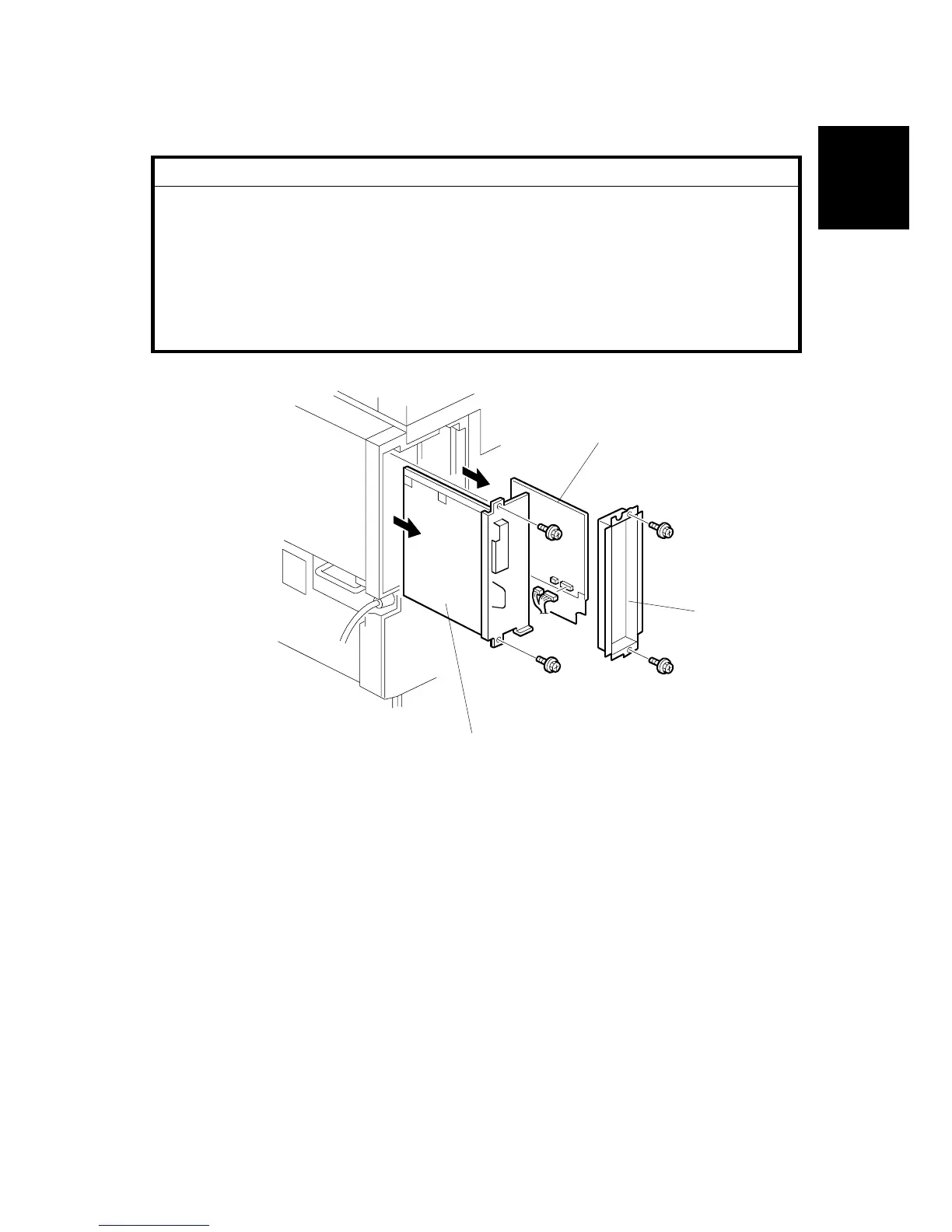
1. Remove the controller unit [A] ( x 2).
2. Remove the FCU cover [B] ( x 2).
3. Remove the FCU harness and slide out the FCU board [C]
B547I200.WMF
[A]
[B]
[C]












 To Next Page