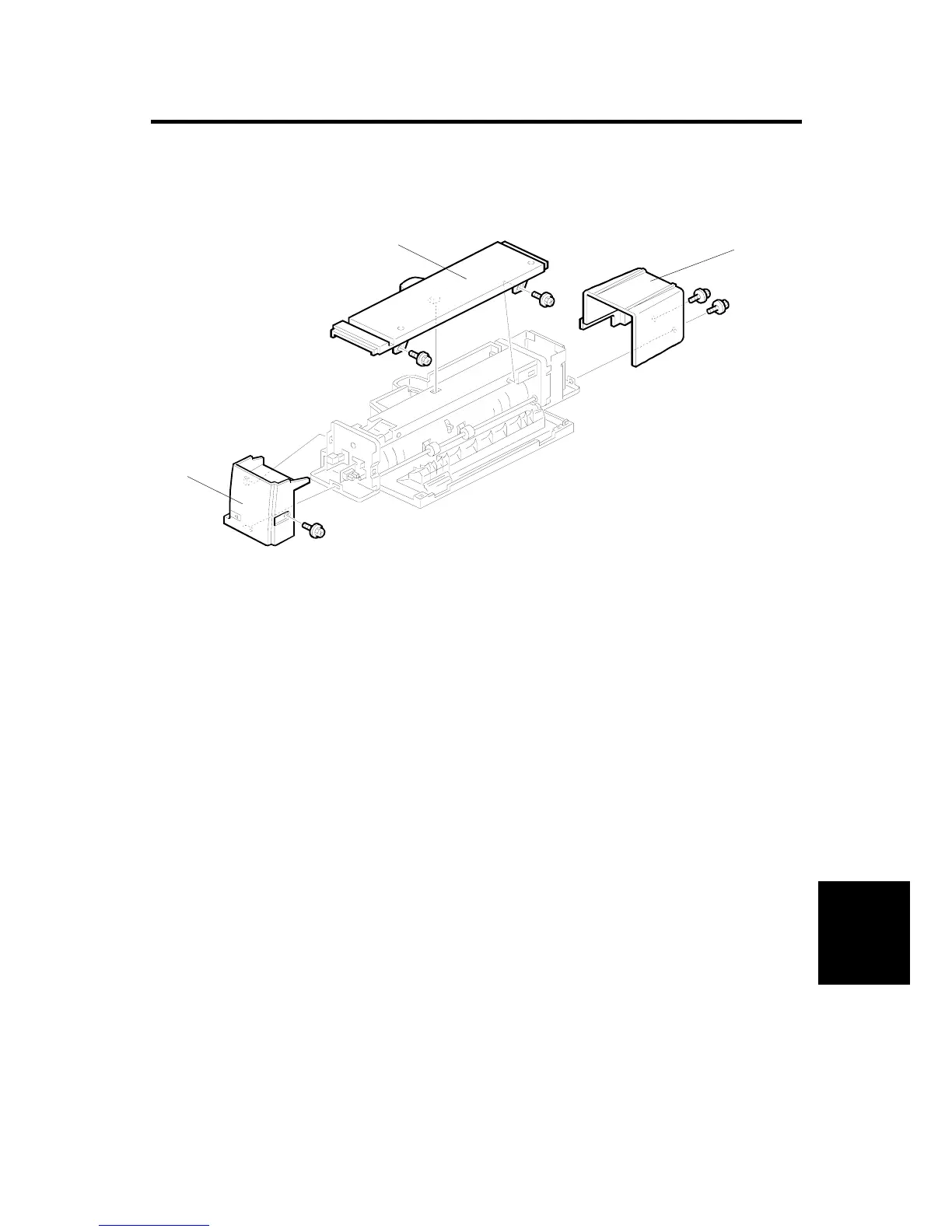
COVER REMOVAL
SM 5 B544
1 Bin Tray
B544
3. REPLACEMENT AND ADJUSTMENT
3.1 COVER REMOVAL
Front Cover
1. Remove the scanner unit if it is at the front.
2. Remove the front cover [A] (1 screw).
Upper Cover
1. Remove the scanner unit.
2. Remove the upper cover [B] (2 screws).
Rear Cover
1. Remove the scanner unit.
2. Remove the rear cover [C] (2 screws).
B376R500.WMF
[A]
[B]
[C]












 To Next Page