ADJUSTMENT
B546 42 SM
3.2.4 BOOKLET STAPLING POSITION
After replacing the booklet board, dip switches 1 -6, -7, -8 on the new board must
be set up the same way as on the old board.
1. Remove the lower right cover and lower rear cover.
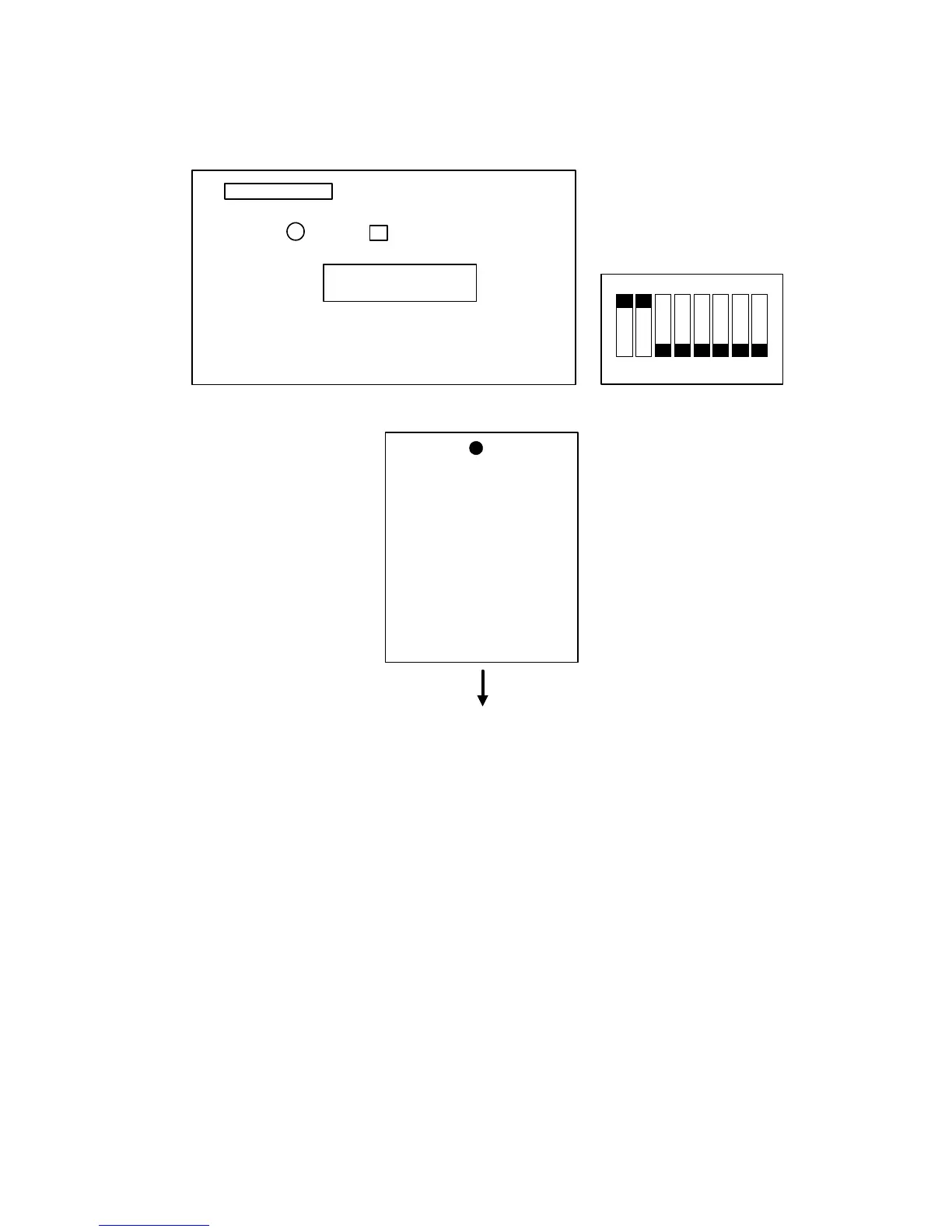
2. Turn on dip switches 1 -1 and -2 on the booklet board.
3. Tape the actuators of the booklet entrance guide sensor (S42) and the booklet
entrance guide safety switch (SW11), so that S42 and SW11 remain actuated.
4. Press switch 2 (SW2) on the booklet board.
• After pressing the switch, the booklet transport motor (M10) will start to
rotate.
5. Put a mark on the trailing edge of some A3/11" x 17" paper (two sheets).
SW2
Dip Switch 1
LED 1
B546R557.WMF
1
Dip Switch 1
23 56784
ON
B546R556.WMF
Mark
(Trailing edge)
Slot in direction
(reading edge)
B546R558.WMF












 To Next Page