UPLOADING/DOWNLOADING NVRAM DATA
B079/B082 5-90 SM
5.3.2 DOWNLOADING NVRAM DATA (SP5-825)
The following data are not downloaded from the flash card:
• Total count categories (SP7-003-*** Copy Counter)
• C/O, P/O Counter (SP7-006-*** C/O, P/O Count Display)
• Dupelx, A3/DLT/Over 420 mm, Staple and Scanner application scanning
counters (system settings).
1. Turn off the main switch.
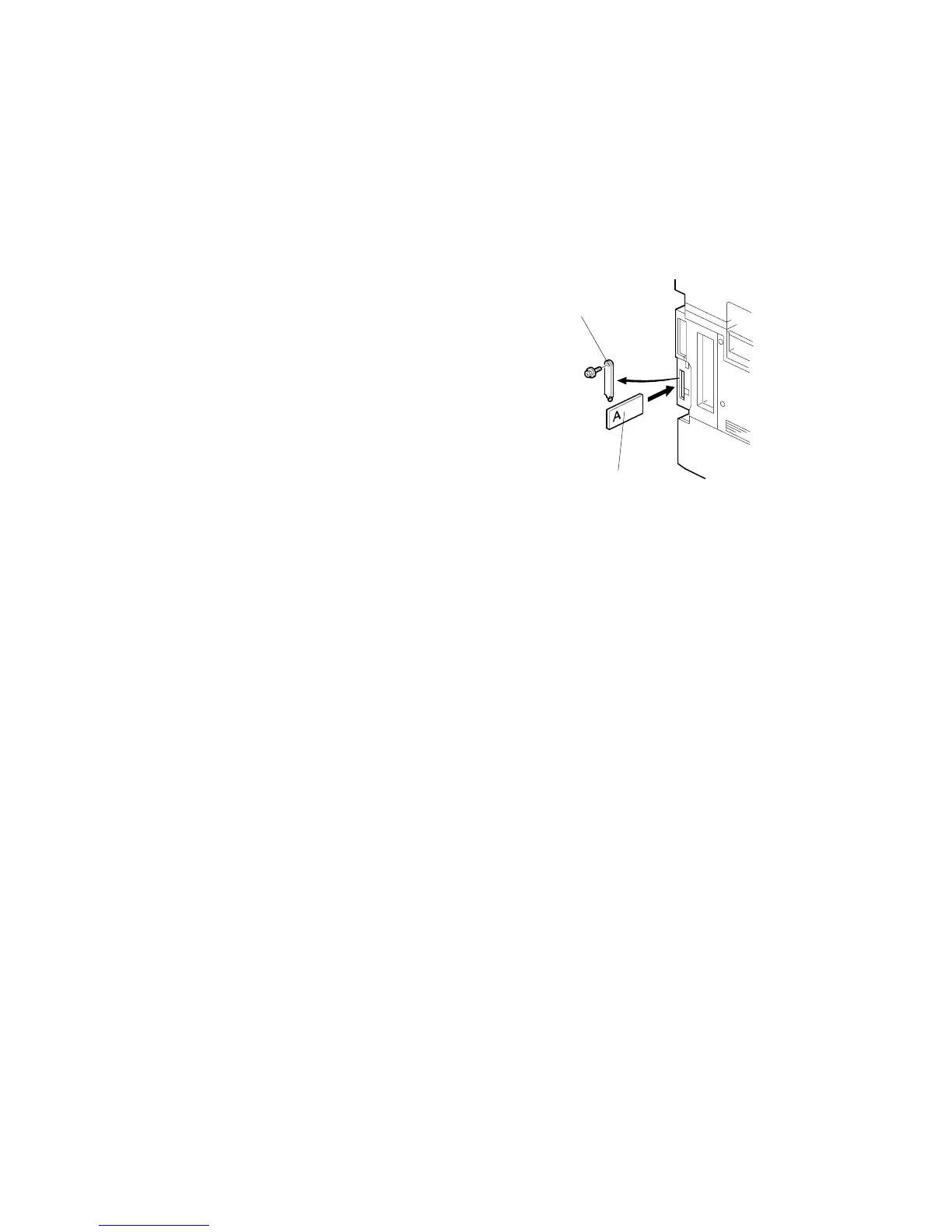
2. Remove the IC card cover [A].
3. Plug the flash memory card [B] into the card slot.
4. Turn on the main switch.
5. Execute SP5-825.
6. Press to start downloading the NVRAM data.
Note that the following errors could occur during
downloading:
• If a card is not installed in the card slot and a message tells you that downloading
cannot proceed, you cannot execute downloading, even by pressing .
• If the correct card for the NVRAM data is not inserted in the card slot, after you
press a message will tell you that downloading cannot proceed because the
card is abnormal and the execution will halt.
B004I015.WMF
[A]
[B]












 To Next Page