PROCEDURE FLOWCHART
B547 2 SM
Fax Option
B547
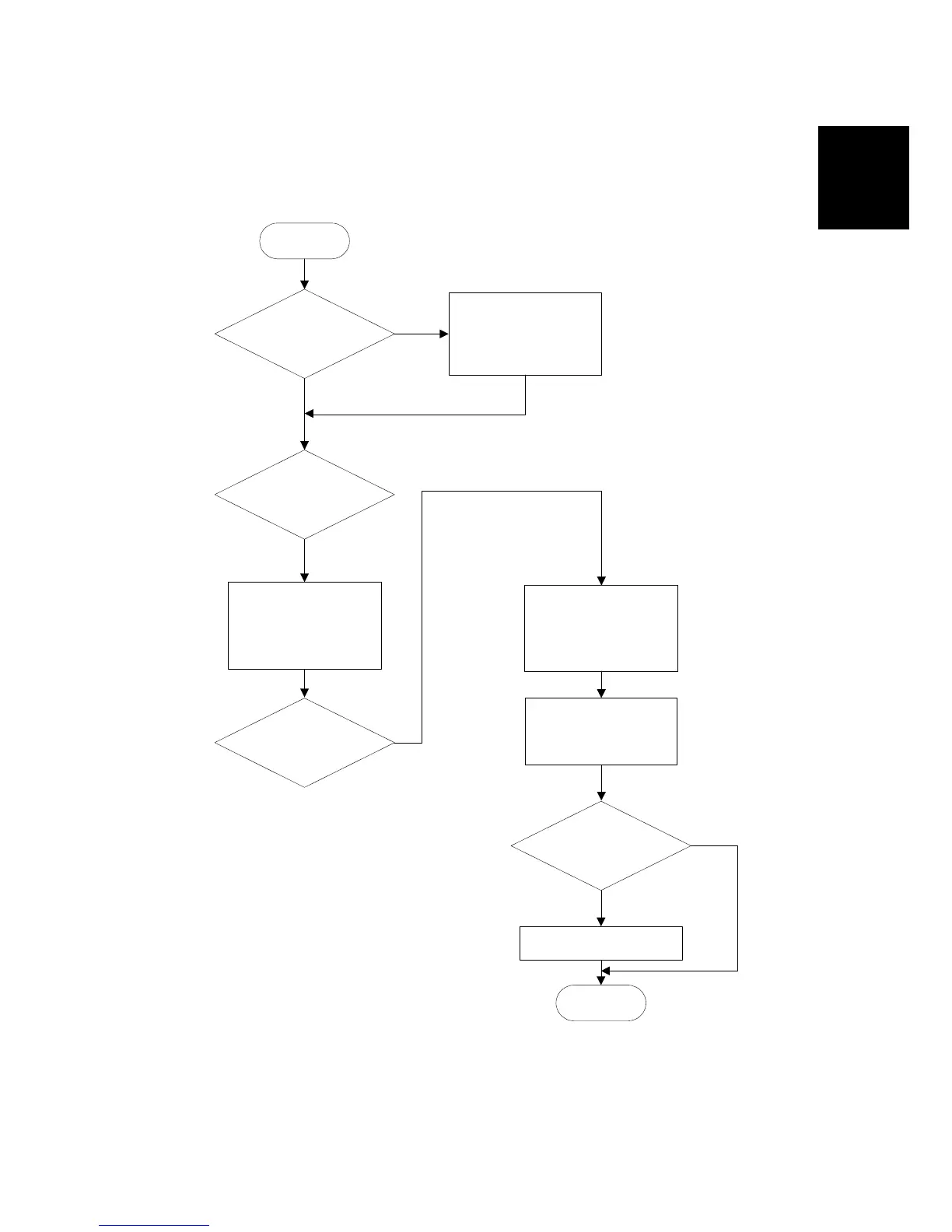
1.2 PROCEDURE FLOWCHART
Before installing the fax unit and/or fax options, refer to the following flow chart.
Will you be installing the Fax
Function Upgrade Unit and/or
Expansion Memory?
START
Install the Fax Function Upgrade
Unit and/or Expansion Memory
to the FCU board.
Yes
Will you be installing the G3
Interface Unit (CH1)?
No
Will you be installing the G3
Interface Unit (CH2)?
Install the CCUIF board and
option G3 board to the FCU
board. (Downside connector on
the CCUIF board) Attach the
option NCU board to the NCU
unit. (Downside of the NCU
unit).
Install the CCUIF board and
optin G3 board to the FCU
board. (Upside connector on
the CCUIF board) Attach the
option NCU board to the NCU
unit. (Upside of the NCU unit).
Yes
Insert the FCU baord to the
machine and attach the NCU
unit to the machiene.
Reaasemble the operation
panel and affix the decals.
Install the handset.
Will you be installing the
handset?
* USA model only
END
Yes
No
Yes
B547I930.WMF












 To Next Page