Detailed
Descriptions
IMAGE PROCESSING
SM 6-27 B079/B082
Generation Copy Mode
Generation Copy, based mainly on Text mode, aims to achieve the best
reproduction of copied originals (so called “generation copies” or copies of copies).
This mode 1) employs an MTF filter weaker than that of the Text mode to eliminate
spurious dots, 2) uses the γ coefficient to smooth the image, and 3) uses
generation processing to thicken thin lines. Soft employs an MTF filter weaker than
the Normal setting to achieve a softer image with less moiré. Sharp employs an
MTF filter stronger than that for Normal to emphasize lines for better image quality.
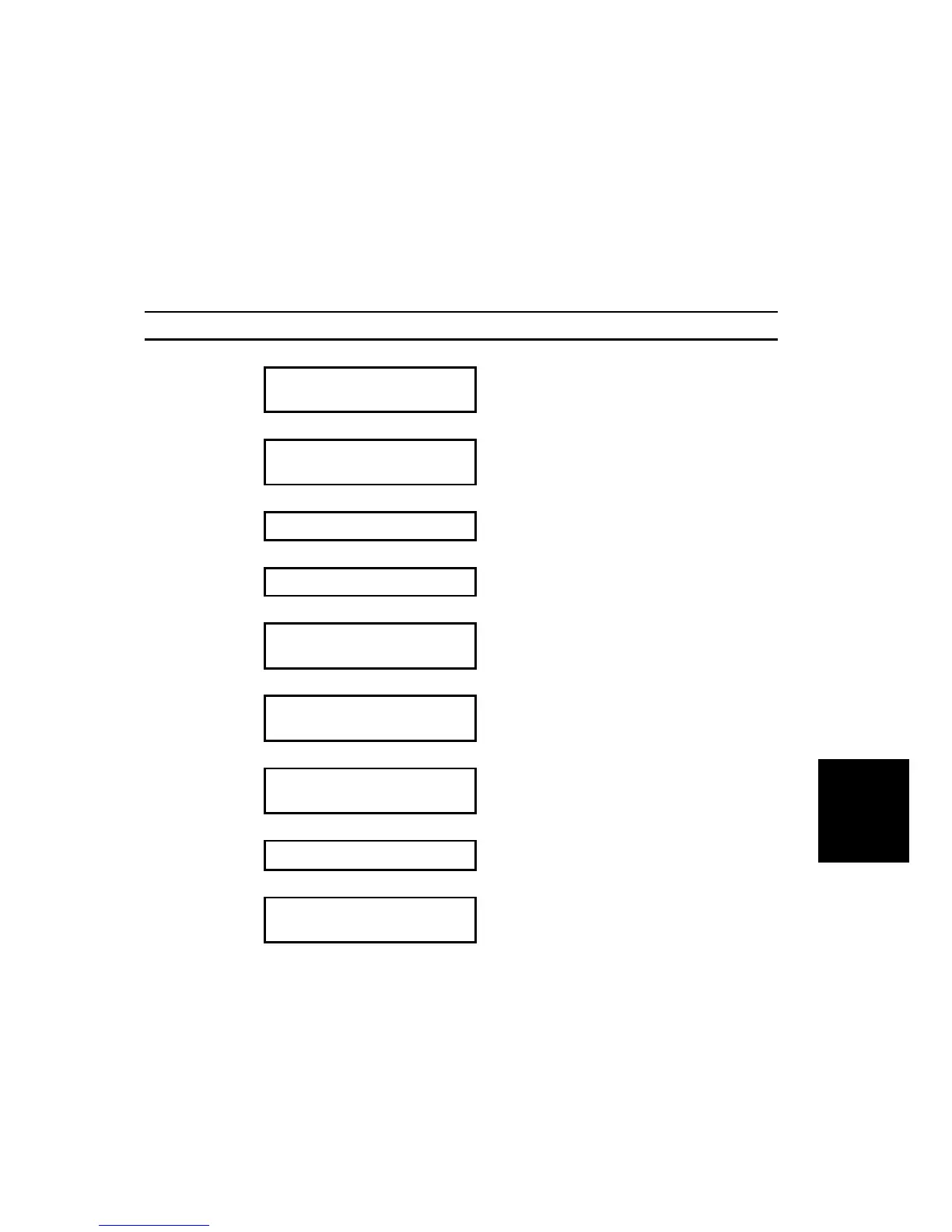
Image Processing Flow Related SP Modes
Scanner Image
Correction
Shading Correction
!
Pre-Filter
Processing
Background Erase
SP44903 69 (Background Erase Level:
Generation Copy)
!
Pre-Filter Smoothing
SP4903 16 (Pre-Filter: Generation Copy)
!
Magnification Main Scan Direction SP2909 1 (Main Scan Magnification)
!
Independent Dot Erase
SP4903 64 (Independent Dot Erase:
Generation Copy)
!
Generation Mode
SP4903 75 ~ 77 (Line Width Correction:
Generation Copy)
Filter
Processing
MTF Correction
SP4904 30 Generation (General) Quality
(!pg. 6-35)
!
Density Control
γ Coefficient
!
Grayscale
Processing
Error Diffusion
Note: An SP code number and name set in bold italic denotes an SSP (Special Service Program)
mode. To access an SSP, enter the SP mode: press and hold down on the 10-key pad then
“Copy SP” on the touch-screen.












 To Next Page